AI video editors automate tedious editing tasks like cutting scenes, adding effects, and generating captions. They save time, improve quality, and make video editing accessible to users of all skill levels. With the growing demand for video content, these tools are essential for content creators, marketers, and businesses looking to produce professional videos efficiently.
Key Features to Look For:
- Automation Tools: Smart scene detection, transcript-based editing, automated subtitles, and resizing for platforms like TikTok or YouTube.
- Advanced Effects: AI-powered color correction, audio cleanup, and motion graphics for polished results.
- Ease of Use: Drag-and-drop interfaces, templates, real-time previews, and collaboration tools.
Popular Options:
- Adobe Premiere Pro: Best for professional-grade editing with advanced AI tools like Object Mask and Media Intelligence.
- Runway: Ideal for quick, AI-driven editing with user-friendly features like text-based editing and auto-reframing.
Quick Comparison:
| Feature | Adobe Premiere Pro | Runway |
|---|---|---|
| AI Tools | Object Mask, Generative Extend | Text-based editing, Auto Reframe |
| Target Users | Professional editors | Beginners and casual creators |
| Collaboration | Advanced | Basic |
Choose based on your needs: professional tools for high-end projects or simpler, faster solutions for everyday content.
Key Features to Look for in AI Video Editors
Automation and AI-Powered Tools
The best AI video editors take the hassle out of manual editing by automating tedious tasks. For instance, smart scene detection can pinpoint natural cut points in your footage, sparing you the effort of scrubbing through hours of video. This is especially handy for long-form content like webinars, interviews, or educational videos.
Another standout feature is the ability to edit video by modifying its transcript. Simply make changes to the text, and the software adjusts the corresponding video segments automatically. This approach not only speeds up the editing process but also makes it accessible to team members without traditional editing skills.
Smart cropping and resizing simplify creating content for different platforms. By focusing on key visuals, the software tailors your footage for Instagram, TikTok, YouTube Shorts, and more, saving you the trouble of manually creating multiple versions.
Automated subtitles are another game-changer, accurately transcribing clear audio, distinguishing between speakers, and formatting captions. This feature is invaluable for interviews or panel discussions, where clarity and accessibility are critical.
Advanced Effects and Customization
While automation simplifies tasks, advanced tools allow creators to add a personal touch. Generative AI can create entirely new visuals, replace backgrounds, or even generate realistic avatars to enhance your projects.
Intelligent color grading ensures a polished, cinematic look by adjusting lighting, skin tones, and overall mood. It’s a quick way to maintain a consistent color profile across your entire project.
For audio, AI tools can work wonders. AI audio enhancement can isolate dialogue from background music, improve voice clarity, and even add ambient sounds. Some systems go further, tackling specific issues like wind noise, echoes, or uneven speaker volumes.
Visual elements like automated motion graphics make branding easier. From lower thirds to title cards, these tools ensure your content maintains a cohesive and professional appearance.
Ease of Use and User-Friendly Interfaces
Even with powerful features, ease of use is key. Many AI video editors offer drag-and-drop interfaces, making it simple to navigate tools and get instant visual feedback.
Templates are another time-saver, offering ready-to-use structures for creating demos, testimonials, or social media posts. These templates are fully customizable, so you can adapt them to fit your brand.
Real-time previews eliminate the frustration of waiting for renders. You can see your changes instantly, making it easier to fine-tune your edits on the spot.
Collaboration is also a breeze with tools that allow stakeholders to review projects, leave time-stamped comments, and track revisions. This is particularly useful for teams managing multiple projects at once.
For experienced users, features like keyboard shortcuts and batch processing can significantly speed up repetitive tasks, improving efficiency as you become more familiar with the software.
Comparing Popular AI Video Editors
Adobe Premiere Pro
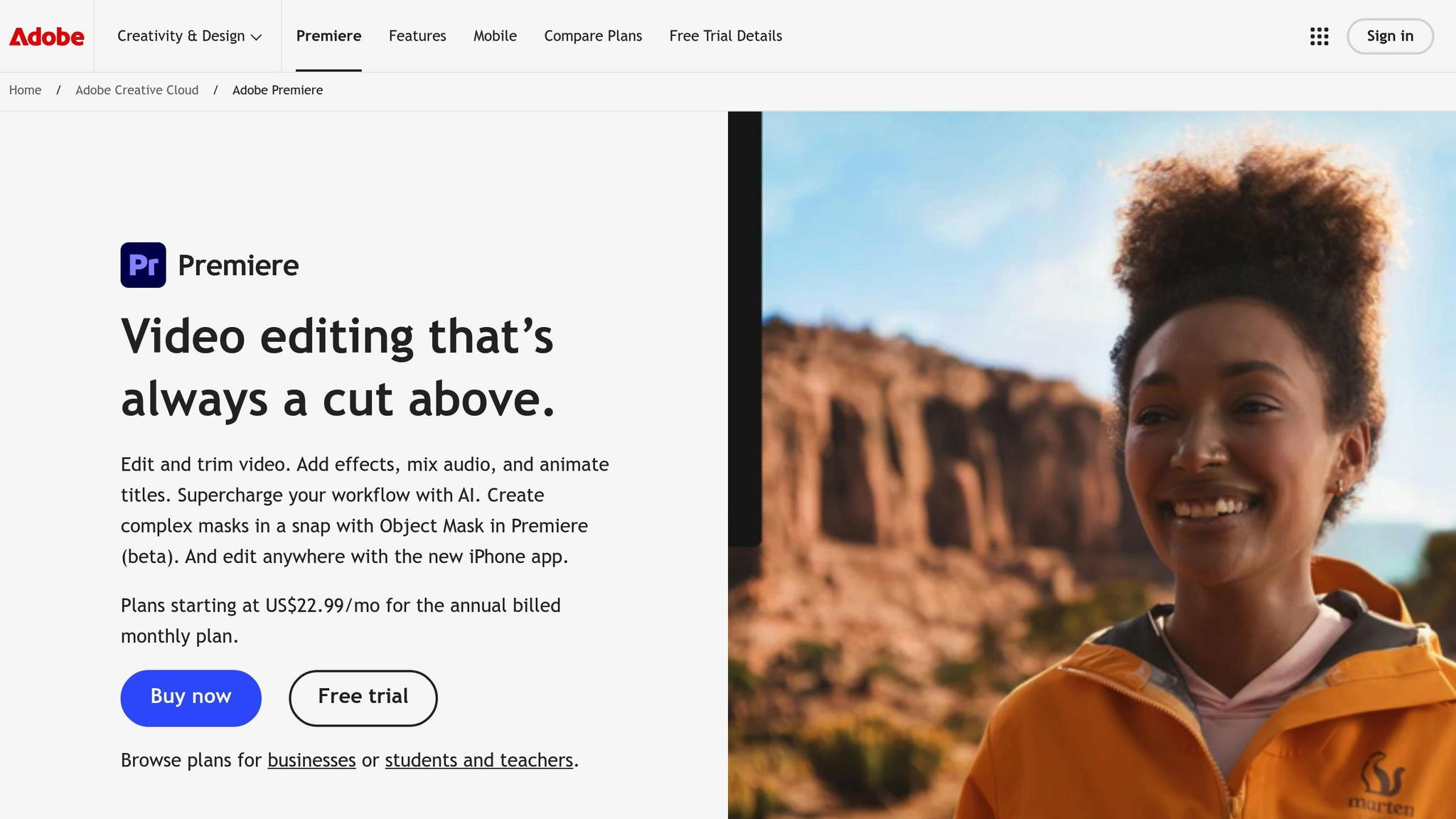
Adobe Premiere Pro stands as a powerhouse in professional video editing, now equipped with AI tools that simplify intricate workflows. Features like Object Mask (beta) for automatic object tracking and Generative Extend, powered by Adobe Firefly, help users bypass tedious tasks like manual rotoscoping and ensure seamless transitions in 4K footage.
Its Media Intelligence panel is a game-changer for searching through footage. Instead of manually scrubbing through hours of content, editors can use natural language queries to find specific clips, objects, locations, camera angles, or even spoken words.
For creators with international audiences, the auto-translate captions feature supports 27 languages and can display multiple languages at once, making it easier to reach diverse viewers. Additionally, Premiere Pro’s AI Audio Category Tagging automatically identifies and categorizes audio types – like music, dialogue, sound effects, and ambiance – giving editors quick access to the right tools for the job.
Runway
Runway takes a different path, focusing on accessibility and creativity driven by AI. Its tools simplify advanced editing, making them approachable for creators of all experience levels. With generative AI, users can create entirely new visuals, swap out backgrounds, and even generate lifelike avatars with minimal input.
One of Runway’s standout features is its text-based editing, where Speech to Text generates accurate transcripts in over 18 languages while distinguishing between different speakers. The platform also includes Enhance Speech, which removes background noise and elevates dialogue quality to a professional level.
For creators adapting content to multiple platforms, the Auto Reframe tool is particularly handy. It identifies the focal point of action and ensures it stays visible when adjusting aspect ratios for various social media formats. These tools make Runway an appealing choice for those seeking intuitive, AI-powered editing.
Comparison Table
| Feature | Adobe Premiere Pro | Runway |
|---|---|---|
| Key AI Tools | Object Mask (beta), Generative Extend, Media Intelligence, auto-translate captions, AI Audio Category Tagging, Morph Cut, Color Match, Auto Ducking, Remix | Text-based editing, Speech to Text, Enhance Speech, Auto Reframe, Scene Edit Detection |
Both platforms shine in their own arenas. Premiere Pro offers professional-grade tools like Morph Cut, which smooths out interview transitions, and Color Match, which uses face detection to maintain consistent skin tones. On the other hand, Runway’s Scene Edit Detection automatically identifies transitions, breaking down long videos into smaller clips that are easier to repurpose.
Each editor caters to different needs. Premiere Pro is ideal for high-end studio productions, with features like Auto Ducking to adjust background music during dialogue and Remix to retime music tracks to match video lengths. Meanwhile, Runway’s user-friendly approach brings advanced editing tools to a wider audience, making it perfect for creators on the go or those new to video editing.
AI Video Editing – Top 5 Tools We Recommend!
sbb-itb-8421839
Matching AI Video Editors to Your Needs
Now that we’ve covered the key features, let’s explore how to find the right AI video editor for your specific needs. The best choice will depend on your workflow, team size, and the demands of your projects. Different users – whether marketers, content creators, or businesses – have distinct priorities when it comes to features, budgets, and deadlines.
For Marketing Teams
Marketing teams often juggle multiple campaigns and need tools that simplify high-volume production while maintaining consistent branding. AI video editors with automation features – like smart audio management and asset organization – can cut down on repetitive tasks. This ensures brand guidelines are upheld without adding extra workload. With these tools, teams can shift their focus to creative strategies and big-picture campaign planning. Similarly, content creators benefit from these efficiencies, allowing them to refine their creative output.
For Content Creators
Content creators thrive on speed, adaptability, and platform-specific flexibility. Many AI-powered tools are designed to handle these needs by offering automatic framing adjustments, caption generation, and audio enhancement. By taking care of routine edits, these tools free up time for creators to focus on storytelling and building connections with their audience across platforms like Instagram, TikTok, or YouTube. While creators value quick results, businesses often require more scalable, collaborative options.
For Businesses
Businesses typically need tools that support collaboration, scalability, and professional-quality results. Features like cloud integration make teamwork and asset sharing across departments or locations much easier. Automated audio adjustments and precise editing tools ensure polished end products without requiring hours of manual effort. When choosing an AI video editor, businesses should also weigh factors like licensing costs, training needs, and compatibility with existing systems to ensure they’re making a smart long-term investment.
Making the Right Choice with AI Review Vault
Key Takeaways
Picking the right AI video editor starts with understanding your specific needs. For marketing teams, automation is key to maintaining brand consistency. Content creators, on the other hand, need tools that prioritize speed and cater to platform-specific requirements. Businesses should look for features like collaboration tools and cloud integration to streamline teamwork. If you’re in the US, don’t overlook costs – subscription fees, training time, and software compatibility all play a role in ensuring the tool fits your budget and workflow. The best choice will depend on your team size, project scope, and how you plan to distribute your content.
Think about your primary goal. For professional-grade customization, Adobe Premiere Pro stands out. But if speed and AI-driven automation are your priorities, platforms like Runway are better suited. With these insights, you’ll be better equipped to see how AI Review Vault can simplify your decision-making process.
AI Review Vault’s Role
Once you’ve identified your needs, AI Review Vault steps in to help you make an informed choice.
We provide in-depth reviews of AI video editors, breaking down features, pricing, and performance specifically for the US market. Our evaluations cover essential aspects like automation capabilities, user-friendly interfaces, collaboration tools, and overall value for money.
Additionally, we offer side-by-side comparisons, showing which platforms work best for various industries and team sizes. Our guidance also accounts for US-specific factors like business hours support and data privacy regulations, ensuring you find a tool that aligns with your requirements.
FAQs
What are the key differences between Adobe Premiere Pro and Runway for AI video editing?
Adobe Premiere Pro and Runway bring different strengths to the table when it comes to AI-powered video editing. Runway stands out for its user-friendly features like frame interpolation, which creates smoother transitions, and background removal, making it perfect for quick edits and creative projects. Meanwhile, Adobe Premiere Pro takes the lead in advanced tasks, offering precise face blurring with automatic tracking and a more traditional editing workflow.
If you’re after simple, creative effects, Runway might be the better fit. But for more advanced editing needs and professional-grade tools, Premiere Pro is often the stronger option. The best choice ultimately comes down to your specific goals and experience level.
How can AI video editors help maintain brand consistency across different platforms?
AI video editors make sticking to your brand identity a breeze with tools like brand kits, templates, and style guides. With brand kits, you can store your logos, fonts, and color palettes in one place, making it simple to apply them to every video for a unified look. Templates streamline the process further by offering pre-designed layouts and styles, while style guides lay out clear rules for visuals and tone, ensuring your brand stays consistent across all platforms.
These features are a game-changer for marketers, creators, and businesses. They allow you to produce polished, on-brand videos quickly and efficiently, cutting out the need for tedious manual tweaks while keeping your messaging consistent.
What should businesses look for in an AI video editor to ensure it fits their goals and systems?
When choosing an AI video editor, it’s essential to prioritize tools that work effortlessly with your current systems. This not only boosts productivity but also simplifies your workflows. Look for features that match your specific requirements, whether that’s automated editing, advanced visual effects, or an intuitive interface. Compatibility with your existing tech setup is key.
Another factor to weigh is scalability – can the editor adapt to varying video lengths, formats, and aspect ratios as your needs evolve? Think about how the tool will influence your efficiency and the quality of your output. The right editor should support your long-term objectives without making processes unnecessarily complex or compromising on results.