
Low productivity is a common struggle, with professionals losing significant time to tasks like managing emails, scheduling, and repetitive work. AI tools can help by automating these processes, saving time, and improving efficiency. Here are eight AI solutions designed to tackle specific productivity challenges:
- Motion: Automatically schedules tasks into your calendar based on priorities.
- Notion AI: Simplifies content creation and knowledge management with AI-driven features.
- Reclaim: Protects focus time by reorganizing your calendar around key activities.
- Clockwise: Optimizes team calendars to create uninterrupted focus blocks.
- ChatGPT: Assists with writing, brainstorming, research, and more.
- Zapier: Automates workflows by connecting apps and eliminating repetitive tasks.
- Fathom: Automates meeting transcriptions and follow-ups.
- Manus: Offers AI-powered project management tools (details emerging).
These tools address common productivity pain points, from managing schedules to automating workflows. Start by identifying your biggest time-wasters, then choose tools that fit your needs and integrate well with your existing setup.
Quick Comparison
| Tool | Main Function | Best For | Cost |
|---|---|---|---|
| Motion | Task scheduling and calendar optimization | Individuals juggling tight schedules | Custom pricing |
| Notion AI | Content creation and knowledge management | Teams needing centralized workflows | $8/month per user |
| Reclaim | Calendar management for focus time | Professionals balancing personal and work goals | Free and paid plans |
| Clockwise | Team calendar optimization | Teams needing better focus time | Free or $6.75/month |
| ChatGPT | Writing and brainstorming assistant | Individuals and teams needing versatile support | Free or $20/month |
| Zapier | Workflow automation | Businesses automating tasks across apps | Free or $19.99/month |
| Fathom | Meeting transcription and notes | Teams needing automated meeting follow-ups | Pricing varies |
| Manus | Project management tools | Teams exploring AI for project workflows | Details emerging |
Use these tools to reduce busywork and focus on meaningful tasks.
7 AI Tools that Doubled My Productivity
1. Motion
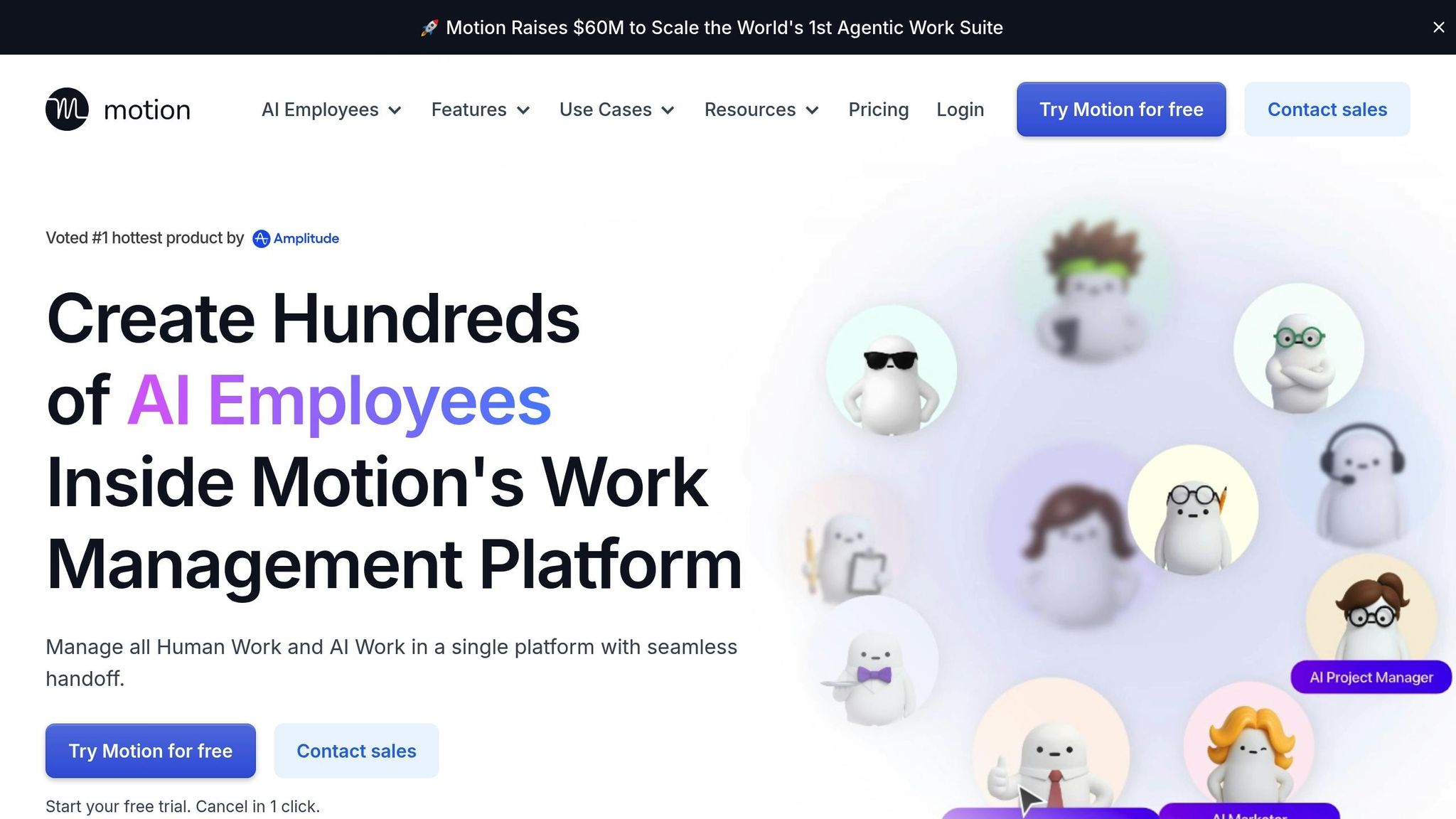
Motion is a productivity tool that blends task management with smart calendar optimization. It takes tasks from your to-do list and slots them into your calendar automatically, prioritizing them based on their importance. If you mark something as high priority, Motion analyzes your deadlines and available time to reorganize your schedule, ensuring your day is as productive as possible.
It’s not just about managing your daily tasks – Motion shines in project management, too. It provides a clear overview of everything you need to accomplish, whether you’re juggling a product launch or tackling personal goals. This makes it easier to stay on top of multiple initiatives without feeling overwhelmed.
What sets Motion apart is its integration with Zapier. This feature allows new tasks to be added to your calendar automatically, syncing seamlessly with your project tracking tools. By automating these processes, Motion saves you from the hassle of manual scheduling while keeping your priorities front and center.
2. Notion AI
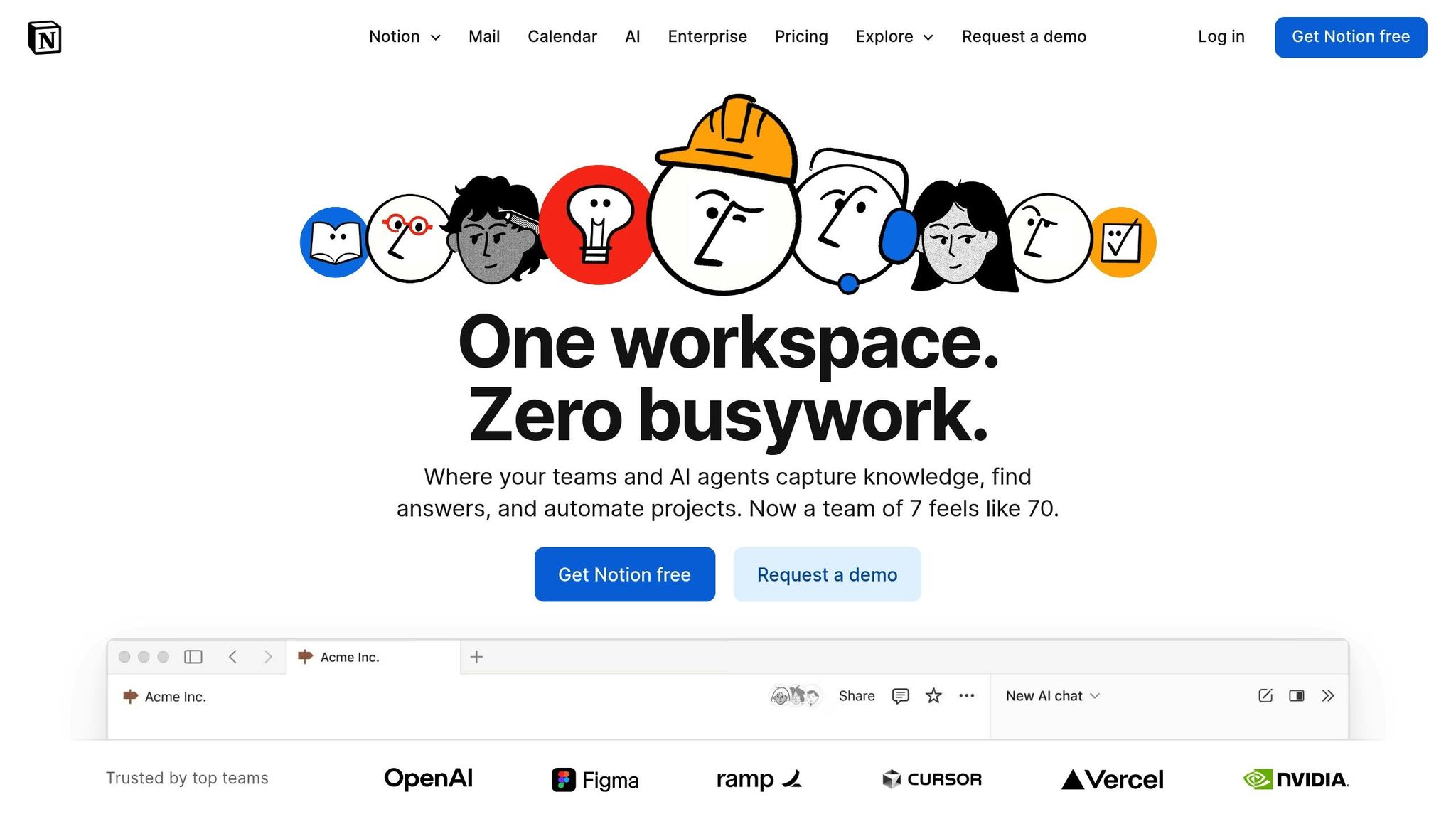
Notion AI turns your workspace into a smart, all-in-one productivity hub, simplifying both content creation and data management. For $8 per member per month (billed annually), it helps reduce manual tasks, making workflows smoother and more efficient. Its integration of AI tools streamlines everything from generating ideas to retrieving data.
When it comes to content creation, Notion AI shines. It can craft analogies to clarify complex ideas, reformat text to suit different audiences, and even suggest marketing copy. Feeling stuck creatively? Notion AI can jumpstart your process with prompts drawn directly from your data.
But it doesn’t stop at creating content. Notion AI integrates seamlessly with tools like Slack and Google Drive, pulling data from across your workspace to answer company-specific questions instantly. Whether you’re trying to figure out what the marketing team is working on or need details from a specific project, the AI has you covered.
"Notion AI feels like giving your team a collective brain upgrade. It’s where your workspace and workflow engine merge, creating something especially valuable for remote teams who can’t just tap someone on the shoulder when they need information." – Superhuman Team
Its Q&A feature is particularly helpful for knowledge management. It doesn’t just answer your questions; it links directly to the original sources, saving time and effort.
Teams across various departments are seeing immediate results. Product teams quickly turn customer feedback into actionable plans, marketing teams automate their content calendars and draft campaign briefs, and research teams use it to distill complex papers into easy-to-understand insights.
Notion AI also boosts automation. By integrating with Zapier, it can handle tasks like drafting briefs when new assignments pop up in Asana or sending Slack alerts to your team. These automated workflows keep everyone aligned without requiring constant manual updates.
While some AI features might need minor adjustments, users frequently report significant time savings. Notion AI effectively bridges the gap between individual productivity and team collaboration, making it a standout tool for remote teams juggling complicated projects. It’s a clear example of how smart automation can elevate both personal tasks and team efforts.
3. Reclaim
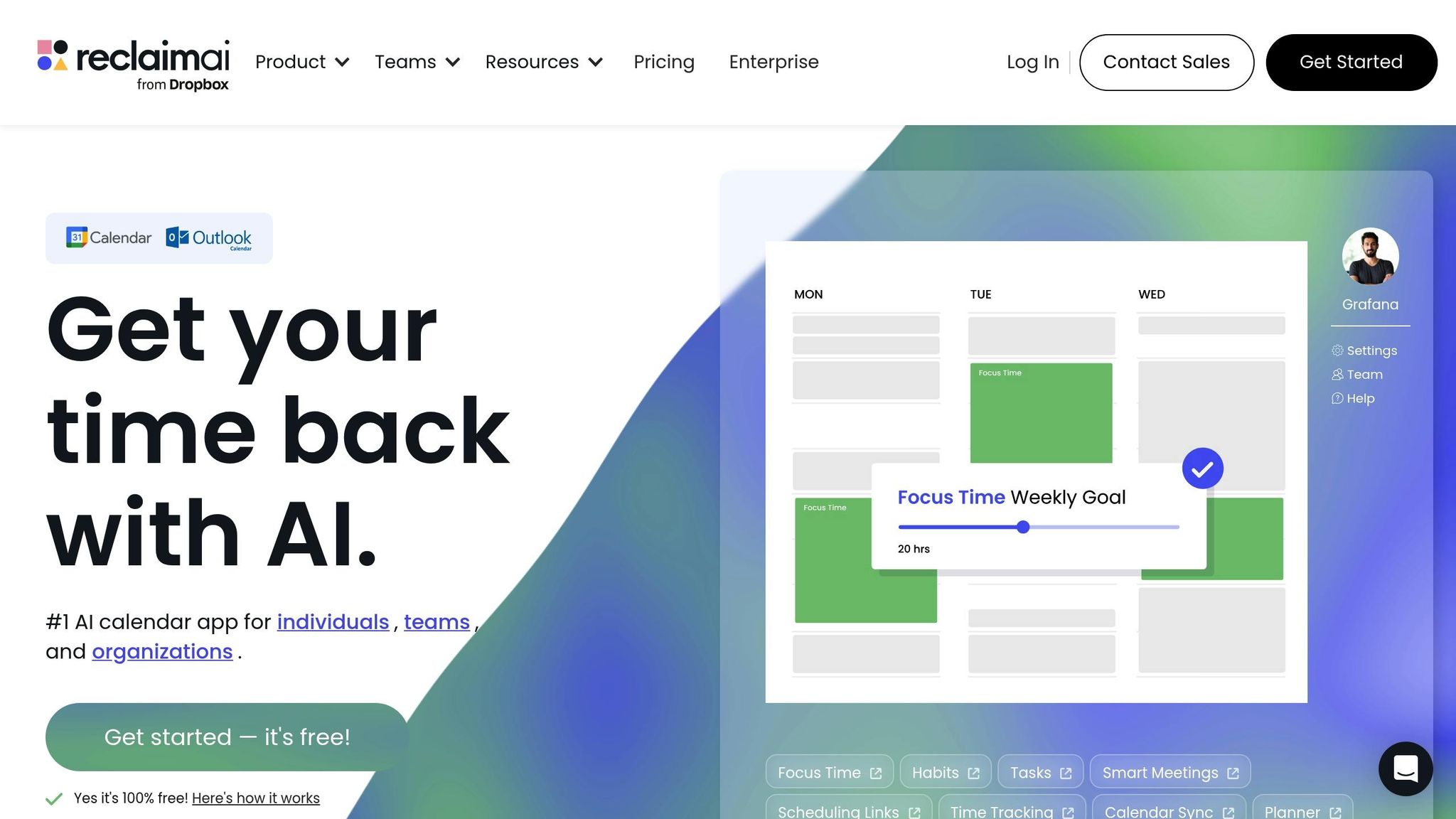
Reclaim offers a smart way to manage your calendar by automatically safeguarding your focus time from distractions like meetings and interruptions. Instead of just helping you schedule tasks, it actively defends the time you need for deep, uninterrupted work by intelligently reorganizing your calendar based on your priorities.
Its scheduling engine adapts to your habits and commitments, creating a buffer around important activities. For example, if you’ve planned weekly workouts or set aside time for reading, Reclaim ensures these stay on your calendar by shifting other appointments when conflicts pop up. This means your key personal and professional routines won’t be sacrificed for last-minute meeting requests.
Reclaim also automatically reserves time for your top priorities, treating these blocks as non-negotiable. If a conflict arises, it rearranges meetings to protect your focus sessions.
This kind of automation is a game-changer for professionals managing multiple responsibilities. Instead of constantly adjusting your schedule to accommodate new requests, Reclaim takes care of the heavy lifting. It recognizes that uninterrupted work time is just as critical as attending meetings.
4. Clockwise
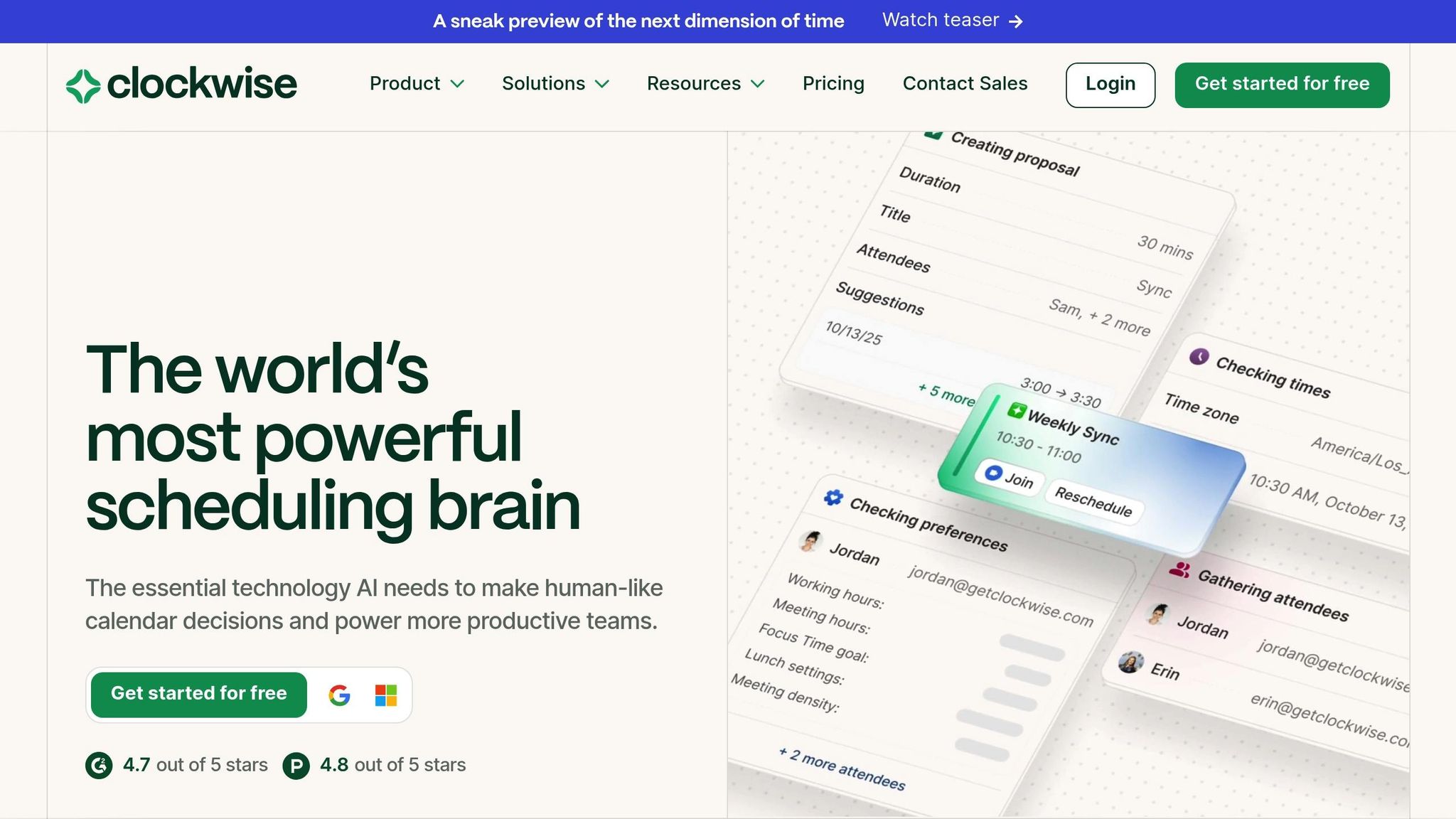
Clockwise is a smart, AI-driven calendar tool designed to help teams manage their time more effectively. Its primary goal? To optimize shared calendars by reducing interruptions and carving out longer stretches of focused work time. For organizations juggling complex schedules, this tool can be a game-changer.
One standout feature of Clockwise is how it simplifies calendar management. It identifies open slots on team calendars and suggests available times automatically, cutting down the endless back-and-forth of scheduling emails. It also goes a step further by reserving blocks of time for your most important tasks, ensuring you can focus on what truly matters.
Another handy feature is the ability to design your "ideal day." Clockwise takes into account your preferences, balancing work, breaks, and meetings. In fact, shortly after you start using it, the platform will automatically schedule a one-hour break to help you recharge.
Need to coordinate with clients, vendors, or partners? Clockwise makes it easy to share your availability, streamlining the entire meeting setup process. The platform offers a free plan with basic features, while its paid plans start at $6.75 per month when billed annually.
5. ChatGPT
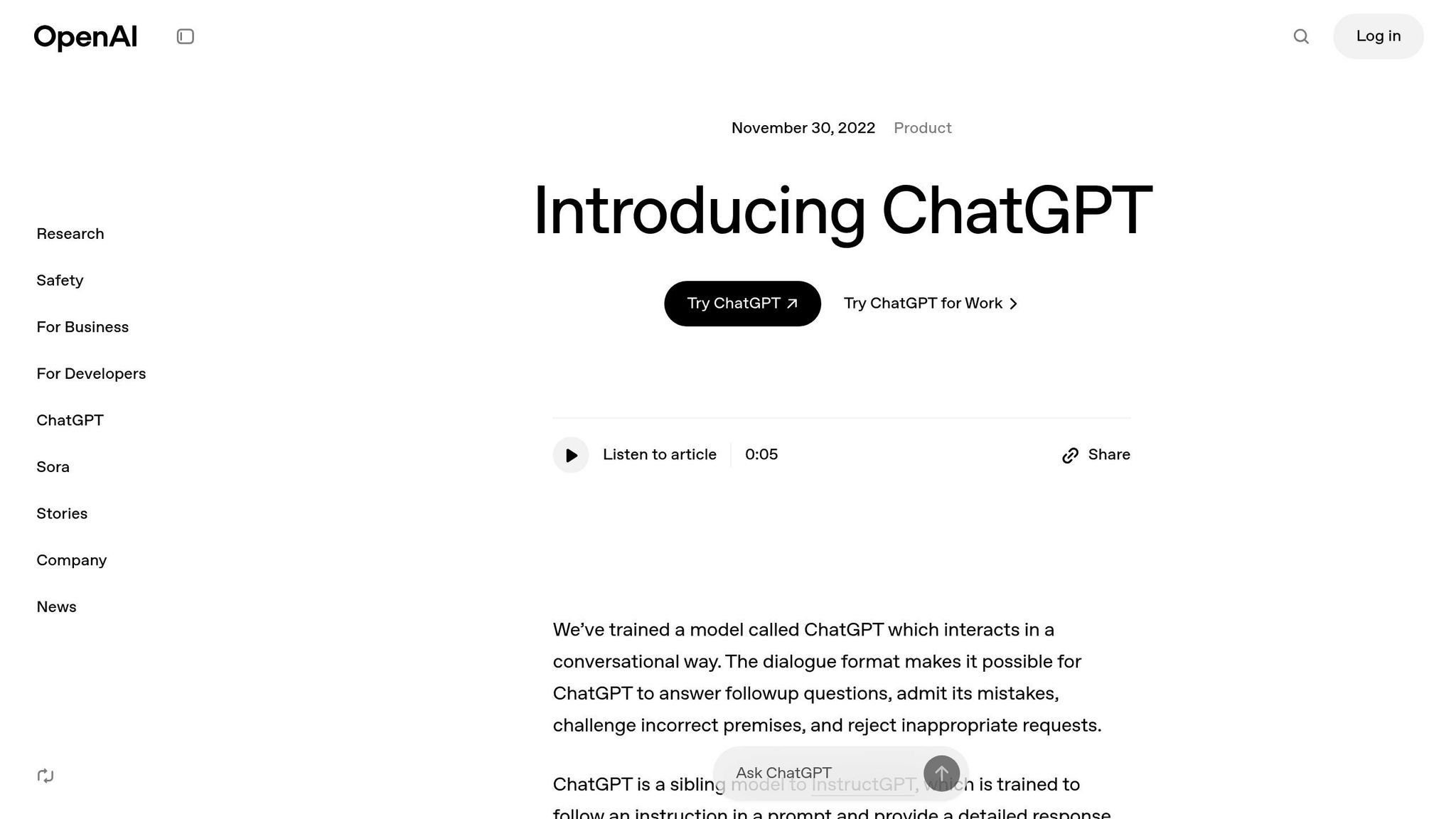
ChatGPT has firmly established itself as a leader in the AI chatbot world. Created by OpenAI, it draws its power from advanced models like GPT-4o, 4o-mini, and the o1 reasoning model. This tool has become a favorite for professionals looking to boost productivity across a wide range of business tasks. Beyond just chat functionality, it streamlines numerous productivity processes.
With ChatGPT, you can generate marketing copy, craft sales emails, create outlines, and produce social media content. It also excels at repurposing material – turning blog posts into social media updates, newsletters, or even presentation slides with just a few prompts.
The tool is a powerful ally for research and problem-solving. It can perform web searches, summarize lengthy documents, and tackle complex queries, whether you’re dealing with coding challenges, strategic planning, or brainstorming creative ideas. Its natural conversational style makes it feel like you’re working with a knowledgeable colleague who’s available 24/7.
ChatGPT isn’t limited to text-based tasks – it also generates images using DALL-E, composes audio tracks, and even designs logos. By combining multiple creative functions, it provides an all-in-one solution for diverse needs.
There’s a free version for basic use, but upgrading to ChatGPT Plus unlocks advanced features for $20 per month. Its intuitive interface and smooth conversational flow make it accessible to users of all experience levels.
sbb-itb-8421839
6. Zapier
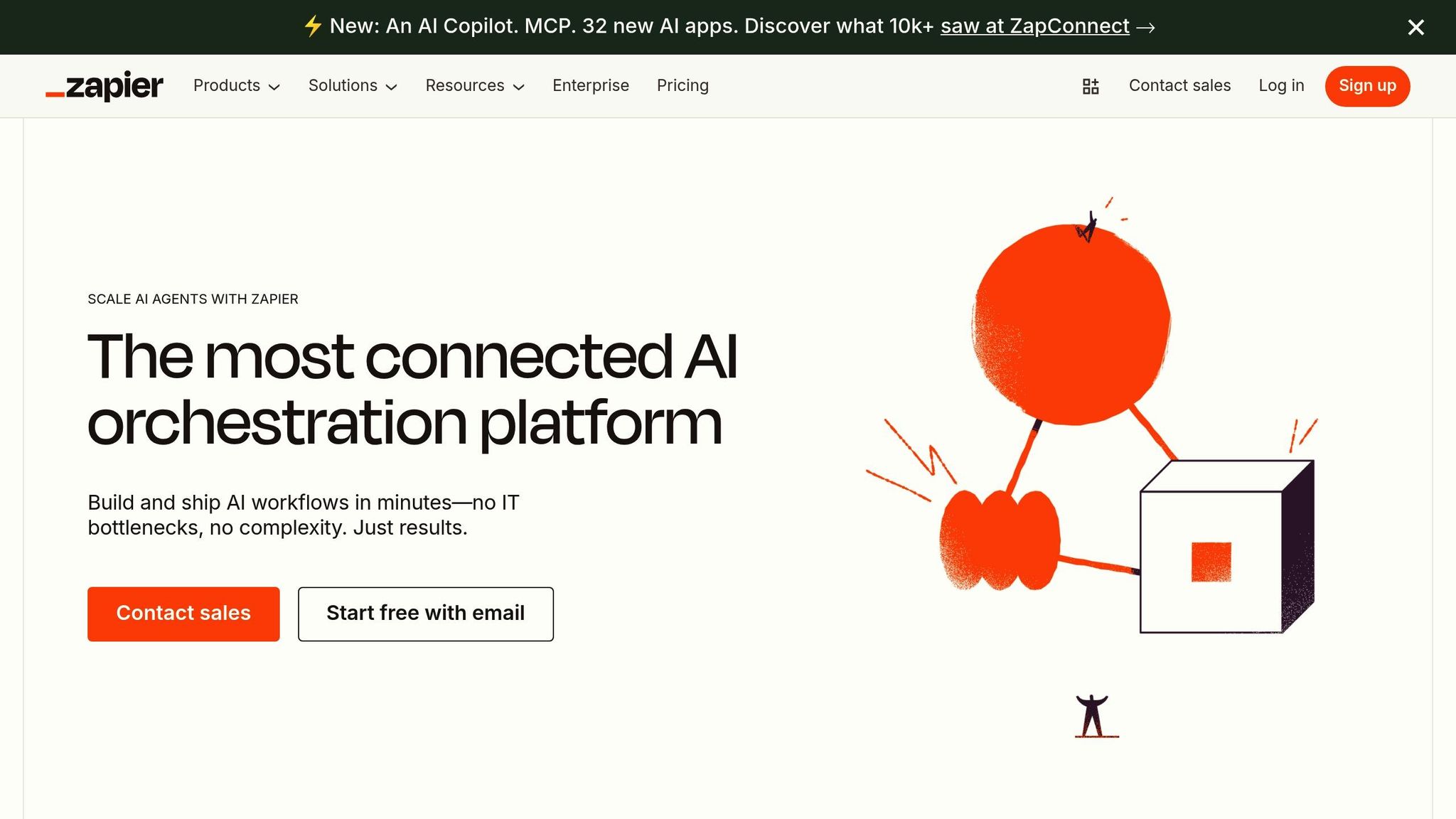
Zapier takes ChatGPT’s creative potential a step further by automating the way your digital tools work together, eliminating tedious manual tasks. It connects your favorite apps and acts as the bridge between them, so you don’t have to waste time copying data or repeating the same actions across platforms.
At the heart of Zapier are "Zaps" – automated workflows that instantly trigger actions across apps. Whether you’re using Gmail, Slack, Salesforce, or Trello, Zapier integrates thousands of popular tools to streamline your processes.
Getting started is straightforward. You pick a trigger (like receiving a new email) and an action (such as adding a task), and Zapier’s visual builder creates multi-step workflows – no coding required.
Here’s how it works in real life: marketers can automatically send leads from Facebook ads to their CRM, customer service teams can generate support tickets from inquiries, sales teams can set follow-up actions triggered by prospect behavior, and HR departments can simplify onboarding by auto-creating employee accounts.
The benefits are immediate. Tasks that used to involve jumping between apps or manually entering data now happen in the background, saving time and reducing errors. This means faster responses and more time to focus on high-value work instead of getting bogged down with admin.
Zapier offers a free tier that includes 100 tasks per month and single-step Zaps. For more advanced workflows and premium integrations, plans start at $19.99/month – a cost that’s easily justified by the time saved.
What sets Zapier apart is its massive app directory and dependable performance. With over 5,000 supported applications and a proven track record, it’s become the go-to platform for businesses aiming to create a seamless and efficient workflow system.
7. Fathom
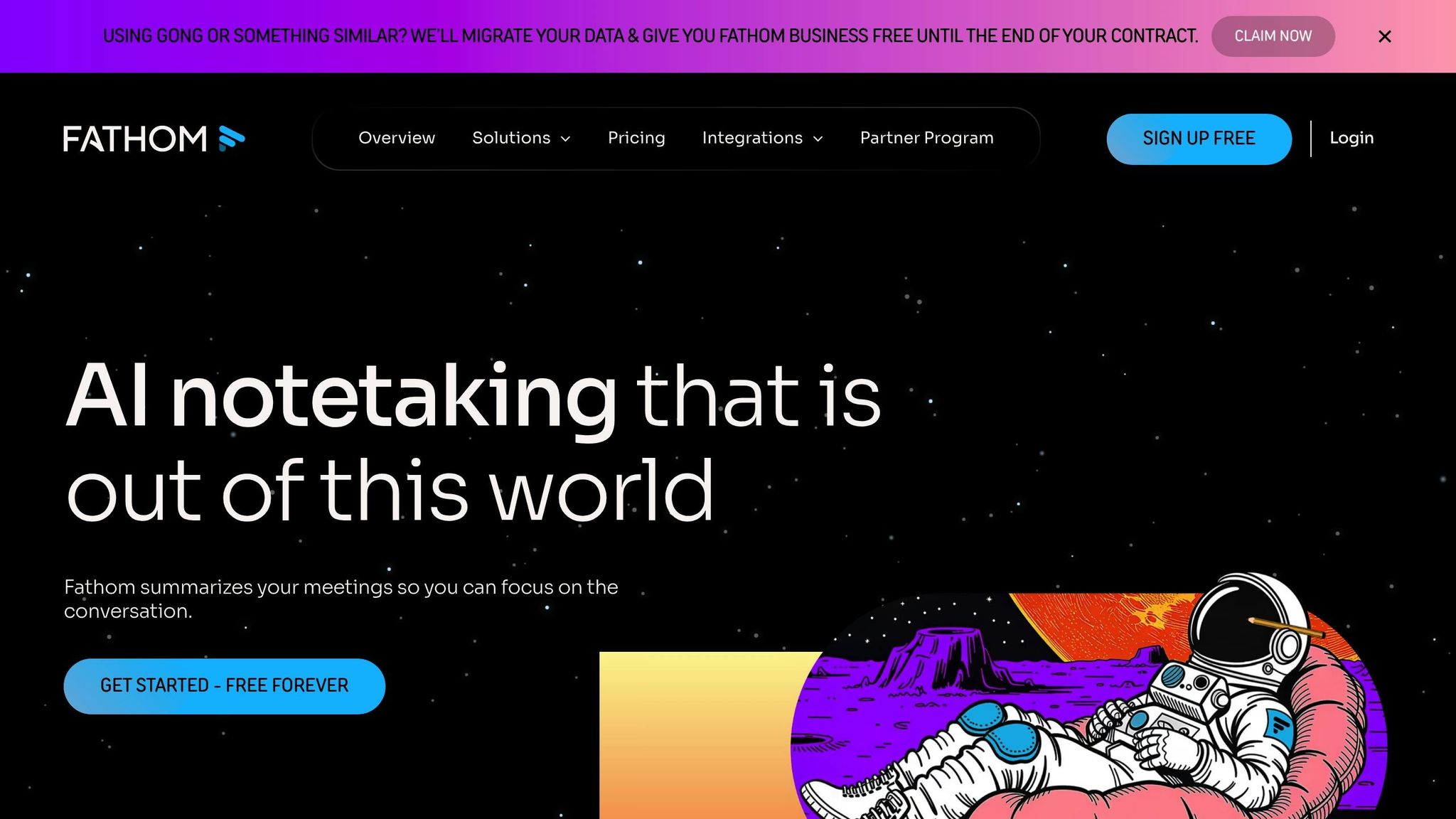
Fathom is an AI-powered meeting assistant designed to simplify the often time-consuming process of post-meeting follow-ups. It automates tasks like transcribing conversations and organizing key discussion points, making it easier to focus on what matters most. While detailed specifics about its full range of features are limited, Fathom shares a common goal with other AI tools: cutting down on repetitive tasks to enhance productivity. For more details, check out Fathom’s official website. Curious how it measures up against other productivity tools? Take a look at our comparison chart.
8. Manus
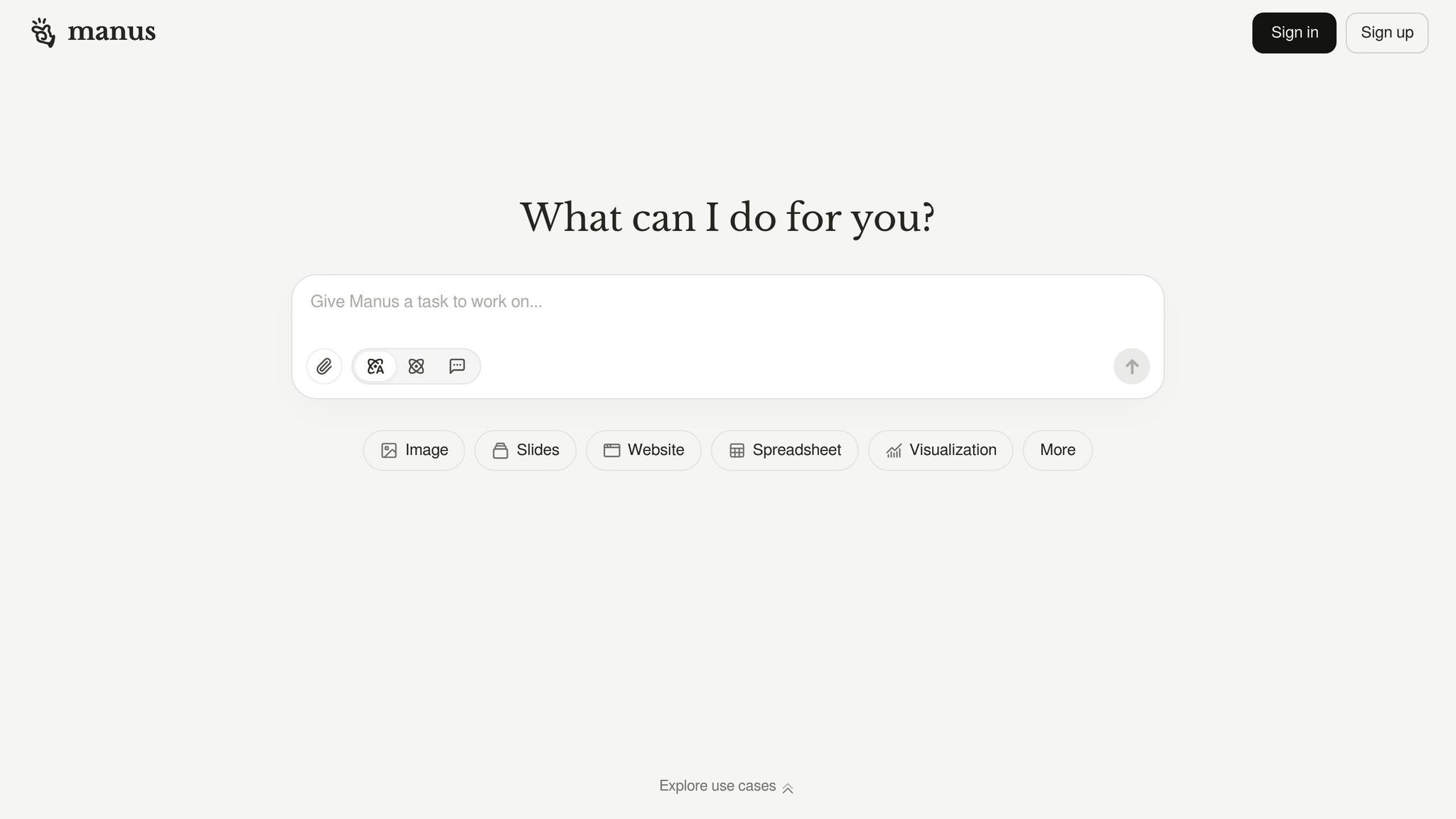
Manus hasn’t shared confirmed specifics about its AI-powered project management and workflow optimization tools just yet. To stay updated, check out Manus’s official website for the most current details on how it could fit into your team’s processes. For a quick comparison with other options, take a look at the chart below.
Tool Comparison Chart
Here’s a snapshot of popular AI tools, highlighting their main functions, key features, ideal users, and potential drawbacks.
| AI Tool | Primary Function | Main Features | Best For | Major Limitations |
|---|---|---|---|---|
| Motion | AI-powered project management and scheduling | Auto-scheduling based on priorities, deadlines, and team availability; task tracking; calendar optimization | Individuals and teams managing tight schedules and complex tasks | Custom fields require additional training |
| Notion AI | Knowledge management with AI assistance | Smart responses using company data; centralized workflow organization; AI for writing and research | Teams needing a central hub for organizing information and workflows | Can be overwhelming for beginners; occasional lag with large databases; AI features need manual fine-tuning |
| Reclaim | Habit protection and priority scheduling | Automatic time blocking; meeting rescheduling; personal habit tracking | Individuals prioritizing personal goals like fitness or reading | No major limitations reported |
| Clockwise | Calendar optimization for focus time | Creates longer focus blocks; reduces meeting overload; team calendar coordination | Teams aiming to optimize schedules for better focus and efficiency | Limited options for customization |
| ChatGPT | Conversational AI assistant | Brainstorming, email drafting, coding help, research, and writing support | Individuals and new AI users seeking versatile assistance | Limited citation and link access without plugins; brand-specific content may be restricted |
| Zapier | Workflow automation between apps | Connects software tools; automates repetitive tasks; custom workflow creation | Businesses automating tasks across multiple platforms | Complex workflows might require technical expertise |
| Fathom | AI meeting assistant | Meeting transcription; automatic note-taking; action item extraction | Professionals and teams needing automated meeting documentation | Limited integration with certain platforms |
| Manus | Project management and workflow optimization | AI-driven project management features (details still emerging) | Teams exploring AI-enhanced project management tools | Limited public information on features and functionality |
This chart provides a clear overview of each tool’s strengths and weaknesses, helping you decide which one aligns best with your productivity goals.
Quick Selection Guide:
- If meetings dominate your schedule, Fathom or Clockwise can help you reclaim your time.
- For task management, Motion offers intelligent scheduling.
- Need a versatile assistant? ChatGPT is a great all-rounder.
- For organizing knowledge and workflows, Notion AI is ideal.
- And if you’re managing multiple apps, Zapier is a must-have for seamless automation.
Final Thoughts
The eight AI tools we’ve covered tackle some of the biggest productivity hurdles in today’s workplaces. Whether it’s Motion’s intelligent scheduling or Zapier’s automation capabilities, these solutions are designed to save time and energy by addressing common challenges.
Start by identifying where your productivity tends to falter. If endless meetings are eating up your day, tools like Fathom or Clockwise can help you reclaim those precious hours. Feeling like your tasks are all over the place? Motion can bring some much-needed order. And if your team struggles to manage scattered information, Notion AI can serve as a centralized, easy-to-navigate hub.
Integration matters, too. Make sure the tools you choose work seamlessly with your existing tech setup. Pay close attention to security features like encryption, authentication, and access controls – especially if you’re in a regulated industry. Once you’ve confirmed a tool fits your tech and security requirements, focus on how easily it can be adopted by your team.
Ease of use is critical. Even the most advanced AI won’t help if your team finds it too complicated to use. Start small by introducing one or two tools that are intuitive and can immediately streamline your workflow. For instance, ChatGPT is a great starting point for those new to AI, while Reclaim can offer quick wins for managing your schedule. Test each tool over time to see how well it aligns with your needs.
Keep in mind that AI works best when it complements your current processes rather than completely replacing them. Automation should handle repetitive tasks, freeing you to focus on more meaningful work. Look for tools that enhance your strengths instead of trying to solve every single inefficiency at once.
Ultimately, the key is to choose tools that align with how you and your team work. Take the time to experiment, track results, and fine-tune your approach. By doing so, you’ll uncover the AI solutions that truly help you get more done with less effort.
FAQs
How do I choose the right AI productivity tool for my needs?
When choosing an AI productivity tool, the first step is to pinpoint the tasks or workflows you want to enhance. Think about what features are most important to you, how user-friendly the tool is, and whether it fits seamlessly into your existing processes.
This article dives into detailed reviews of eight AI tools, highlighting their standout features and practical applications. Whether your focus is on content creation, automation, or project management, these insights can guide you toward a well-informed choice that aligns with your objectives.
What security factors should I consider when adding these AI tools to my workflow?
When bringing AI tools into your workflow, keeping data security and privacy front and center is a must. Make sure the tools you select align with regulations like GDPR or CCPA, and take the time to read their privacy policies to see how they handle your data.
It’s also wise to choose tools that come with features such as end-to-end encryption, secure authentication options like two-factor authentication, and frequent updates to patch any vulnerabilities. Strengthen your security by using strong, unique passwords and restricting access to sensitive data within the tools. These steps can help ensure your workflow stays secure.
What are the best ways to smoothly introduce AI tools to your team?
When rolling out AI tools in your workplace, clear communication is key. Start by explaining why these tools are being introduced and how they can benefit both the team and the overall workflow. This transparency helps ease worries and builds confidence in the technology.
Make sure your team has access to hands-on training and resources tailored to their specific roles. This ensures they feel comfortable and capable when using the tools. Keep the lines of communication open – encourage feedback and be ready to tweak workflows to make the integration as smooth as possible.
It’s also important to set achievable goals and track progress over time. A gradual approach to adoption gives everyone the chance to adjust without feeling overwhelmed, ultimately leading to better outcomes in the long run.