By 2025, AI workflow automation has become accessible to everyone, not just tech professionals. With AI-driven workflows projected to grow from 3% to 25% of enterprise processes, businesses are leveraging platforms that combine no-code interfaces, smart decision-making, and AI copilots. These tools save time, reduce errors, and boost productivity across industries like finance, marketing, and operations.
Key platforms to consider:
- Zapier: Best for beginners, with 8,000+ integrations and quick setup.
- Lindy.ai: Ideal for creating AI agents with plain English commands.
- Gumloop: Great for web-based tasks, offering a visual builder and browser automation.
- Vellum.ai: Tailored for developers with tools for building production-ready workflows.
- Relevance AI: Focused on team collaboration and handling complex, multi-step operations.
Quick Comparison:
| Platform | Integrations | Ease of Use | Setup Time | Starting Price | Target User |
|---|---|---|---|---|---|
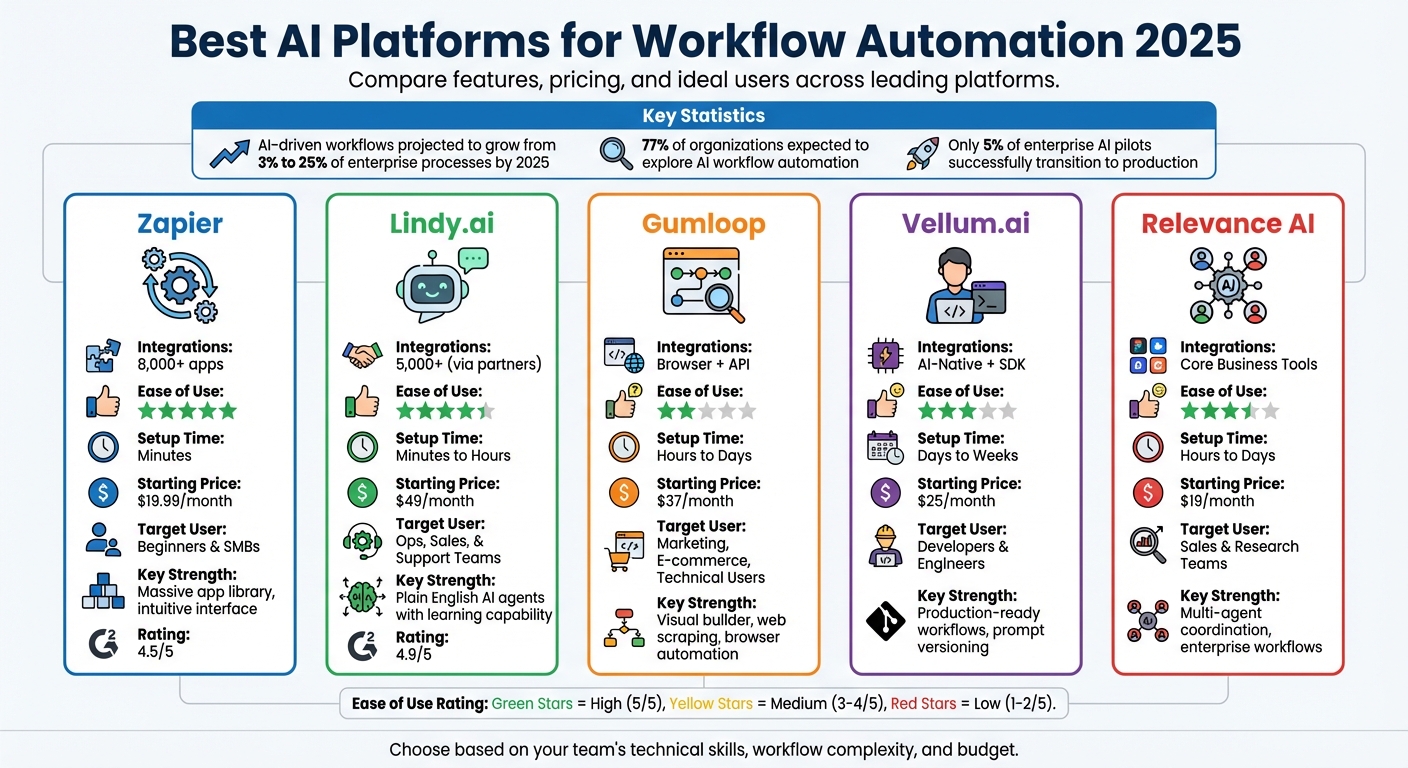
| Zapier | 8,000+ | 5/5 | Minutes | $19.99/month | Beginners & SMBs |
| Lindy.ai | 5,000+ | 4/5 | Minutes-Hours | $49/month | Ops, Sales, Support |
| Gumloop | Browser/API | 2.5/5 | Hours-Days | $37/month | Marketing, E-commerce |
| Vellum.ai | SDK for AI | 3/5 | Days-Weeks | $25/month | Developers, Engineers |
| Relevance AI | Core Tools | 3.5/5 | Hours-Days | $19/month | Sales, Research Teams |
To choose the right platform, assess your team’s technical skills, workflow needs, and budget. Start with a high-impact use case to test the platform’s capabilities before scaling up.
AI Workflow Automation Platforms Comparison 2025: Features, Pricing & Best Use Cases
I built an AI Agent in 43 min to automate my workflows (Zero Coding)
Best AI Platforms for Workflow Automation in 2025
Here’s a look at some of the standout AI workflow automation platforms that combine ease of use with the ability to handle complex, multi-step processes. Each platform brings something different to the table, tailored to meet various workflow needs.
Lindy.ai: Simplifying Team Workflows
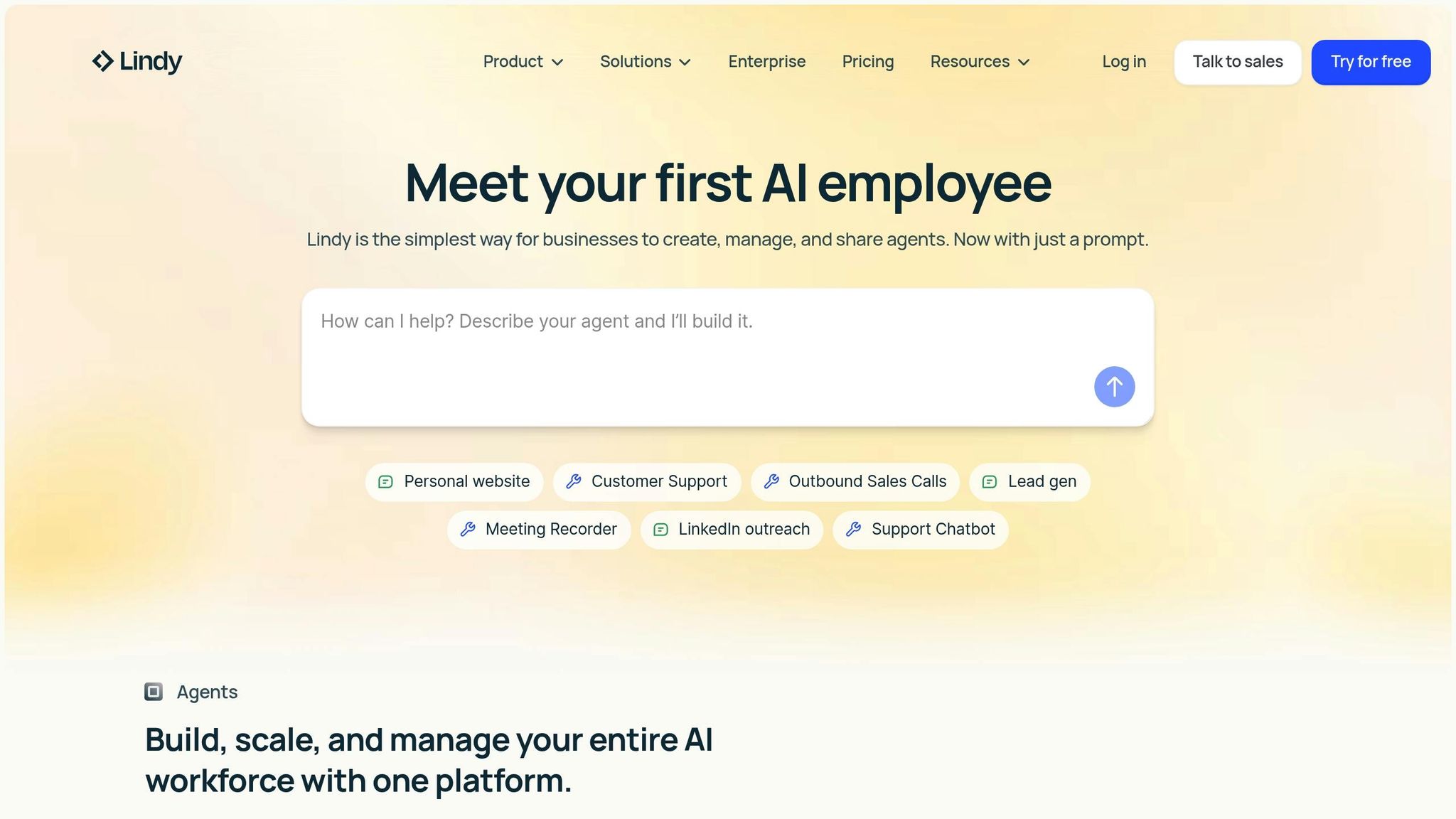
Lindy.ai focuses on creating autonomous agents that adapt to your needs without relying on rigid if-then rules. Instead of manually building workflows, you simply describe your task in plain English – like "sort my inbox and flag urgent emails from customers" – and Lindy generates an agent that learns and improves over time. The platform integrates with over 7,000 apps, including Slack, Gmail, and popular CRM tools. It can manage tasks like scheduling meetings, updating CRM records, and drafting personalized emails. Thanks to its zero-code interface, it’s a great fit for operations managers and small business owners. Pricing starts free with 400 credits, while paid plans begin at $49/month for 5,000 tasks. Lindy.ai boasts a 4.9/5 rating on G2 from 109 reviews.
Gumloop: AI-Powered No-Code Automation
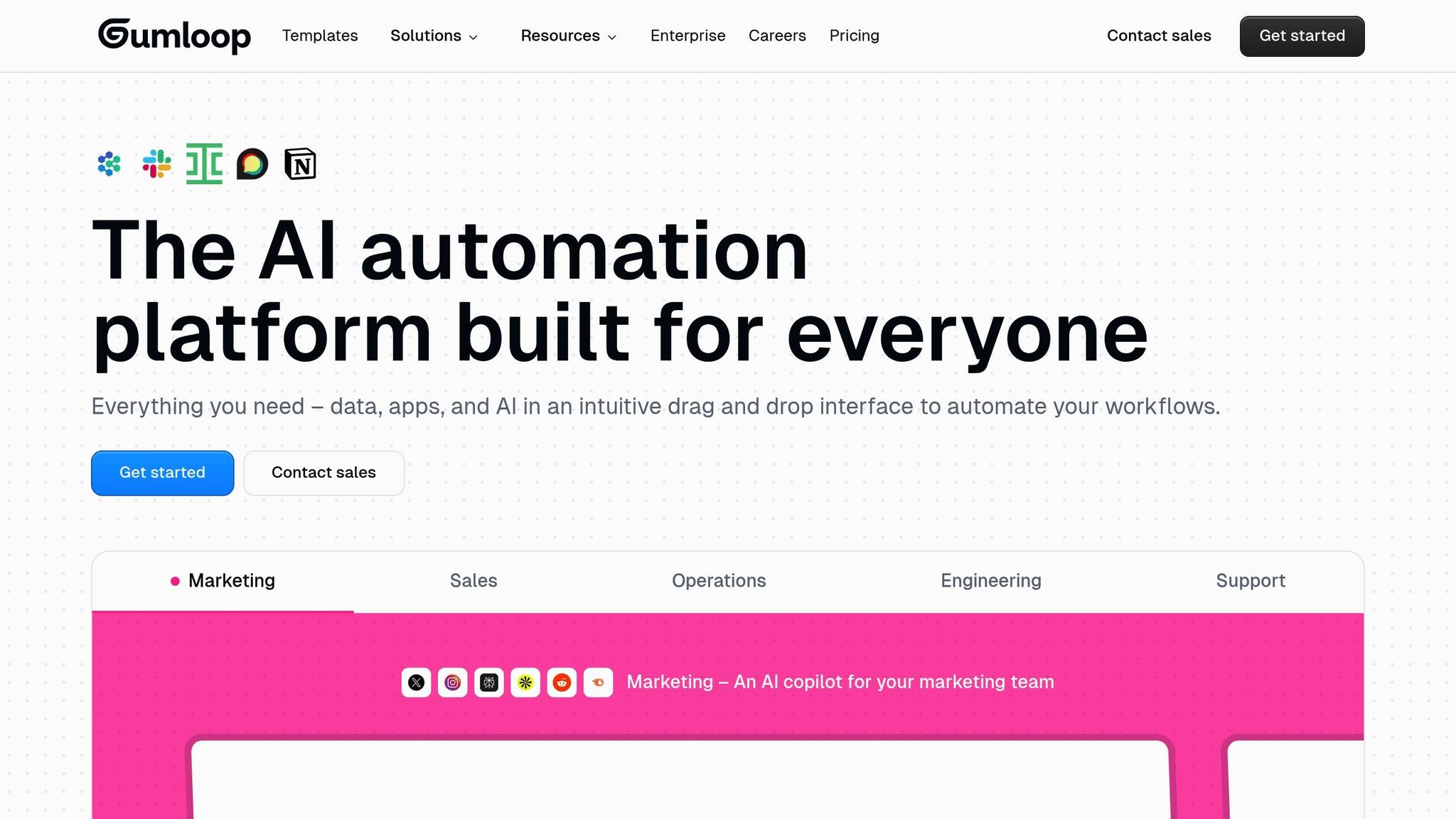
Gumloop offers a visual, node-based builder and a Chrome extension that turns browser actions into automated workflows. This is particularly useful for tasks like web scraping and automating interactions on websites without APIs – a common hurdle for marketing and e-commerce teams. The platform also provides ready-to-use templates for tasks like lead analysis, data enrichment, and content repurposing, integrating seamlessly with Shopify and Webflow.
"Gumloop wins time back across an org. It puts the tools into the hands of people who understand a task and lets them completely automate it away." – Bryant Chou, Co-Founder of Webflow.
Gumloop offers a free plan with 10,000 credits. Paid plans start at $32/month when billed annually or $97/month for monthly billing. It’s also SOC 2 and GDPR compliant.
Vellum.ai: Built for Developers
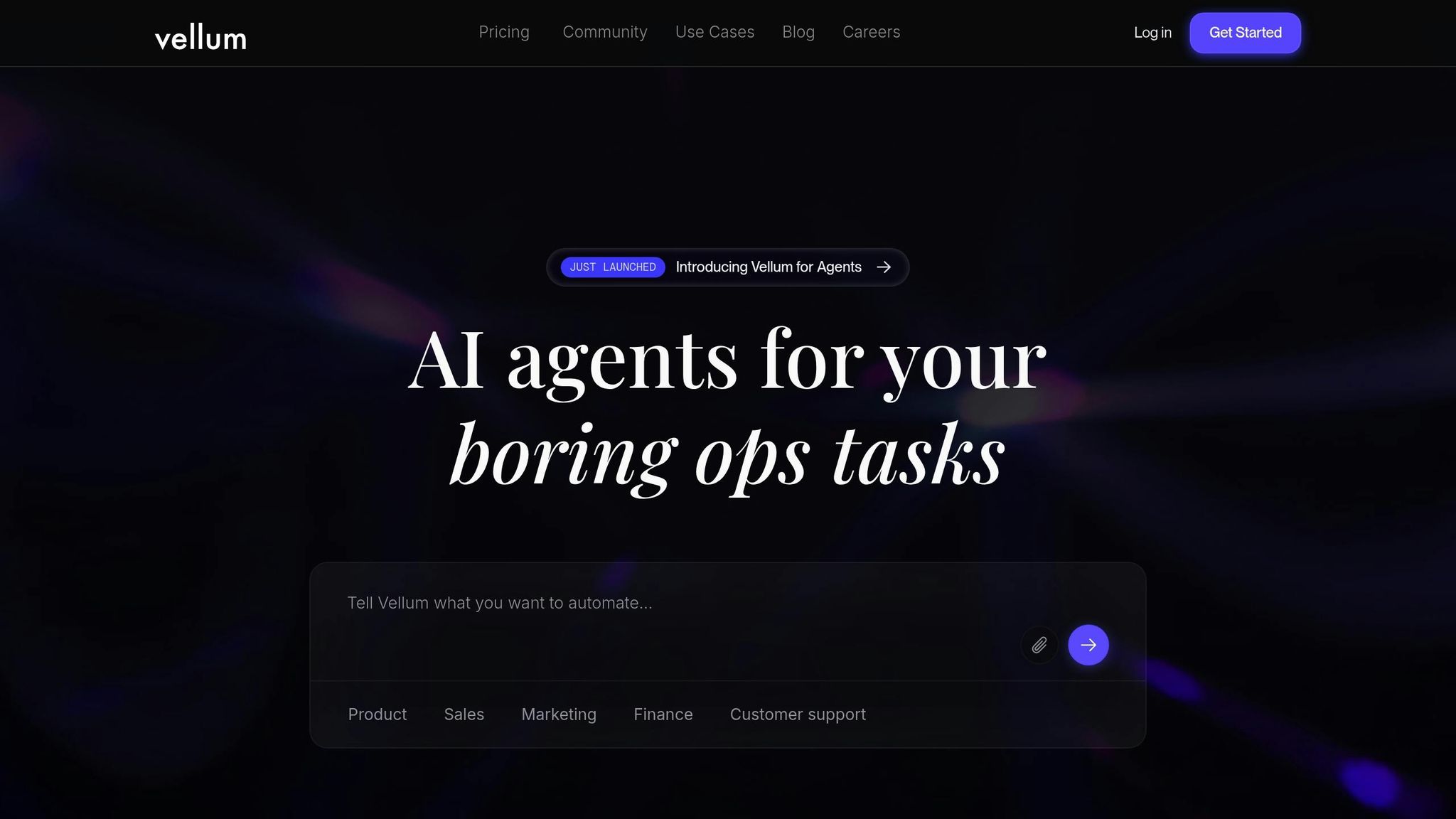
Vellum.ai is designed for developers and AI engineers, helping them move from experimenting with AI to building production-ready workflows. It includes tools for prompt versioning, adaptive flow testing, and real-time model performance monitoring. The platform’s workspace environment allows teams to compare language models side-by-side, making it easier to catch issues before they affect users.
"AI workflow building requires deep collaboration between non-technical teammates and engineers to make sophisticated workflows." – Nicolas Zeeb, Vellum AI.
With an API-first approach, Vellum.ai enables easy embedding of AI agents into existing applications. It offers a free plan for experimentation, with paid plans starting at $25/month.
Relevance AI: Enterprise-Grade AI Agents
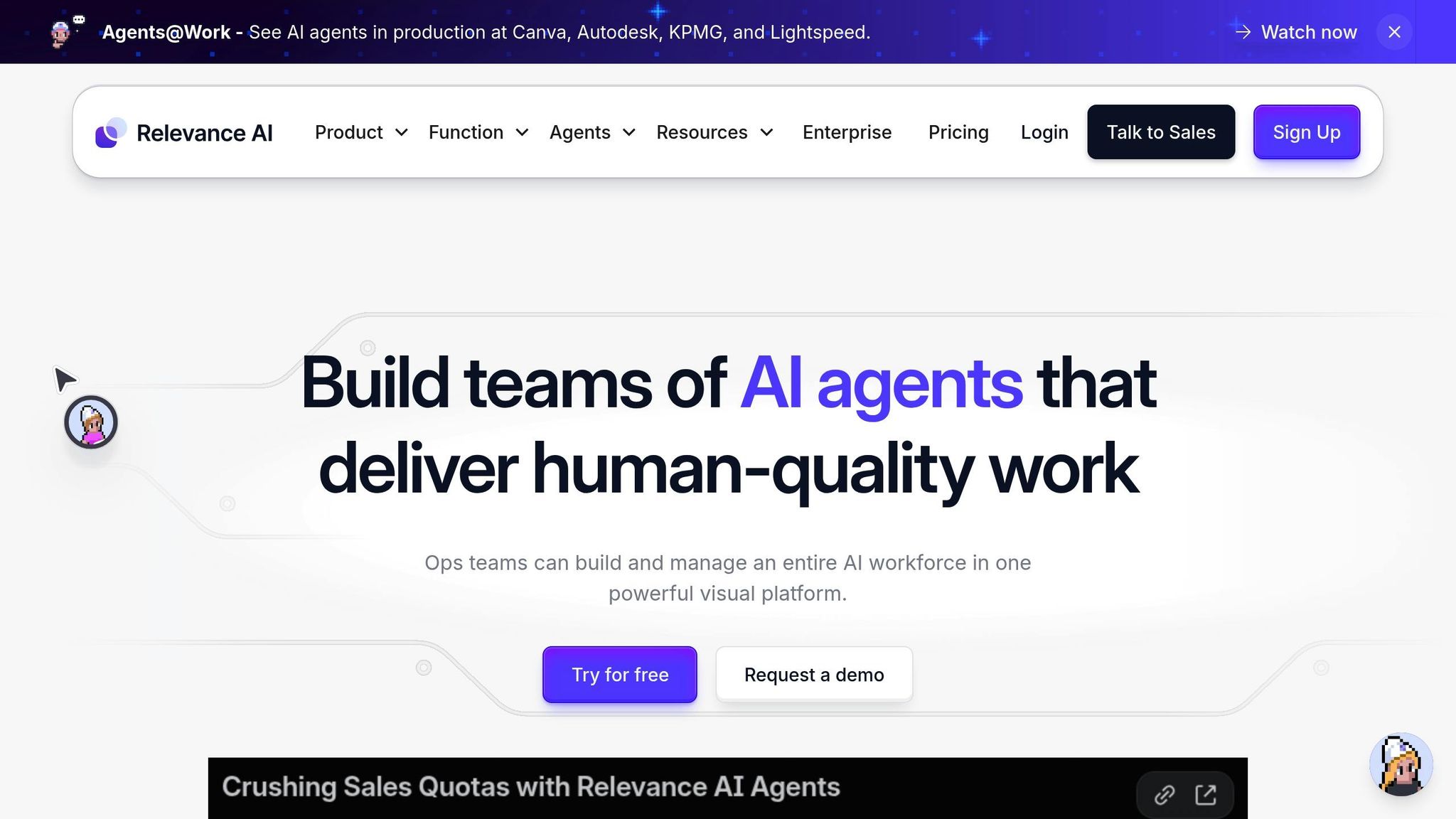
Relevance AI specializes in building custom AI agents for complex, multi-step enterprise workflows. Its no-code interface allows users to define high-level instructions for agents, which can then be linked to sub-agents for tasks like data enrichment, document analysis, or personalized outreach. This platform is particularly strong in sales and research, processing large volumes of unstructured data to deliver tailored outputs. Its agents remember past interactions and adjust their behavior accordingly, going beyond basic trigger-based automation. Relevance AI provides a free tier with 100 daily credits, with paid plans starting at $19/month.
Zapier: Automation for Everyone
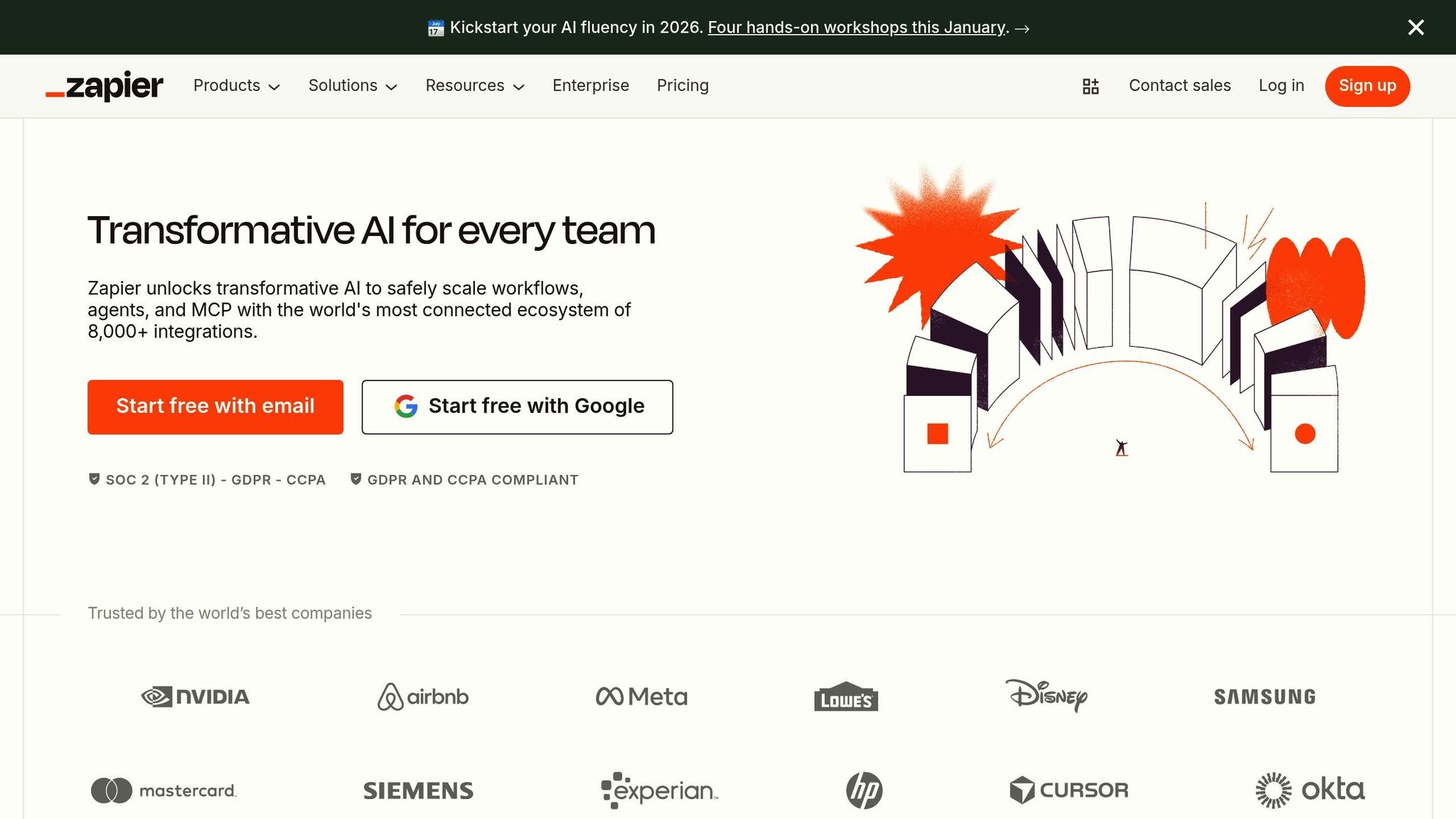
Zapier has grown from a simple app connector into a full-fledged automation platform with over 8,000 integrations. Now, users can create automations using plain English commands, with the AI handling data mapping and error resolution. Its broad ecosystem makes it ideal for teams using popular SaaS tools to streamline multi-step processes without custom coding. Zapier has a free plan for basic automations, while paid plans start at $19.99/month when billed annually or $29.99/month for monthly billing. It holds a 4.5/5 rating on G2 from over 1,397 reviews and 4.7/5 on Capterra from 3,023 reviews.
Platform Comparison
Features and Pricing Comparison Table
The table below highlights core features and pricing models for five popular platforms. While Zapier charges per task, Gumloop uses an operation-based pricing model, Lindy.ai relies on a credit system, Vellum.ai is tailored for developers, and Relevance AI emphasizes team collaboration.
| Platform | Integrations | Ease of Use (1-5) | Setup Time | Starting Price | Target User |
|---|---|---|---|---|---|
| Zapier | 7,000+ apps | 5 | Minutes | $19.99/mo | Beginners & SMBs |
| Lindy.ai | 5,000+ (via partners) | 4 | Minutes to Hours | $49.99/mo | Ops, Sales, & Support |
| Gumloop | Core SaaS + API | 2.5 | Hours to Days | $37/mo | Technical Power Users |
| Vellum.ai | AI-Native + SDK | 3 | Days to Weeks | $25/mo | Devs & Product Teams |
| Relevance AI | Core Business Tools | 3.5 | Hours to Days | $19/mo | Collaborative Teams |
The time required for setup depends on the complexity of the workflows. For example, Zapier’s extensive library of pre-built templates allows users to launch simple automations in minutes. On the other hand, platforms like Vellum.ai, which focus on production-grade features, may take longer to implement but offer greater reliability in the long run. Below, we dive into the strengths and limitations of each platform to help you make an informed decision.
Strengths and Weaknesses of Each Platform
Each platform offers unique benefits and trade-offs based on its features and target audience. Here’s a breakdown of their standout qualities and potential drawbacks:
Zapier
Zapier shines with its massive library of 7,000+ app integrations and an intuitive onboarding process, making it an excellent choice for teams seeking quick and easy automation solutions. However, its simplicity comes at a cost – handling complex logic or native AI functionalities can be challenging, and expenses can rise significantly with high task volumes.
Lindy.ai
Lindy.ai is well-suited for creating AI-native agents capable of reasoning and managing multi-channel workflows, including voice and email. Its human-in-the-loop checkpoints ensure quality control, which is a big plus. On the downside, its catalog of native integrations is smaller compared to Zapier, and building intricate multi-agent workflows may require some time to master.
Gumloop
This platform provides a flexible environment with features like built-in web scraping and modular "subflows", allowing users to reuse workflow components easily. AI-assisted workflow generation speeds up development. However, Gumloop has a steeper learning curve, fewer pre-built templates, and costs that can rise with heavy AI usage.
Vellum.ai
Vellum.ai focuses on production-level reliability, offering features such as prompt versioning, evaluation tools, and observability – tools that developers and product teams value. Its TypeScript/Python SDK enables deep integration into custom codebases. That said, it might feel excessive for simpler tasks and requires teams to adopt a prompt-based development approach.
Relevance AI
Relevance AI excels in team collaboration with its reasoning-based AI and multi-agent coordination capabilities, making it a strong contender for sales and research workflows. However, its documentation is still evolving, and it offers fewer customization options compared to developer-centric platforms like Vellum.ai.
sbb-itb-8421839
How to Choose the Right Platform
Decision Framework for Workflow Automation
When selecting a workflow automation platform, consider factors like technical skills, industry-specific needs, budget, and how deeply the platform can integrate with your existing tools. Research suggests that while 77% of organizations are expected to explore AI workflow automation by 2025, only 5% of enterprise-grade AI pilots successfully transition to production. However, teams that collaborate with external low-code partners are twice as likely to succeed.
Your team’s technical expertise and size play a big role in determining the right platform. For smaller teams, no-code platforms are ideal as they simplify the process. Mid-sized agencies benefit from platforms that strike a balance between ease of use and functionality, while large enterprises require solutions with strong governance features, like SOC 2 or HIPAA compliance, and centralized orchestration tools.
Industry requirements also influence your choice. For example, regulated sectors such as finance, healthcare, and legal should prioritize platforms that offer self-hosting to maintain privacy and ensure data residency. Marketing and sales teams need platforms with advanced CRM integrations and generative AI capabilities for personalized content creation. Operations and IT departments, on the other hand, require automation tools capable of handling complex tasks like resolving support tickets or managing supply chain disruptions.
Before committing to a platform, audit your current workflows to identify areas that need improvement. Start by testing a single high-value use case – like automating lead enrichment or invoice processing – using a trial version of the platform. This allows you to evaluate costs and accuracy metrics before scaling up.
"The most effective automations are frequently built by the operators who understand the business logic best. The secret is finding a platform that translates that logic into action effortlessly." – Rebecca Pearson, CodeWords
Getting Started with AI Workflow Automation
Once you’ve identified the right platform, begin by prototyping workflows to confirm it meets your criteria. These steps can help you validate your choice and set your team up for success.
First, align the platform’s complexity with your team’s skill set. For teams without technical expertise, avoid tools that require JavaScript or API knowledge. Platforms like Zapier or Lindy.ai are great for non-technical teams, offering pre-built templates that enable quick and easy automation.
A good starting point is to create a test workflow, such as automating a process like Lead Form → Data Enrichment → CRM Update → Email Follow-up. This will help you assess how well the platform integrates with your existing tools. Keep in mind that 46% of product teams cite poor integration with current systems as the biggest obstacle to adopting AI.
For tasks involving sensitive data or customer interactions, choose platforms that include manual approval steps. Tools like Relay.app and Lindy.ai allow you to add approval layers for processes such as customer-facing emails or financial transactions, ensuring an additional level of oversight.
Lastly, evaluate the platform’s scalability before committing to a long-term contract. Check how costs increase with higher usage volumes, whether the platform offers reusable components (like subflows) to speed up future projects, and if it provides built-in tools to track costs and pinpoint inefficiencies. This preparation ensures your pilot phase is both efficient and informative.
Conclusion
As we’ve explored, AI workflow automation is hitting a major milestone in 2025. Thanks to advancements in natural language processing, even non-technical users can now design intricate workflows using straightforward commands. Meanwhile, platforms are evolving into smarter orchestration systems capable of managing increasingly complex processes. This year, AI-powered workflows are expected to see broader adoption across enterprise operations.
The platforms covered in this guide cater to a variety of needs, offering everything from no-code simplicity to developer-level customization and enterprise-grade robustness. Selecting the right tool depends on your team’s expertise, existing tech stack, and compliance requirements. Many platforms provide free tiers or trial credits, making it easier to test their capabilities before committing.
A smart approach is to start small. Focus on a single, high-impact use case – like automating lead enrichment, managing invoice processing, or streamlining customer follow-ups. This allows you to assess the platform’s effectiveness in addressing your specific needs. Starting with a targeted test case can make all the difference in ensuring the tool aligns with your workflow goals.
The rise of agentic AI is also worth noting. These platforms are now capable of autonomously handling multi-step tasks, though maintaining a human-in-the-loop system for edge cases and accuracy checks remains critical. As Rebecca Pearson from CodeWords aptly put it:
"The best AI workflow automation tools transform this chaos into a self-optimizing system… freeing operators to focus on strategy instead of syntax"
Whether your goal is to streamline daily operations or scale automation across departments, the platforms in this guide provide a strong foundation. By combining the strengths of these tools with a clear strategy, you’ll be well-positioned to leverage AI workflow automation effectively in 2025.
FAQs
What should I look for in an AI platform for workflow automation?
When choosing an AI platform for workflow automation, ease of use should be at the top of your list. Opt for platforms with user-friendly interfaces, such as low-code or no-code options, so even non-technical team members can create and manage workflows. Tools with features like drag-and-drop builders or natural language prompts make automation simpler and more accessible for everyone.
Another key factor is the platform’s integration capabilities and AI features. The platform should work seamlessly with your existing tools – whether that’s your CRM, cloud storage, or productivity apps – to ensure smooth data sharing. Advanced AI functionalities like content generation, sentiment analysis, or intelligent decision-making can also add value by improving workflows and delivering actionable insights.
Finally, don’t overlook scalability, security, and support. The platform should be able to grow with your needs, protect your data with robust measures like SOC 2 compliance, and offer dependable customer support. Platforms with clear documentation and active user communities can also make setup and troubleshooting far easier.
What are the benefits of using AI for workflow automation in my business?
AI-powered workflow automation takes the hassle out of repetitive tasks by seamlessly connecting apps, processing data, and triggering actions automatically. Thanks to advancements like large language models (LLMs) and user-friendly low-code or no-code tools, even those without technical expertise can set up workflows by simply describing what they need in plain language. This enables smooth data movement between systems like CRM, finance, marketing, and customer support tools.
The advantages are hard to ignore: businesses report saving up to 30% of the time spent on routine tasks, improving customer service productivity by over 50%, and even slashing sales cycle durations by half. These tools also minimize errors by working with real-time, consistent data and allow operations to run around the clock without increasing staffing costs. By embracing AI automation, companies can scale more effectively, reduce operating expenses, and dedicate more energy to strategic goals.
What’s the difference between no-code and developer-focused AI platforms?
No-code AI platforms are built for those without a programming background. They feature user-friendly tools like drag-and-drop interfaces, ready-made templates, and natural language prompts. These platforms focus on simplicity, allowing users to design workflows for tasks such as data entry, automating emails, or basic content creation. They’re a great fit for teams that need quick, straightforward solutions without needing technical know-how.
In contrast, developer-focused AI platforms are tailored for engineers and technical teams. These platforms provide access to SDKs, APIs, and advanced customization options, giving developers the ability to fine-tune models, integrate with existing systems, and create scalable, production-ready applications. While they require coding expertise, they deliver the flexibility and control needed for complex projects and enterprise-level solutions.