
AI graphic design tools are transforming how people create logos, images, and marketing content. These platforms save time, simplify tasks, and offer high-quality results for businesses, freelancers, and marketers alike. This guide compares four popular tools – Canva, Adobe Firefly, Fotor, and Designs.ai – highlighting their features, pricing, and best use cases.
Key Takeaways:
- Canva: Ideal for beginners and small businesses with free and paid plans starting at $14.99/month. Great for quick, polished designs.
- Adobe Firefly: Best for professionals in the Adobe ecosystem. Offers advanced AI tools, but requires a Creative Cloud subscription starting at $22.99/month.
- Fotor: A simple, web-based tool for photo editing and design. Free and premium options available.
- Designs.ai: Flexible credit-based pricing, tailored for startups and agencies needing scalable design solutions.
Quick Comparison:
| Tool | Best For | Pricing (USD) | Key Features |
|---|---|---|---|
| Canva | Beginners, small businesses | Free, Pro: $14.99/month, Business: $10/user/month | Templates, team collaboration, easy-to-use interface |
| Adobe Firefly | Professionals | Free: 25 credits/month, Creative Cloud: $22.99/month | Text-to-image, AI editing, commercial-safe outputs |
| Fotor | Photo editing, quick designs | Free, Premium tiers | AI image generator, background remover, batch processing |
| Designs.ai | Startups, scalable projects | Credit-based (50 free credits; paid plans available) | Logo generator, branding tools, fast AI-generated designs |
Each tool has strengths and limitations depending on your needs, skill level, and budget. Whether you’re a marketer, small business owner, or designer, there’s an option to help you create professional visuals efficiently.
The AI Art Tools Comparison You Need (Stop Wasting Time)
1. Canva
Canva has a range of pricing options in USD, catering to both individual creators and businesses.
Pricing Structure
- Free Plan: Perfect for casual users, this plan provides basic access to Canva’s design tools.
- Pro Plan: Priced at $14.99/month (billed annually), it includes premium tools, exclusive content, and higher limits on AI features – great for those needing more advanced capabilities.
- Business Plan: At $10.00 per user/month (minimum of 3 users, billed annually), this plan is designed for teams. It supports collaboration, brand asset management, and offers additional storage.
- Enterprise Plan: Tailored for large organizations, this plan includes custom pricing and features like enhanced security, single sign-on, and dedicated support.
With this flexible pricing, Canva meets the needs of a wide range of users. Now, let’s take a look at Adobe Firefly’s offerings.
2. Adobe Firefly
Adobe Firefly works seamlessly with Creative Cloud, bringing generative AI tools to the table for creating content that’s safe for commercial use. Its focus on professional-grade outputs and tight integration with well-known design software makes it a standout option in this lineup.
Key Features
Adobe Firefly simplifies the creative process with a range of AI-powered tools. Some of its standout features include:
- Text to Image: Turn descriptions into artwork.
- Generative Fill: Edit images with AI-assisted precision.
- Text Effects: Create stylized typography.
- Generative Recolor: Revamp vector artwork with new color schemes.
What really sets Firefly apart is its Content Credentials feature. This embeds metadata into AI-generated content, offering transparency about its origins. It’s a step toward addressing concerns about authenticity in digital media.
Strengths
One of Firefly’s biggest advantages is its deep integration with Creative Cloud apps like Photoshop, Illustrator, and Express. Having AI tools embedded directly into these familiar platforms streamlines workflows and makes it easier for professionals to adopt.
The platform also takes a cautious approach to content sourcing, using only Adobe Stock images, openly licensed content, and public domain materials for training. This focus on commercial safety minimizes copyright risks, which is a major concern for businesses and designers.
In terms of output, Firefly delivers consistent, high-quality results. The AI produces high-resolution images that often require little to no post-editing, meeting the professional standards that many users demand.
Limitations
While Firefly shines in many areas, it’s not without its drawbacks. The requirement for a Creative Cloud subscription might discourage casual users or small businesses operating on tighter budgets.
Additionally, the tool focuses heavily on photorealistic and commercially viable designs, offering fewer creative or experimental styles compared to some standalone AI generators. Its conservative training approach, while great for reliability, can sometimes limit its artistic range.
Pricing (USD)
Adobe Firefly operates on a credit-based system tied to Creative Cloud subscriptions:
- Free Plan: Includes 25 generative credits per month with standard processing speeds.
- Creative Cloud Individual: Starts at $22.99/month and provides 1,000 generative credits monthly.
- Creative Cloud Business: Costs $35.99 per user/month, offering 1,000 credits and priority processing.
- Additional Credits: Extra credits can be purchased at $4.99 per 100 credits if you exceed your monthly allowance.
For enterprise users, custom pricing plans include unlimited credits and advanced administrative controls. The credit system applies across all generative features, with more complex tasks consuming more credits than simpler ones like text-to-image generation.
Adobe Firefly is a go-to option for professionals who need reliable, commercially safe tools integrated into their existing workflows. While it may not cater to those seeking highly experimental designs, its polished outputs and smooth Creative Cloud integration make it a valuable asset for business-focused projects. Up next, we’ll take a closer look at another noteworthy tool to see how it compares.
3. Fotor
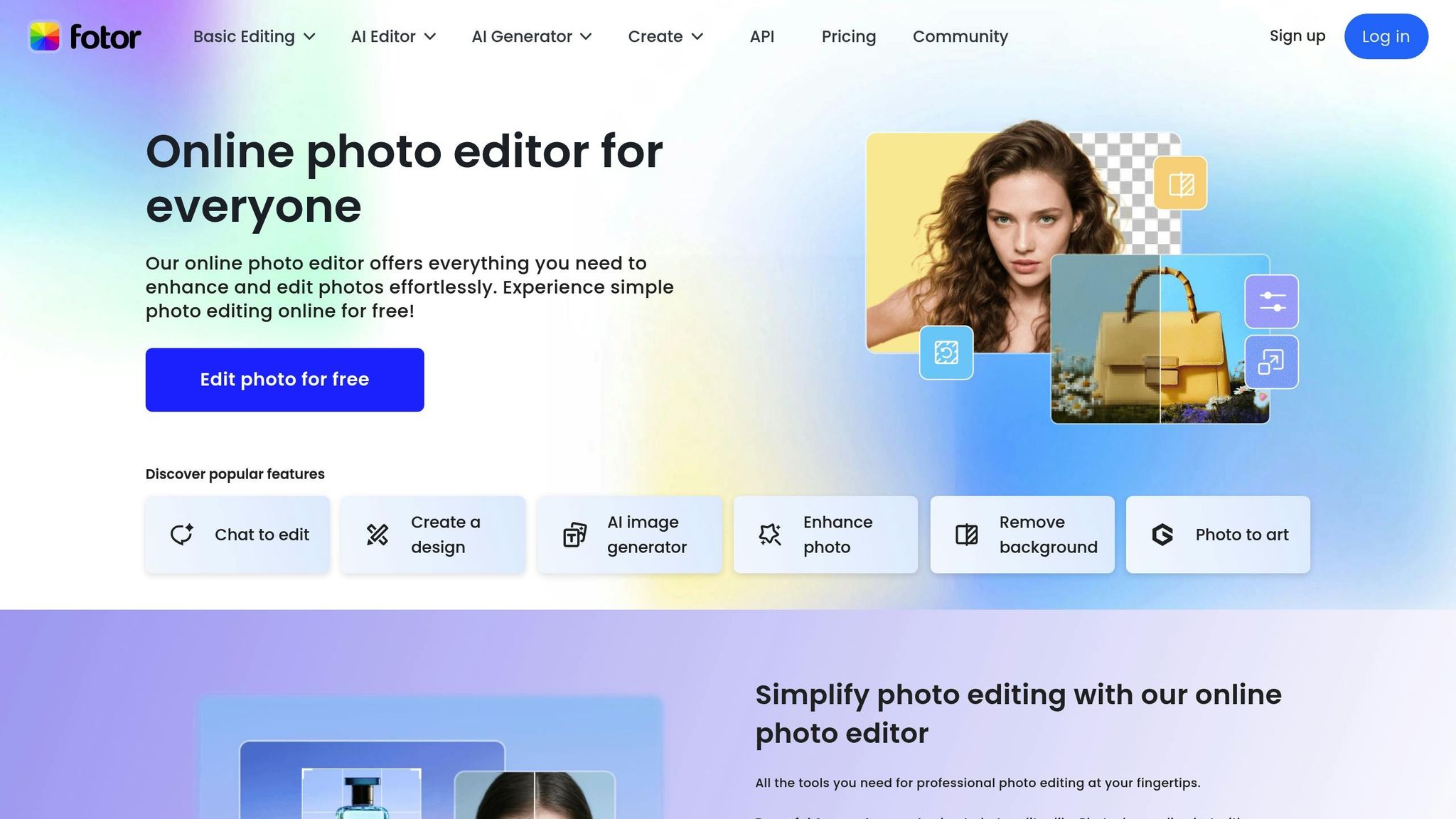
Fotor is a web-based design tool that combines simplicity with a range of professional features. It’s a go-to platform for small businesses, social media managers, and content creators who need polished designs quickly – without diving into complicated software.
Key Features
Fotor’s AI-powered tools cater to a variety of design tasks. The AI Image Generator creates visuals from text prompts, while the Background Remover uses machine learning to isolate subjects with precision. For improving image quality, the AI Photo Enhancer adjusts lighting, color, and sharpness automatically.
The Magic Clipper makes it easy to extract objects and incorporate them into new designs seamlessly. Fotor also offers AI Art Effects, which transform regular photos into artistic styles like oil paintings or watercolors. The Smart Resize feature adapts designs for various social media platforms, saving users the hassle of manual resizing. These tools make Fotor an attractive choice for those seeking efficiency.
Strengths
Fotor’s user-friendly interface allows even non-designers to create professional-looking visuals in no time. This makes it especially useful for small businesses and marketing teams that lack in-house design expertise.
One standout feature is its batch processing capability, which lets users apply enhancements or effects to multiple images at once. This is particularly helpful for businesses managing large volumes of product photos. Being cloud-based, Fotor also enables easy access and collaboration from any device with an internet connection.
Additionally, Fotor offers a wide variety of customizable templates for social media posts, business cards, flyers, and presentations. These templates are regularly updated to reflect current trends, keeping designs fresh and relevant.
Limitations
While Fotor shines in accessibility, it does fall short in advanced customization. Professional designers might find it limiting when it comes to fine-tuning typography, color grading, or working with complex layers.
The AI image generation feature, while functional, may not match the sophistication of more specialized AI art tools. Sometimes, the results can feel generic or lack intricate artistic details.
Another drawback is its occasional inconsistency in processing speed, especially during peak usage times. Tasks like detailed background removal or applying artistic effects can take longer than expected. Since Fotor is entirely cloud-based, it also lacks offline functionality, which could be a dealbreaker for users without a reliable internet connection.
Pricing
Fotor operates on a freemium model with several subscription tiers. The free plan includes basic editing tools and limited AI functionality, while premium plans remove watermarks, improve export quality, and unlock advanced features like extended AI tools and batch processing. Pricing varies based on the subscription plan and billing cycle.
sbb-itb-8421839
4. Designs.ai
Designs.ai is a comprehensive creative suite built around a credit-based pricing system. Its appeal lies in its simplicity and accessibility, making it a practical choice for users with varying design needs.
Pricing
Designs.ai uses a credit-based model to manage its pricing. New users receive 50 free credits upon signing up, providing an opportunity to test the platform without any upfront cost. The platform offers three subscription plans: Basic, Pro, and Enterprise, each catering to different user requirements. For those unsure about committing, a 7-day free trial is available with all paid plans, giving access to premium features. The pay-as-you-go system is particularly useful for businesses that experience fluctuating demands for design work.
Here’s what one user had to say about the platform:
"Designs.AI’s suite offers exceptional value. Creating designs online for free allows us to achieve professional results quickly with no steep learning curve." – Eric N., Freelance Designer
US-Centric Adaptations
Although Designs.ai is designed for a global audience, it provides an English interface that works seamlessly for US users. However, the platform does not explicitly mention US-specific features like currency formatting or measurement units in its documentation. While the pricing plans are clearly structured, details regarding these specific localizations remain absent, which might be a consideration for users seeking tailored regional features.
This insight lays the groundwork for exploring the broader strengths and limitations of the platform.
Advantages and Disadvantages
When comparing Designs.ai to other AI design tools, it stands out for its comprehensive creative suite and efficient, AI-driven content generation. However, it does have some limitations that are worth considering.
| Tool | Key Strengths | Main Limitations | Best For | Pricing Model | US Adaptations |
|---|---|---|---|---|---|
| Designs.ai | All-in-one creative suite; flexible credit-based system; beginner-friendly; fast AI-powered content generation | Limited advanced editing for existing images; focuses on creating new content | Logo creation, AI-generated content, and branding for startups and small businesses | Credit-based with a free tier (50 free credits) and options for Basic, Pro, and Enterprise plans | English interface and pricing tailored to US businesses |
The table above summarizes Designs.ai’s standout features and areas where it falls short, as explored further below.
Users have praised Designs.ai for its simplicity and the speed at which it can generate designs. It’s particularly effective for building a cohesive brand identity quickly, making it a popular choice for startups and small businesses. However, its focus on creating new visuals rather than offering advanced tools for editing existing images may limit its appeal to users with more complex design needs.
One of its most appealing features is the credit-based pricing system, which allows businesses to scale their creative projects without being tied to rigid monthly subscriptions. This flexibility is especially useful for companies that experience fluctuating design demands. Additionally, Designs.ai’s English-language interface and pricing plans are structured to align well with the needs of American businesses, making it an accessible option for those in the U.S.
These factors position Designs.ai as a practical tool within the growing landscape of AI-powered design platforms, offering a balance of ease of use and adaptability for a variety of creative projects.
Final Thoughts
Picking the right AI graphic design tool boils down to your specific needs, budget, and level of design expertise. Here’s a quick rundown of what each platform brings to the table:
Canva is a go-to choice for beginners and small businesses looking for fast, professional designs. Its free version offers plenty of features, and the paid plans are reasonably priced for what you get.
Adobe Firefly is perfect for those already using Adobe products. It integrates smoothly into the Adobe ecosystem, offering advanced AI tools for intricate image manipulation and top-notch content creation. However, it does require a bit more design know-how to maximize its potential.
Fotor strikes a balance between simplicity and powerful photo editing. It’s especially handy for businesses needing both photo enhancement and design creation in one place.
Designs.ai stands out with its flexible, credit-based system. This setup is ideal for startups or agencies with variable design needs, letting users scale up or down without being locked into a fixed subscription.
When it comes to specific roles, marketers juggling tight deadlines and varied content demands might find Canva or Designs.ai the most efficient. On the other hand, content creators focused on visual storytelling could benefit from Fotor’s mix of photo editing and AI design tools. For businesses already invested in Adobe’s suite, Firefly is a natural addition to enhance their workflow.
As you decide, think about your budget, whether free trials are available, and how scalable the tool is for your needs. If you’re working with limited resources, Canva or Designs.ai’s free options are a great place to start. For organizations that need more advanced features, Adobe Firefly or Designs.ai’s full suite might be worth exploring.
Ultimately, the best tool is the one that fits seamlessly into your workflow. Test out free trials or basic plans to see how each platform complements your needs before committing to a subscription.
FAQs
How can I choose the right AI graphic design tool for my business and budget?
Choosing the perfect AI graphic design tool comes down to three key factors: budget, design needs, and your team’s skill level.
Start by looking at your budget. Many tools offer free plans with basic features, making them great for smaller projects or teams just starting out. For more advanced needs, premium plans unlock powerful tools and capabilities, but they come at a higher cost.
Next, think about your design goals. If you’re aiming for professional-level precision or need seamless integration with other software, there are tools tailored for experienced designers. On the flip side, if you’re after quick and easy solutions for creating marketing or social media content, user-friendly platforms are a better fit.
Finally, evaluate specific features like text-to-image generation, editing tools, and how well the platform aligns with your team’s expertise. The right tool should not only meet your design needs but also simplify your workflow, helping you produce top-notch designs with ease.
How do the AI features of Canva, Adobe Firefly, Fotor, and Designs.ai compare?
While each platform brings its own AI-driven features to the table, their strengths cater to different design needs. Canva is perfect for those who want quick, user-friendly templates and straightforward design solutions – making it a go-to for beginners and marketers alike. On the other hand, Adobe Firefly shines with its advanced generative AI capabilities, ideal for professionals aiming to craft intricate and highly customized visuals. If photo editing and image enhancement are your priorities, Fotor provides intuitive tools that make refining images a breeze. Meanwhile, Designs.ai focuses on automating creative workflows, offering solutions like video creation, logo design, and branding, which makes it a versatile option for businesses.
The best tool for you will depend on what you’re trying to achieve. Whether you’re aiming for professional-grade designs, polished photos, or streamlined creative processes, each platform has its own strengths. Take a moment to evaluate your goals and preferences to find the one that fits your needs.
Can AI graphic design tools fit into my current workflow, and how do they improve productivity for teams and individuals?
AI graphic design tools are built to fit smoothly into nearly any workflow, making life easier by automating tedious tasks, simplifying the creative process, and speeding up revisions. They’re a time-saver for teams and solo creators alike, all while ensuring brand consistency and delivering polished, professional results.
With features like smart suggestions, ready-to-use templates, and real-time collaboration, these tools help you tackle projects more efficiently. Whether it’s designing logos, editing images, or crafting layouts, AI tools adjust to your needs and can seriously elevate your creative productivity.