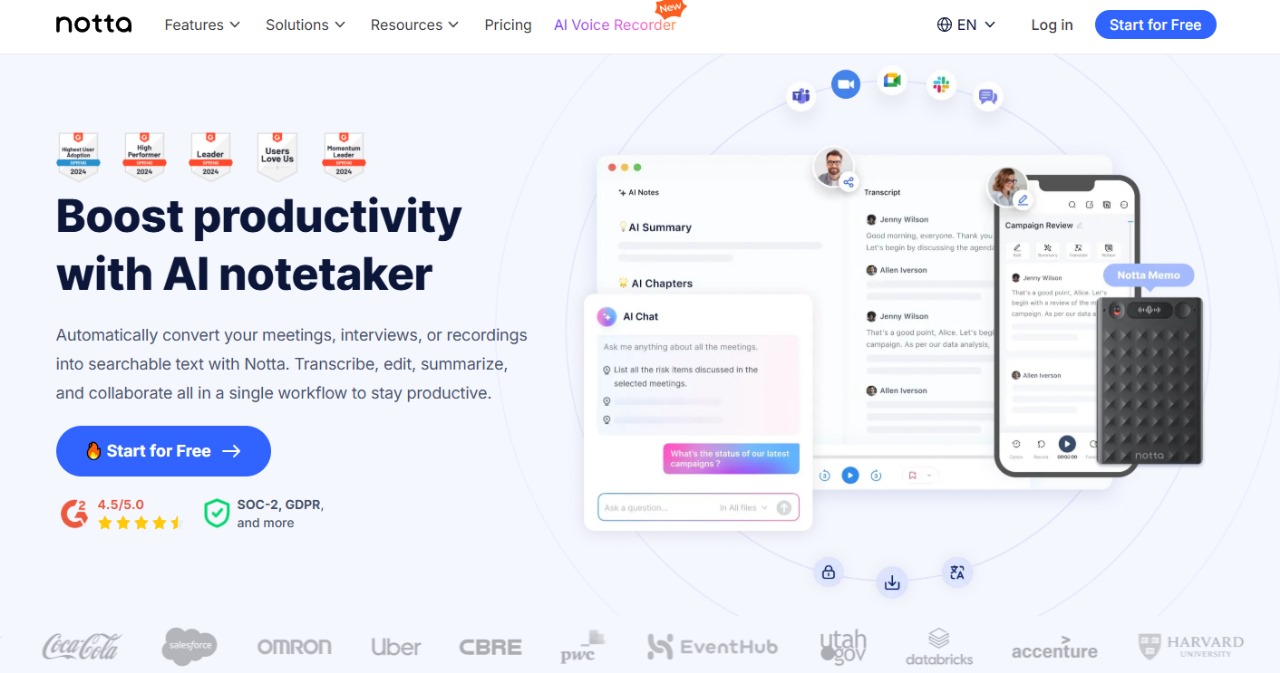
Notta AI is an AI-powered tool that records and transcribes live meetings or uploaded audio/video into searchable, time-stamped text. It supports speaker identification, AI-generated summaries, multi-language transcription & translation, and integrates with Zoom, Google Meet, Teams, Slack, Notion, and CRM systems—ideal for professionals, educators, and content creators who want fast, accurate notes and insights.
Basic Info:
Pricing Options
Free Plan:
$0/month → 1 seat, 120 transcription minutes/month, up to 3 minutes per conversation, 50 file uploads, 10 AI summaries, live transcription in Zoom/Meet/Teams/Webex, speaker ID—web upload max 5 minutes per file, includes mobile/web apps
Pro Plan:
$8.17/month (billed annually, ~ $13.99 billed monthly) → 1 seat, 1,800 minutes/month, transcripts up to 5 hours, 100 file uploads, 100 AI summaries, transcript export, translation, custom vocabulary
Business Plan:
$16.67/month per user (billed annually, ~$27.99 billed monthly) → Unlimited transcription, 5h max per conversation, 200 file uploads, 200 AI summaries, meeting video recording, advanced security, usage reports, CRM & Zapier integrations
Enterprise Plan:
Custom pricing → Unlimited AI summaries and uploads, SAML SSO, audit logs, no data used for AI training, priority support
Additionally, optional add‑on services for translation: $6/month for monolingual; $9/month for bilingual transcription & translation.
What We Like:
- Supports 58 languages, with transcription & translation features
- Speaker identification & timestamps—even during live meetings
- AI-generated summaries help identify key points quickly
- Conference platform integration – Zoom, Meet, Teams, Webex, Slack, Notion, CRMs
- Affordable Pro plan compared to competitors like Otter.ai
What to Watch Out For:
- Very limited free tier – only 3 minutes per meeting max; 120 total minutes/month, which many find too restrictive
- Speaker attribution is hit‑or‑miss—accuracy isn't perfect, may require manual editing
- Training data usage – unless on Enterprise plan, transcripts may be used to train AI
- Bot joins calls – some users find the transcription bot intrusive
Verdict:
Notta AI offers a powerful, affordable transcription & meeting note solution with strong multi‑language support and integrations. The Pro plan is well-priced for frequent users, while Business and Enterprise tiers provide valuable team and security features.
However, the free tier is overly restrictive, and speaker accuracy and privacy concerns around bot use and AI training may matter to some users. If you need reliable, multi-language transcription with decent automation and can work around those caveats, Notta delivers solid value. Looking for more robust free minutes or private meeting capture? Tools like Otter.ai or tl;dv (which offer more generous free tiers) may be worth comparing.