
Here’s the deal: free AI tools can handle repetitive tasks, write content, analyze data, and even manage social media. Whether you’re a solo marketer or part of a small team, these tools can help you stay productive without breaking your budget.
Key Highlights:
- Content Creation: Tools like ChatGPT can write blogs, emails, and social media posts in minutes.
- SEO Optimization: Discover keywords and improve rankings with platforms like AnswerThePublic.
- Design Made Easy: Canva AI simplifies creating visuals for social media and ads.
- Social Media & Email Management: Hootsuite schedules posts, while Mailchimp automates email campaigns.
- Analytics & Insights: Google Analytics provides actionable data to improve your strategies.
Quick Overview of Tools:
- ChatGPT: Write blogs, brainstorm ideas, and improve SEO content.
- Google Analytics: Analyze website traffic and predict user behavior.
- Canva AI: Create professional visuals with AI-powered design tools.
- AnswerThePublic: Understand what your audience is searching for.
- Hootsuite: Schedule and manage social media posts.
- Mailchimp: Automate email marketing with templates and workflows.
- HubSpot CRM: Manage customer relationships and track email responses.
- Lumen5: Turn blog posts into engaging videos.
- Orshot: Automate design tasks like templates and image resizing.
These tools are free to start and easy to use. Combine them to streamline your workflow, create better content, and reach your audience effectively. Let’s dive into how each tool works and what makes them stand out.
5 Must-Have AI Tools for Businesses and Marketers
1. ChatGPT by OpenAI
ChatGPT is a standout tool for generating content quickly and efficiently. With its free tier, you gain access to GPT-3.5, which can handle a variety of marketing-related tasks, from crafting blog posts to brainstorming campaign ideas. The best part? You can use it directly through OpenAI’s website – no downloads or subscriptions required.
Content Creation and Idea Generation
ChatGPT shines when it comes to turning vague ideas into polished drafts. Struggling to write a product description? Feed it details like features, target audience, and tone, and it will produce multiple drafts in seconds. This makes it an invaluable resource for marketers facing tight deadlines or creative blocks.
For blog posts, it helps you get started by generating outlines, introductions, or even different creative angles to explore. Whether you need a conversational tone or a more formal, technical approach, ChatGPT adapts its style to match your needs.
When it comes to email campaigns, the tool can craft subject lines, body copy, and calls-to-action, providing variations for A/B testing. And if you’re brainstorming for a new product launch, ChatGPT can generate a list of campaign ideas to kickstart your strategy.
On top of content creation, ChatGPT supports SEO efforts by refining keywords and optimizing meta content.
SEO Optimization and Audience Insights
ChatGPT is also a great ally for improving SEO. It suggests targeted keywords and long-tail variations to help you identify opportunities that might be overlooked by competitors. For example, if you’re working on a blog post, it can recommend keywords that align with your target audience’s search behavior.
The tool also helps decode search intent. Ask it to explain what someone searching for “best project management software” might be looking for, and it will break down whether they’re after comparisons, tutorials, or buying guides. This kind of insight helps you create content that aligns with what users actually want.
Writing meta descriptions and title tags can be tedious, especially at scale. ChatGPT simplifies this process. Provide it with your page content and target keywords, and it will generate multiple SEO-friendly options for you to choose from.
Already have a blog post but want to improve it? Paste the content into ChatGPT, and it can point out gaps, suggest internal links, or recommend structural changes to improve readability. It’s like having a second pair of eyes for content audits, without needing additional tools.
These SEO capabilities also tie seamlessly into social media and email marketing strategies.
Social Media and Email Marketing Made Simple
ChatGPT can repurpose long-form content into platform-specific social media posts. For example, it can create professional updates for LinkedIn, casual tweets for Twitter, or engaging captions for Instagram, all tailored to the tone and style of each platform.
For email marketing, ChatGPT can write entire nurture campaigns. Share your customer journey – from initial awareness to the decision-making stage – and it will craft a series of emails designed to guide prospects through each step. It ensures consistency in voice while keeping the content fresh and engaging.
Even customer service can benefit. ChatGPT can draft responses to common queries, helping you create templates that speed up response times and improve efficiency.
While the free version has its limitations – it doesn’t pull in real-time data from the web and sometimes requires edits – it’s a powerful tool for expanding your content strategy, improving SEO, and fine-tuning social media and email outreach.
2. Google Analytics with AI Insights
Google Analytics’ free tier now includes AI-driven tools that transform raw website data into practical insights. This makes it easier for small and medium-sized businesses to refine their marketing strategies without incurring additional costs.
By using machine learning, the platform translates website data into meaningful insights. Its predictive features help you foresee customer behavior, allowing you to shift from reacting to events to making proactive decisions. Let’s dive into how real-time monitoring and audience analysis elevate Google Analytics from a simple tracking tool to a strategic marketing powerhouse.
Real-Time Monitoring and Audience Analysis
With real-time monitoring, you can watch user activity as it happens – an invaluable feature for managing time-sensitive campaigns. Meanwhile, acquisition and engagement reports provide a detailed look at how visitors interact with your site, helping you identify areas that need improvement.
"I picked Google Analytics for its unmatched capabilities in delivering website intelligence, making it a top choice for free marketing software. This tool offers real-time monitoring, allowing you to track user activity as it happens, which is crucial for making timely marketing decisions. Additionally, its robust acquisition and engagement reports provide detailed insights into how users interact with your site, helping you identify areas for improvement. The predictive capabilities of Google Analytics also stand out, as they enable you to anticipate customer behavior and tailor your marketing strategies accordingly. These features collectively make Google Analytics an invaluable asset for anyone looking to gain a deeper understanding of their website’s performance and enhance their marketing efforts." – TheCMO.com
Google Analytics also maps the customer journey from the first click to conversion, highlighting the most impactful touchpoints. This helps you fine-tune your marketing efforts to maximize ROI.
Additionally, the platform integrates seamlessly with Google Advertising Tools. This integration provides a unified view of your marketing performance, making it easier to coordinate and improve your overall marketing strategy.
3. Canva AI
Canva’s free tier offers a powerful design platform enhanced by AI, making professional-quality visuals accessible to marketers of all levels. Its intuitive drag-and-drop interface, combined with smart AI tools, simplifies creating social media graphics, ad creatives, and presentation decks.
The platform takes the complexity out of design by automating tasks like image enhancement, background removal, and layout adjustments. Let’s dive into how Canva’s AI turns design challenges into seamless workflows.
Design and Visual Content Generation
Canva AI’s Magic Design feature takes your input – whether it’s an uploaded image or a simple idea – and instantly creates polished visuals. It generates multiple design options tailored for formats like Instagram posts, Facebook ads, or email headers, giving you plenty of choices without the hassle.
With tools like the Magic Eraser, you can quickly remove unwanted objects from photos, while the Background Remover isolates subjects with precision. These capabilities, which often require expensive photo editing software, are included in Canva’s free plan – perfect for small to mid-sized marketing teams working on a budget.
To keep your branding consistent, Canva’s Brand Kit lets you save your color palettes, fonts, and logos, ensuring every design aligns with your visual identity.
Content Creation and Ideation Capabilities
Stuck on what to write? Canva’s AI text generator steps in to help. It suggests copy for social posts, ad headlines, and calls-to-action, ensuring your messaging aligns with both your visuals and your audience. Magic Write offers on-the-spot copy suggestions as you design, while the platform’s massive library of over 250,000 templates provides endless inspiration. Simply type a natural language query, and Canva delivers layouts tailored to your needs.
Need headline variations for A/B testing? The AI generates multiple persuasive options in seconds. Plus, with the Smart Resize feature, you can create a design for one platform – like Instagram – and automatically adapt it for others, including Twitter, LinkedIn, and Pinterest. The tool adjusts text, crops images, and repositions elements to fit each platform’s specifications.
Canva AI is a game-changer for marketers, offering tools that save time and spark creativity – all without adding extra costs.
4. AnswerThePublic
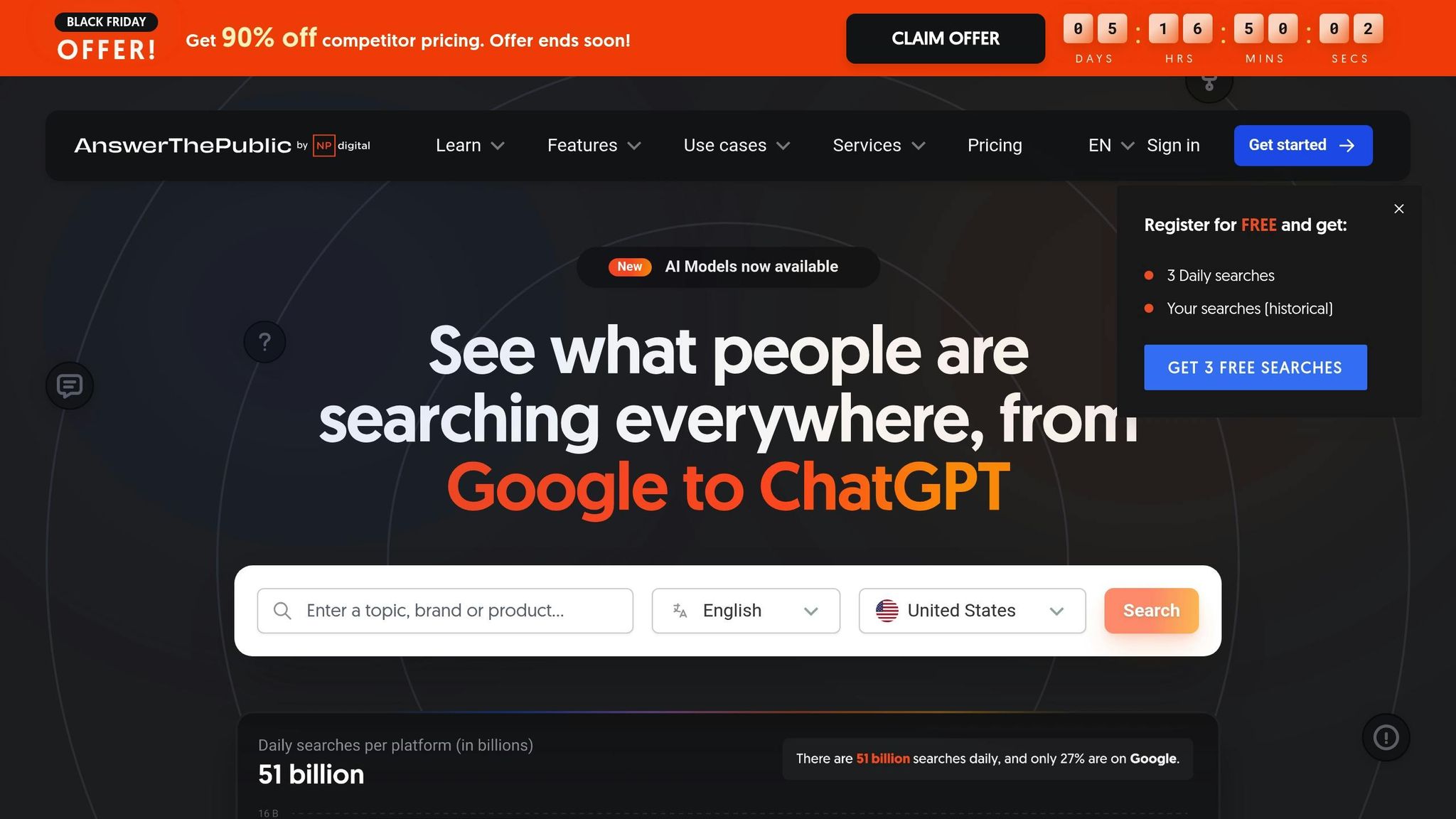
AnswerThePublic is a handy tool for marketers looking to understand what their audience is searching for online. By analyzing the questions people type into search engines, it provides a glimpse into user behavior and intent. This makes it an excellent resource for sparking content ideas and identifying trending topics that resonate with your audience.
The platform’s interface is straightforward, allowing marketers to quickly gather actionable insights. It works particularly well alongside other free AI tools, offering a unique focus on uncovering audience intent to guide content creation.
5. Hootsuite Free Social Media Scheduler
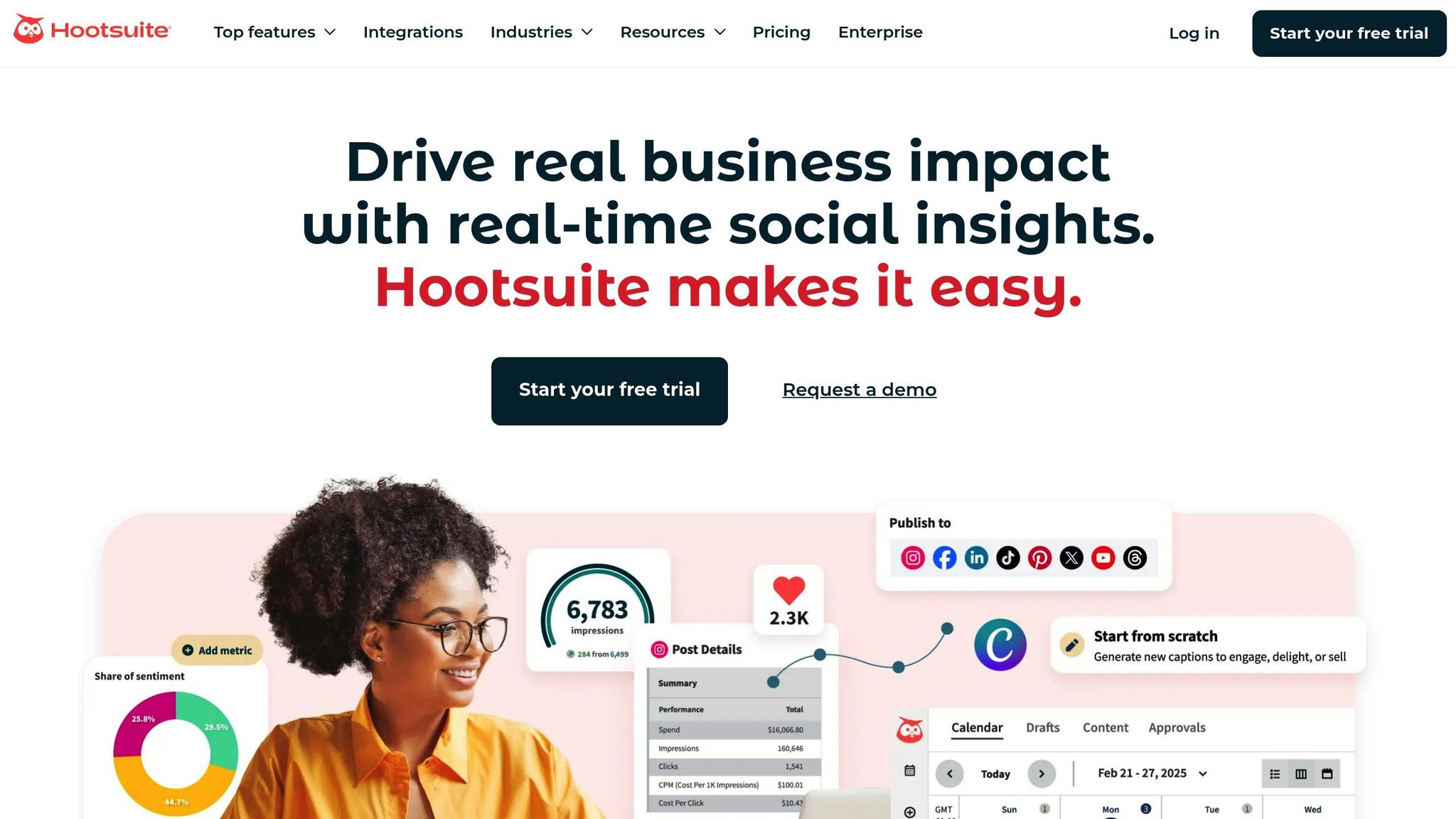
Hootsuite’s free plan is a straightforward tool for managing social media posts. While it doesn’t offer the extensive features of its paid versions, it’s a solid choice for maintaining a regular online presence without much hassle.
With its centralized dashboard, you can easily organize and oversee your scheduled content. This makes it especially handy for solo marketers or small businesses just stepping into the world of social media automation.
Up next, we’ll dive into Mailchimp, which brings similar automation tools to the realm of email marketing.
sbb-itb-8421839
6. Mailchimp
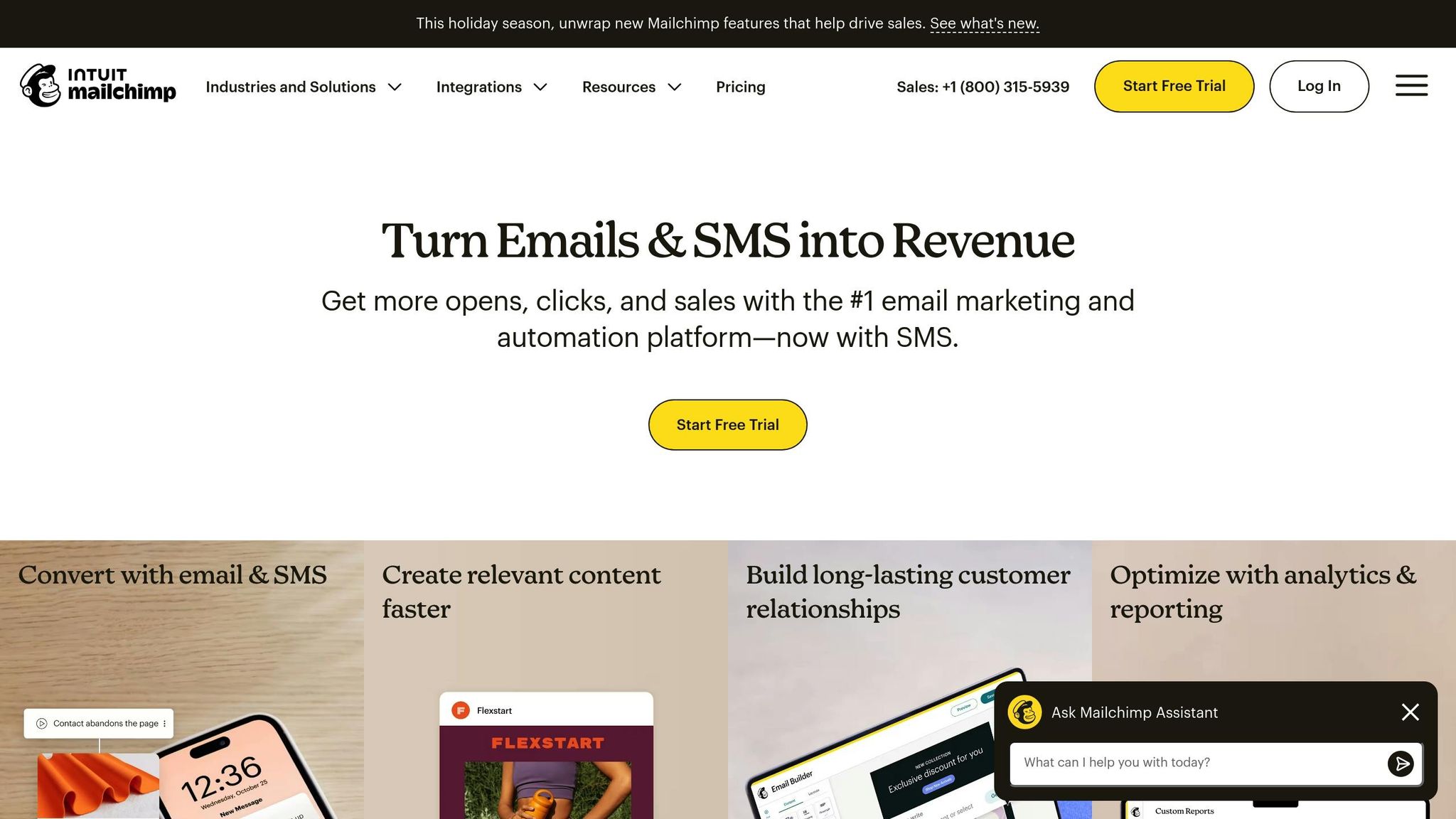
Mailchimp’s free plan is a go-to choice for marketers seeking essential email marketing automation tools. It covers the basics while offering user-friendly features that make campaign creation a breeze.
Email Marketing Automation
With the free plan, you can set up automation workflows for tasks like welcome emails, birthday greetings, and drip campaigns. These workflows are triggered automatically and can be tailored using audience segmentation based on subscriber behavior and demographics. Plus, Mailchimp’s AI-powered email templates take the guesswork out of design by suggesting layouts and styles, so you don’t have to start from scratch every time.
Design and Visual Content Generation
Designing emails is straightforward with Mailchimp’s campaign builder, even if you’re not a designer. The platform provides customizable templates for newsletters, promotions, and announcements. You can easily tweak elements like logos, colors, text, and buttons to match your brand’s style. Its simplicity makes it a great option for small businesses aiming to create polished campaigns quickly and efficiently.
Up next, HubSpot CRM takes automation a step further by focusing on customer relationships and sales pipelines.
7. HubSpot CRM
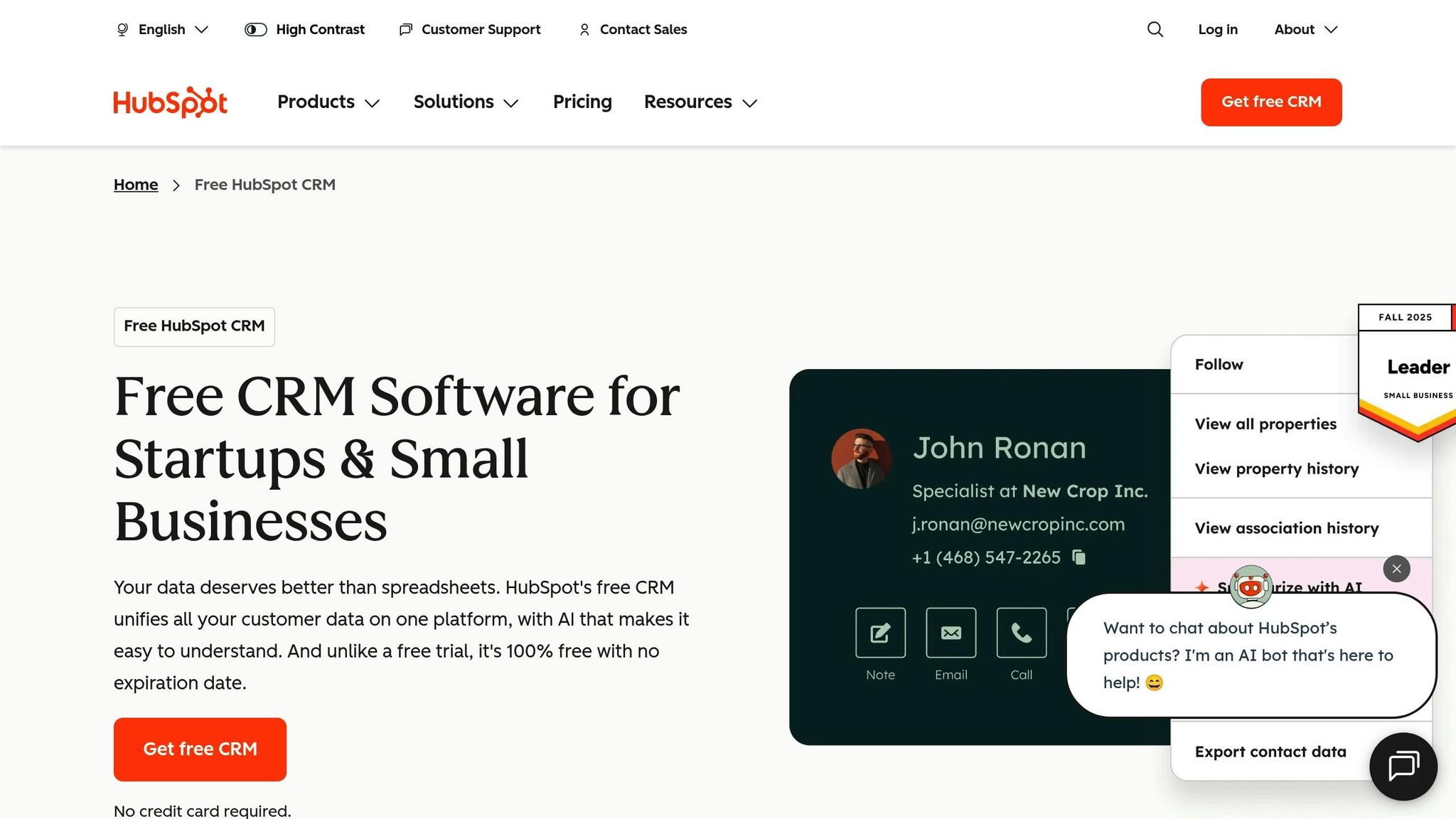
HubSpot CRM’s free plan goes beyond basic CRM functionality by offering tools that enhance email marketing automation. One standout feature is its email assistant, which creates personalized copy for sales outreach and newsletters. You can tweak the tone, adjust the length, and refine the message until it aligns perfectly with your needs.
What makes HubSpot CRM unique is its seamless integration between the email writer and the CRM database. When you launch email campaigns, the system automatically logs every interaction in your contact lists. This means you can easily track which emails are getting responses and schedule follow-ups at the ideal time for better results.
Next up, Lumen5 turns written content into captivating videos with minimal effort.
8. Lumen5
Content Creation and Ideation Capabilities
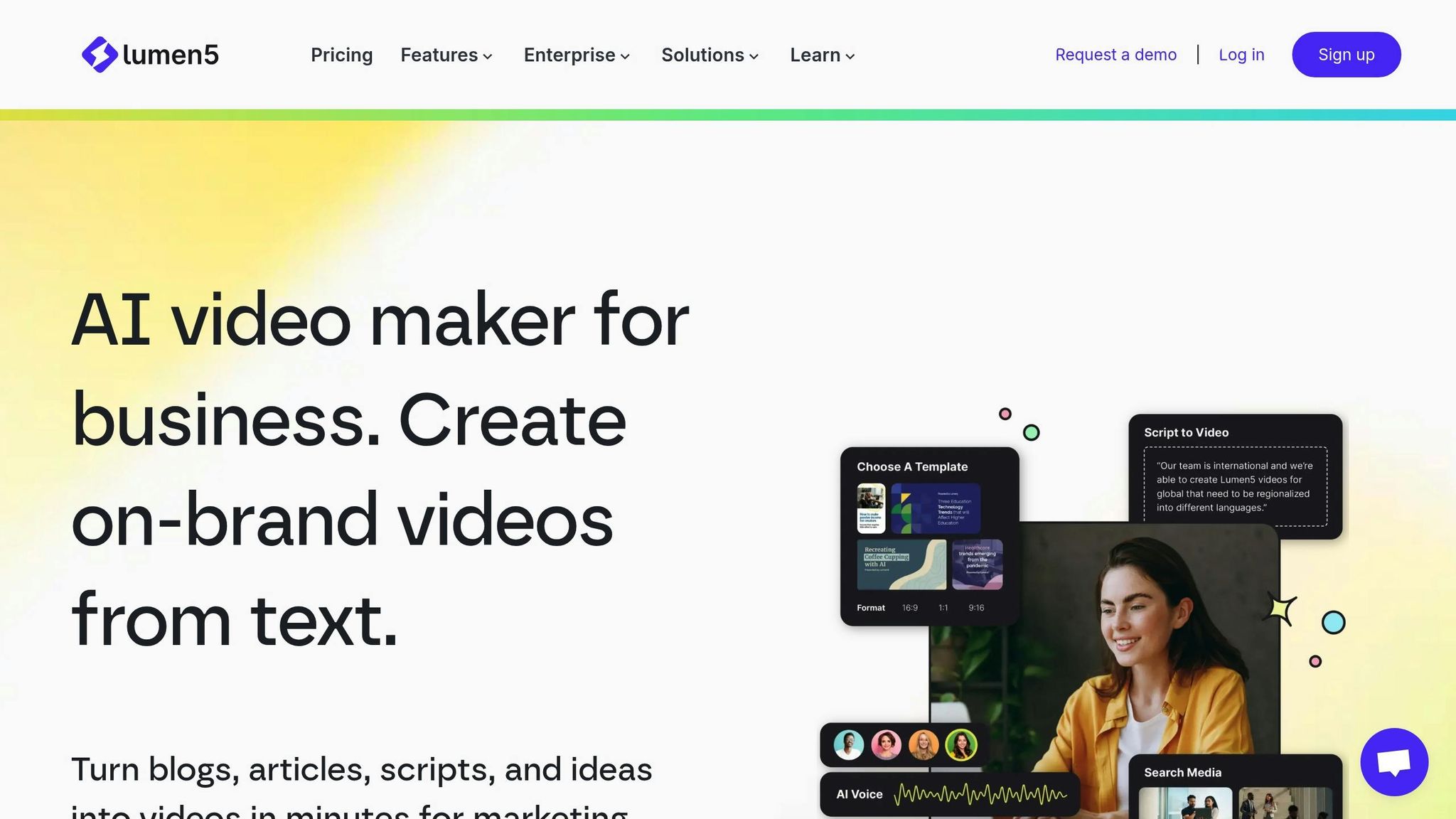
Lumen5 transforms written content – like blogs, webinars, and podcasts – into engaging animated videos with ease. This makes it a handy tool for marketers who don’t have access to a dedicated video production team. Whether you’re turning a blog post into a video or crafting an explainer video, Lumen5 simplifies the process.
Design and Visual Content Generation
The platform is also great for repurposing long-form content into bite-sized video clips and social media posts, perfect for platforms like LinkedIn or email campaigns. While the free version includes core features, it adds a watermark to exported videos, making it a low-cost way to experiment with video content before committing to premium options.
Up next, check out Orshot for creating and annotating screenshots with ease.
9. Orshot
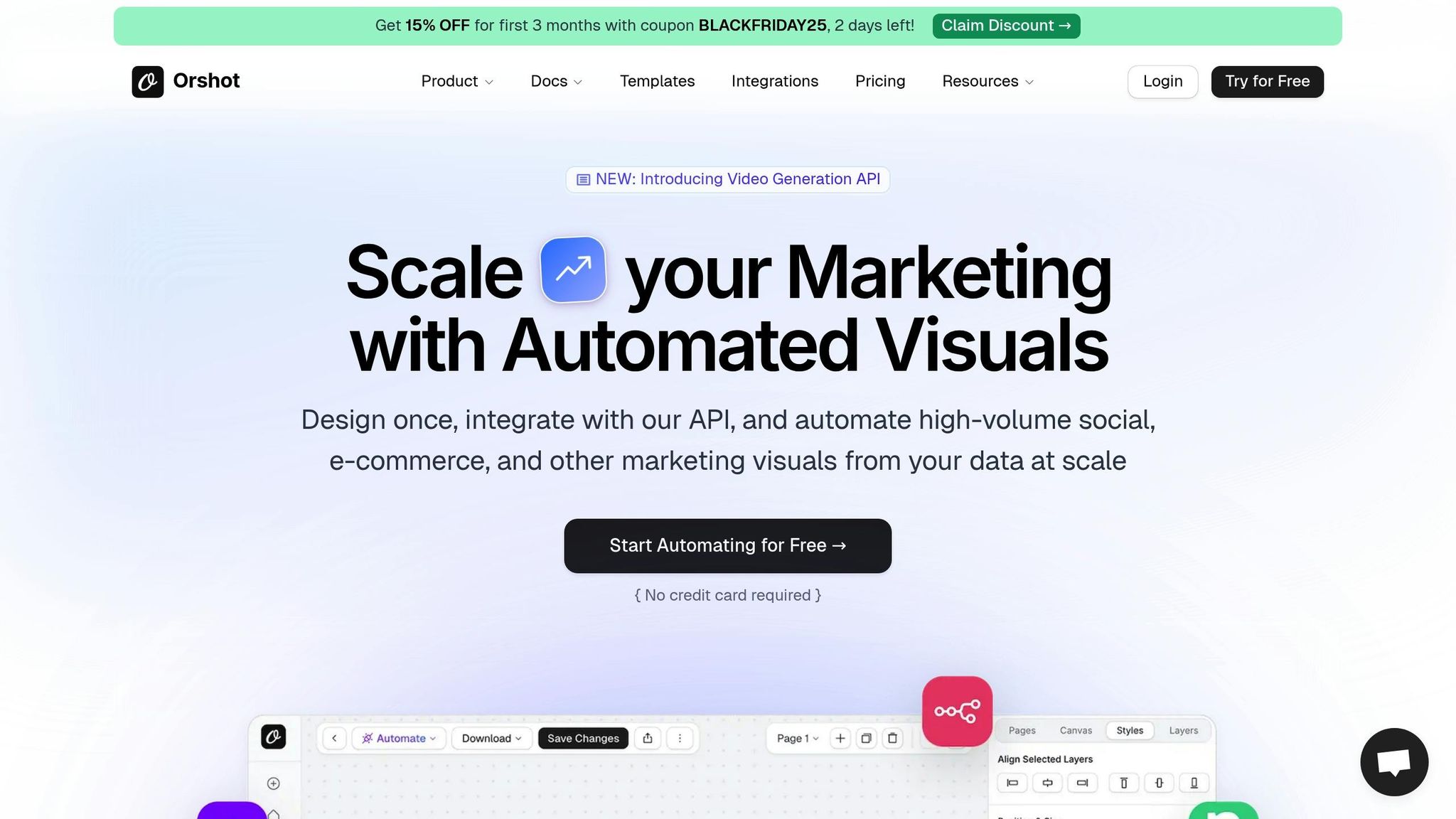
Orshot is a free tool designed to simplify the creation of visual content, helping businesses maintain a consistent, professional brand image. From social media posts to blog banners and product mockups, this platform offers an intuitive design experience that caters to a wide range of marketing needs.
Design and Visual Content Creation
One of Orshot’s standout features is its AI Template Generator, which allows you to create design templates in seconds. Whether starting from scratch or adapting existing designs, the tool ensures flexibility and ease. For example, you can generate a fully customizable design for expert quotes in just 30 seconds, aligning it perfectly with your brand guidelines.
Other handy features include one-click background removal and automatic image resizing, eliminating the need for additional software while ensuring your visuals meet platform-specific standards. Orshot also supports dynamic image generation using data sources like Airtable, which is a game-changer for automating repetitive design tasks.
Streamlined Content Creation and Organization
Orshot’s Assets Library is a centralized hub for all your brand elements – logos, fonts, icons, and colors – ensuring your visuals stay consistent across projects. This organization is especially useful when producing large volumes of content.
By May 2025, Orshot had rendered over 10,000 images and cut its average rendering time from 6.1 seconds to just 4.5 seconds, showing continuous improvements in speed and efficiency. The free plan offers 100 renders, one workspace, one user seat, and five AI requests – all without requiring a credit card.
Automation for Social Media and Email Marketing
Orshot also stands out for its automation features. It integrates seamlessly with tools like Zapier, Make, Airtable, N8n, SDKs, and Pipedream, making it easy to automate content workflows. For instance, you can connect Orshot with N8n to automatically design course completion certificates from data in Google Sheets, saving time and effort.
"My brands can now post 100 times per day on auto-pilot thanks to Rishi and his amazing tool, Orshot. I’m going to automate so much content my competition will think I have a team of 10 marketers." – Alex Siale, Founder of Profitable Creative
For those needing more, the Hobbyist plan is available at $20/month, offering 1,500 renders, 10 AI requests, and priority support. Use the code SMM10 to get 10% off your first six months.
Next, we’ll compare these tools side by side to help you decide which one fits your marketing needs best.
Tool Comparison Table
Selecting the right AI tool depends on your goals. Some tools are built for content creation, while others excel in analytics, design automation, or social media management. Together, they can form a well-rounded strategy to improve marketing efficiency. Here’s a breakdown of popular tools and what they bring to the table:
| Tool | Primary Use Case | Free Plan Details | Best For | Key Strength |
|---|---|---|---|---|
| ChatGPT by OpenAI | Content creation, copywriting, brainstorming | Free access with GPT‑3.5 model | Writing blog posts, ad copy, email drafts | Advanced natural language processing |
| Google Analytics with AI Insights | Website analytics and audience insights | Free standard analytics features | Analyzing user behavior and traffic trends | Automated insights and anomaly detection |
| Canva AI | Graphic design, social media visuals | Free templates with 5GB cloud storage | Designing branded graphics without technical skills | Tools like Magic Design and text-to-image generation |
| AnswerThePublic | SEO research and content ideation | Limited daily searches | Finding content topics from search queries | Visual keyword mapping |
| Hootsuite | Social media scheduling | 2 social accounts with limited scheduled posts | Managing multiple social platforms | Cross-platform scheduling and posting |
| Mailchimp | Email marketing and automation | Up to 500 contacts and 1,000 monthly sends | Building email lists and newsletters | Audience segmentation and polished templates |
| HubSpot CRM | Customer relationship management | Unlimited users and contacts | Tracking leads and customer interactions | Comprehensive free CRM tools |
| Lumen5 | Video creation from text | Limited watermarked video renders monthly | Turning blog posts into videos | AI-driven video assembly |
| Orshot | Design automation for visual content | Basic free access with limited renders | Automating repetitive design tasks | Simplified design workflows |
Each tool serves a unique purpose. For example, ChatGPT is perfect for drafting content, Canva AI simplifies graphic design, and Google Analytics provides valuable audience insights. If you’re focused on SEO, AnswerThePublic can help you uncover trending topics, while Lumen5 turns your written content into videos. Hootsuite is great for managing social media, and Mailchimp makes email marketing easy. For CRM needs, HubSpot offers a robust free option, and Orshot is ideal for automating design-heavy tasks.
Many marketers find success by combining these tools. For instance, start by using AnswerThePublic to identify hot topics, draft content with ChatGPT, design visuals with Canva AI, schedule posts through Hootsuite, and track performance via Google Analytics. If you need high-volume visuals, Orshot can save time by automating repetitive design tasks.
Keep in mind that free plans come with limitations. AnswerThePublic restricts daily searches, while Mailchimp caps free accounts at 500 contacts. HubSpot CRM, on the other hand, offers unlimited users and contacts, making it ideal for scaling. For small-scale projects, tools like Orshot’s free tier are a good starting point.
Your current marketing goals will help you decide which tools to prioritize. By understanding their strengths and limitations, you can integrate them into a seamless workflow that meets your needs.
Conclusion
From content creation and visual design to customer management and performance tracking, free AI tools can reshape your marketing efforts by tackling specific challenges. The key is finding the tools that align with your needs and incorporating them effectively into your workflow.
Start by identifying your primary challenges. For instance, if you need help with content drafts, ChatGPT can be a great choice. For designing visuals, Canva AI is a solid option. To manage social media scheduling, Hootsuite is a reliable pick, while Google Analytics provides valuable insights into performance metrics.
Consider combining tools to streamline your marketing process. For example, you can use AnswerThePublic to discover what your audience is searching for, draft engaging content with ChatGPT, create eye-catching visuals with Canva AI, schedule posts using Hootsuite, and monitor results with Google Analytics. This kind of integrated approach creates a complete and efficient system without costing a dime.
Take it step by step. Many platforms offer free versions, though some come with limitations – like Mailchimp’s 500-contact cap or AnswerThePublic’s daily search limits. Begin with one or two tools that address your most pressing needs, get familiar with them, and expand your toolkit gradually.
As these tools continue to evolve, keep refining your setup to match your goals. Features that require payment today might become free tomorrow, and new capabilities are being introduced all the time. Stay curious, experiment often, and tweak your system as needed. The goal isn’t to use every tool out there – it’s to create a system that simplifies your workflow and helps you achieve better results.
FAQs
What’s the best way for marketers to integrate free AI tools into their workflows to boost productivity?
Marketers can ramp up efficiency by weaving free AI tools into their daily routines with a bit of planning. The first step? Pinpoint tasks that are repetitive or eat up too much time – think content creation, SEO tasks, social media scheduling, or email campaigns. Once you’ve identified these, pair them with AI tools tailored to handle those exact needs.
For instance, AI can help whip up blog posts, fine-tune keywords, or schedule social media updates automatically. To make things even smoother, opt for tools that sync seamlessly with platforms you’re already using, like project management apps or CRM systems. By using these tools smartly, marketers can cut down on manual work, save valuable time, and shift their focus to bigger-picture strategies.
What are the challenges of using free AI tools for marketing, and how can marketers overcome them?
Free AI tools can be a great asset for marketers, but they come with a few hurdles. Some of the most common issues include limited functionality, usage restrictions, or even unexpected downtime, which can disrupt your workflow. On top of that, free tools often lack customization options, making it harder for brands to maintain their unique voice. The content these tools produce can also feel a bit generic or repetitive, which might not leave the impression you’re aiming for.
To navigate these challenges, it’s smart to have a backup plan ready in case a free tool becomes unavailable. Testing tools early on for their scalability can help you spot limitations before they interfere with important tasks. Combining AI-generated content with human creativity is another great way to ensure your messaging stays fresh and engaging. And if your budget allows, upgrading to a paid version can unlock better features, improved reliability, and dedicated support to help you hit your marketing goals.
How can AI tools like ChatGPT and Canva AI help marketers create content and designs more efficiently on a budget?
AI tools such as ChatGPT and Canva AI are transforming the way marketers approach content creation and design, especially when resources are tight. ChatGPT helps with tasks like generating ideas, crafting engaging text, and fine-tuning messaging, cutting down on both time and effort. Canva AI, on the other hand, takes the complexity out of graphic design by creating sleek, on-brand visuals, social media posts, and marketing materials in just a few clicks.
With these tools, marketers can deliver professional content and striking designs without needing advanced skills or costly software, allowing them to focus on achieving impactful results.