Businesses are wasting significant resources, especially in cloud spending, with IT leaders estimating up to 50% of costs being unnecessary. AI tools can help solve this problem by automating forecasting, rightsizing, and real-time adjustments. These tools save companies time and money while improving efficiency. Here’s a quick overview of the 10 AI tools covered:
- Holori: Simplifies multi-cloud cost management with consolidated dashboards and tagging systems.
- Azure Cost Management: Free for Azure users, offering budget alerts, anomaly detection, and AI-driven cost control.
- CloudCheckr: Focuses on multi-cloud environments with rightsizing and automated compliance benchmarks.
- IBM Turbonomic: Optimizes hybrid and multi-cloud resources with real-time AI adjustments.
- Kubecost: Tracks Kubernetes spending by namespace, pod, and container for better cost allocation.
- Zesty: Automates scaling and financial commitments with tools like FastScaler™ and Commitment Manager.
- AirOps: Automates repetitive marketing tasks, improving productivity by turning audio into content assets without adding staff.
- Profound: Tracks AI search visibility to help brands improve citations and AI-driven recommendations.
- SE Ranking: Combines SEO tools to cut marketing costs and boost organic visibility.
- MarketMuse: Automates content research and planning, helping teams focus on high-value topics.
These tools cater to cloud cost management, Kubernetes optimization, content automation, and SEO strategies. Pricing ranges from free tiers to custom enterprise plans, making them accessible for various budgets. Choose based on your specific needs, whether cloud infrastructure, marketing workflows, personalized visual marketing, or AI visibility.
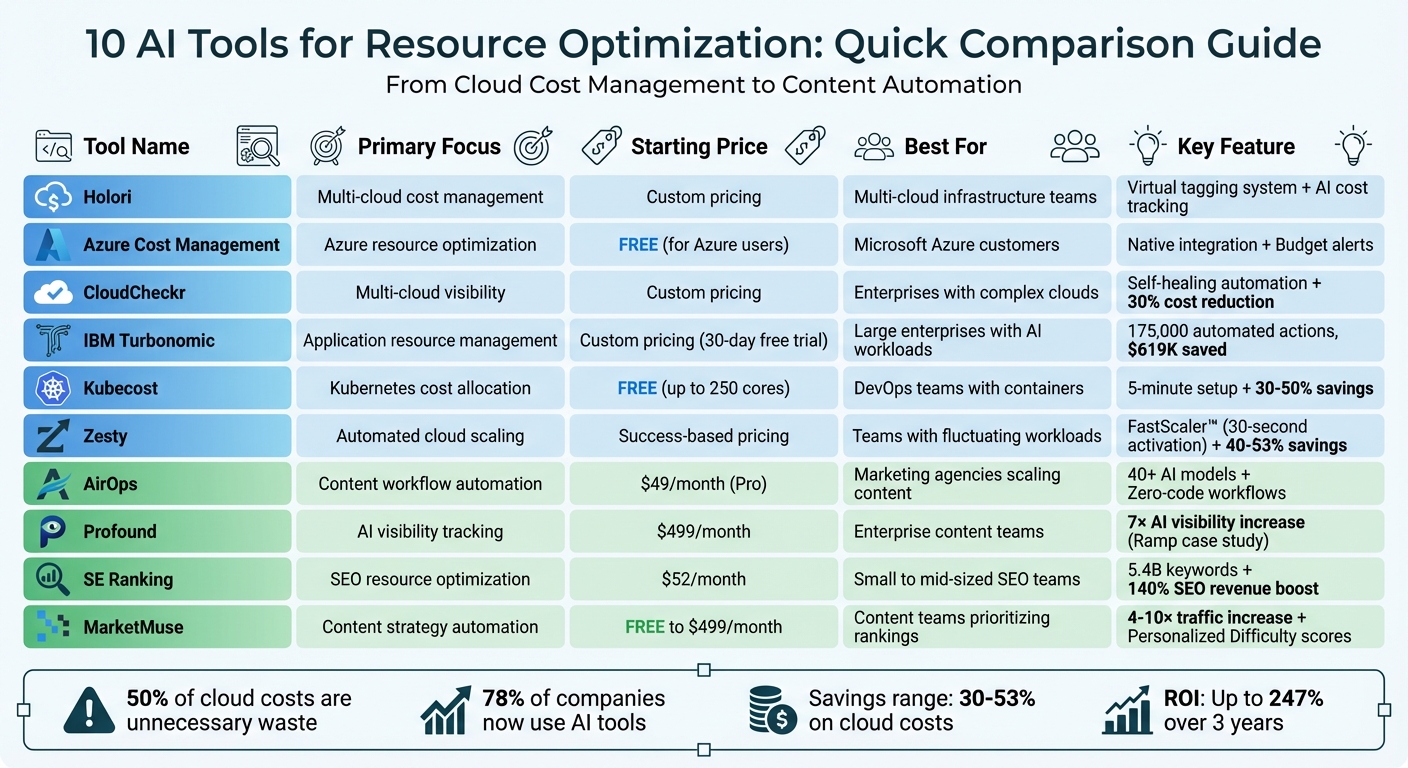
10 AI Tools for Resource Optimization: Features, Pricing & Best Use Cases Comparison
Top 4 AI Tools for Engineers that are ACTUALLY useful
sbb-itb-8421839
1. Holori
Holori takes the complexity out of managing costs across sprawling cloud infrastructures. By consolidating expenses from major providers like Azure, AWS, GCP, OCI, OVHcloud, Scaleway, and Datadog into one dashboard, it simplifies multi-cloud cost management. With Azure’s growing market presence as an example, Holori ensures businesses can keep their budgets in check.
Cost Visibility and Tracking
Holori introduces a virtual tagging system that automates resource tagging throughout your infrastructure. This feature allows you to assign tags in bulk, making it easier to allocate costs accurately after the fact. On top of that, it generates a dynamic visual map that updates in real time, giving you a clear picture of your resource configurations as they evolve.
The platform also caters to AI cost management by offering unified views for providers like OpenAI and Anthropic. It tracks costs down to the token level and attributes them to specific models, simplifying the monitoring of usage-based pricing and GPU expenses. This centralized approach makes it easier to manage costs across both cloud and AI services.
Best Use Cases for Target Users
Holori is designed with modern FinOps teams in mind, particularly those in startups, scaleups, and enterprises handling complex multi-cloud or AI-heavy workloads. The platform supports detailed cost structures by business unit, department, or project, enabling precise chargeback and showback models. Its straightforward onboarding process and intuitive interface make it an excellent choice for companies moving away from outdated systems.
Pricing and Affordability in USD
Holori operates on a subscription model, either as a percentage of your spend or through fixed pricing tiers. While Azure includes basic cost management tools with its subscription, Holori justifies its additional cost by offering advanced automation for tasks like rightsizing and scheduling, along with comprehensive multi-cloud and AI tracking capabilities. For organizations with significant cloud spending, the added functionalities can be a worthwhile investment.
2. Azure Cost Management
Azure Cost Management brings cost management tools directly into the Azure ecosystem. By integrating these features natively, it eliminates the need for third-party platforms to track and manage expenses across subscriptions, resource groups, and management groups. With its Cost Analysis tool, users can break down spending by resource tags, service type, or geographic location. For more advanced reporting, the platform seamlessly integrates with Power BI.
Cost Visibility and Tracking
Azure makes it easier to understand and track costs by using resource tags that automatically apply subscription-level tags to individual resources, saving time on manual tagging. Budget alerts keep you informed when spending exceeds set limits, and anomaly detection flags unusual daily usage patterns.
With Azure Copilot, exploring costs becomes even simpler. You can use natural language queries like, “What were my costs over the past six months?” to get instant summaries. The platform processes usage data through a pipeline that factors in your pricing agreements and discounts.
These tools lay the groundwork for automation powered by AI.
AI-Driven Optimization and Automation
Azure Advisor uses machine learning to analyze how resources are configured and utilized. For example, it can identify virtual machines that have been idle for seven days or those operating with less than 3% CPU usage and minimal network activity.
The platform also automates cost control. Budget thresholds can trigger action groups that shut down non-critical resources when limits are exceeded. Azure Copilot takes this further by simulating cost impacts – for instance, it can predict how changes to AI workload configurations might affect your spending.
Best Use Cases for Target Users
Azure Cost Management is particularly suited for FinOps teams overseeing large-scale Azure deployments. It’s especially useful for organizations managing internal chargebacks across departments or business units. With features like Azure Hybrid Benefit, enterprise users can allocate costs efficiently while reducing expenses.
For companies planning cloud migrations, the platform offers Azure Migrate and a TCO calculator to help build business cases before transitioning workloads. Azure Hybrid Benefit provides additional savings – up to 36% for Windows Server users and 28% for SQL Server customers compared to other major cloud providers. Daily updates from Azure Advisor ensure recommendations are always aligned with current usage, making it an essential tool for cloud architects and system administrators focused on real-time optimization.
Pricing and Affordability in USD
One of the standout aspects of Azure Cost Management is that it comes at no extra cost. Microsoft includes it with any Azure billing account, subscription, or resource group. Other tools like Azure Advisor, the pricing calculator, and Azure Migrate are also provided free of charge.
The real savings come from commitment-based pricing. Azure Reservations offer discounts of up to 72% for one- or three-year commitments, while compute savings plans can cut costs by up to 65% compared to pay-as-you-go rates. Unlike standalone optimization platforms that often charge based on overall cloud spend, Azure’s tools are built-in, meaning no additional subscription fees are required.
3. CloudCheckr
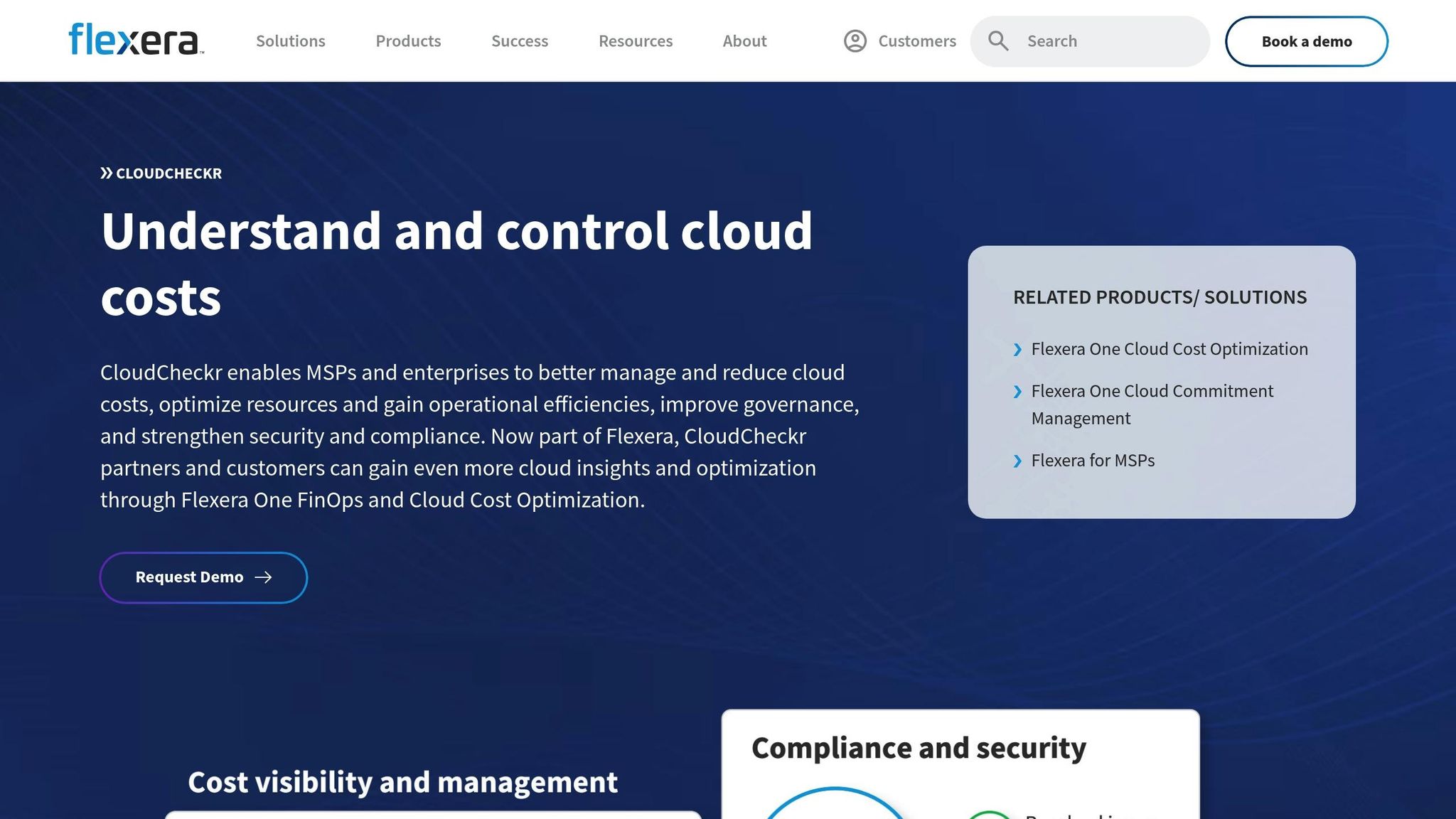
CloudCheckr, now part of Flexera One, takes resource optimization to the next level for organizations managing complex multi-cloud setups, particularly across AWS and Azure. By automating tasks like rightsizing and instance rebalancing, it simplifies cost management and ensures resources are used efficiently.
Cost Visibility and Tracking
CloudCheckr provides a detailed view of historical spending and resource usage, offering granular billing tools that are especially helpful for Managed Service Providers (MSPs). These features allow MSPs to tailor billing for individual customers and allocate costs accurately to specific cost centers.
"CloudCheckr gives me the ability to customize pricing for each customer and make certain I’m accurately assigning the right costs to the right customers and cost centers… Customer satisfaction is much better now that our customers feel confident that they’re being billed accurately and on time." – Vincent Soerowintono, Solution Architect at inQdo
AI-Driven Optimization and Automation
One standout feature is self-healing automation, which fixes resource misconfigurations without requiring manual intervention. This not only lightens the load for engineering teams but also ensures that governance standards are upheld. The platform comes with hundreds of built-in recommendations and automated compliance benchmarks, making it easier to manage operations at scale. By leveraging rightsizing insights and recommendations for Reserved Instances and Savings Plans, organizations can reduce cloud expenses by over 30%. CloudCheckr’s policy-based automation further enhances efficiency by automating remediation actions and identifying cost-saving opportunities across both hybrid and multi-cloud environments.
Best Use Cases for Target Users
CloudCheckr is ideal for large enterprises and MSPs managing multi-tenant environments. It supports FinOps teams by shifting the emphasis from technical engineering tasks to financial management. MSPs, in particular, gain from features like automated invoicing and white-label reporting, which improve billing accuracy and boost customer transparency. For organizations with extensive IT infrastructure, its asset management capabilities provide centralized oversight, making operations more manageable.
Pricing and Affordability in USD
CloudCheckr offers custom pricing options. Interested users can request a demo or contact sales for tailored quotes, whether for enterprise use or MSP needs.
4. IBM Turbonomic
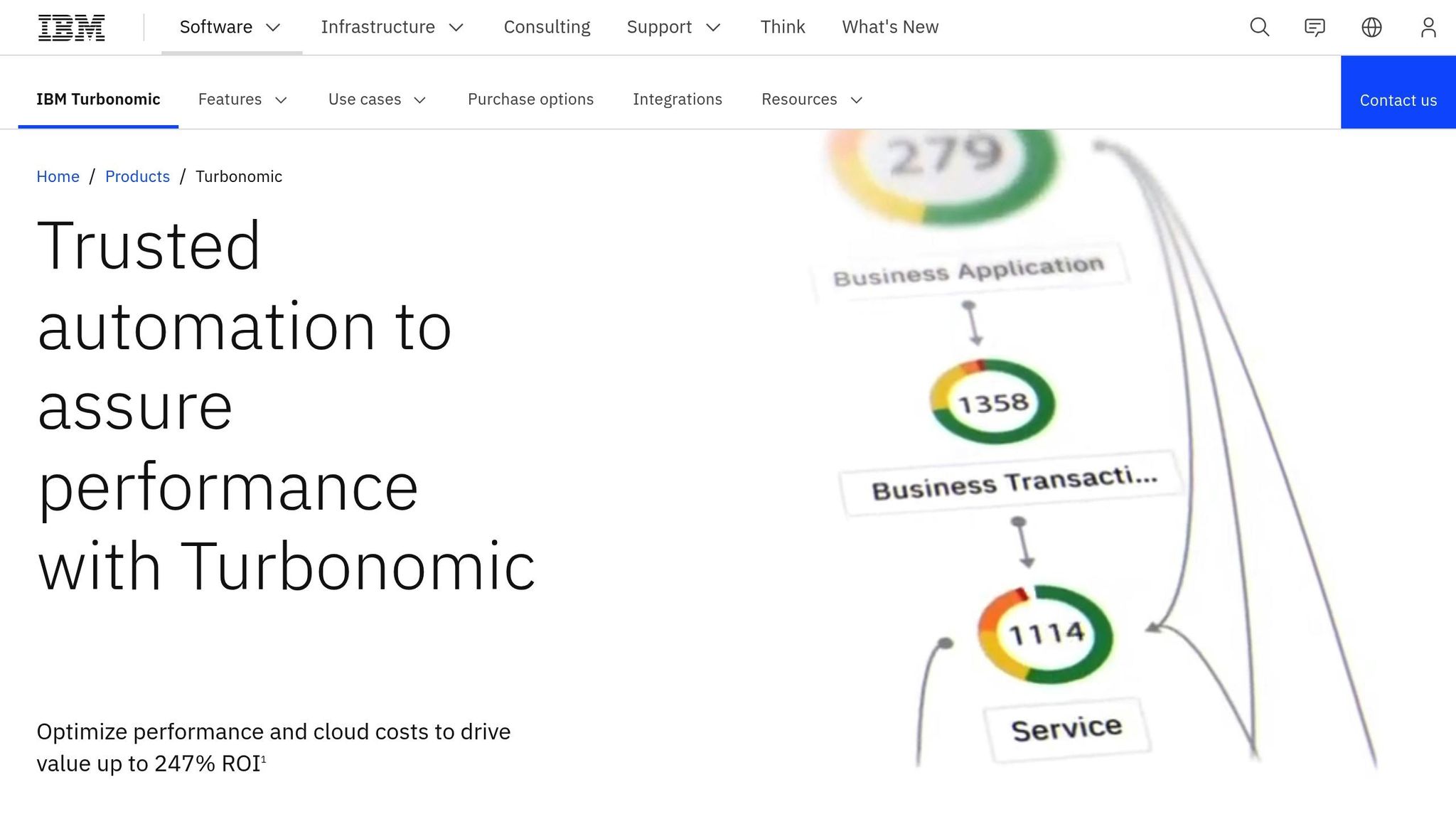
IBM Turbonomic takes multi-cloud cost management to another level by leveraging AI to optimize resources in hybrid and multi-cloud environments. It monitors applications, containers, virtual machines (VMs), and infrastructure in real time, ensuring workloads consistently meet Service Level Objectives (SLOs). Whether you’re managing AI workloads, Kubernetes clusters, or large-scale data centers, this tool is designed to deliver efficiency and precision.
AI-Driven Optimization and Automation
IBM Turbonomic automates resource management by executing policy-based actions, such as scaling Kubernetes pods or placing VMware VMs. Its AI-driven capabilities dynamically adjust compute, storage, network, and GPU resources based on real-time demand, making it particularly effective for AI inference services. This level of automation translates to tangible savings and operational improvements. For example, IBM TechZone automated 175,000 resource actions, saving $619,000. Similarly, APIS IT reduced VMware licensing costs by 30% and accelerated resource decision-making by 70% using the platform.
"Turbonomic analyzes GPU, CPU, and memory demand in real time and automates scaling, placement, and allocation decisions." – IBM Product Documentation
Best Use Cases for Target Users
IBM Turbonomic is tailored for large enterprises managing complex hybrid environments, especially those running AI-driven workloads or extensive Kubernetes deployments. Its impact is evident in real-world scenarios. For instance, Evides reduced cloud costs by 43% within three months, even as their cloud usage increased by 8%. Samsung SDS America saved $400,000 in just six months by automating rightsizing actions. The platform is particularly beneficial for GPU-heavy AI projects, ensuring workloads only run on compatible hosts with sufficient capacity. This approach not only maximizes GPU utilization but also minimizes disruptions. The overarching goal is to cut unnecessary resource expenditures while maintaining optimal performance.
Pricing and Affordability in USD
IBM Turbonomic offers a 30-day free trial, allowing users to test unlimited optimization for AWS, Azure, and Google Cloud accounts. Pricing for the Standard package is customized based on either a percentage of cloud spend or the number of managed virtual servers (MVS). It’s typically suited for enterprises spending over $1.6 million annually or managing 50+ servers. Users have reported impressive returns, including up to 247% ROI over three years, a 35% reduction in cloud consumption costs, and a 75% drop in performance-related tickets. The platform is available in multiple formats: SaaS, Managed Software, or On-premise installations.
5. Kubecost
Kubecost focuses on making Kubernetes spending clear and easy to manage. It provides a detailed breakdown of costs – by Namespace, Deployment, Service, Label, Pod, and Container – by aligning in-cluster resource usage with cloud provider invoices. This approach delivers precise spending insights.
Cost Visibility and Tracking
Kubecost tracks both in-cluster resources like CPU, GPU, memory, and storage, as well as out-of-cluster expenses such as RDS and S3. By linking costs directly to specific Kubernetes applications, it removes the guesswork from chargeback processes. Installation is quick – typically under five minutes – and the tool integrates seamlessly with Prometheus for data export and Grafana for visualization.
"You can’t optimize what you can’t see. Unnecessary Kubernetes waste drives up costs, and most companies are surprised when they receive their monthly cloud bill."
– IBM Kubecost
This level of transparency lays the groundwork for effective cost management and optimization.
Best Use Cases for Target Users
Thanks to its detailed cost insights, Kubecost is highly effective for FinOps teams that need auditable cost reports and for platform engineers creating dashboards for multi-tenant clusters. During the early stages of Kubernetes adoption, organizations often waste 20–40% of their cloud budgets. Kubecost helps tackle this waste with actionable recommendations, such as identifying abandoned volumes and rightsizing workloads. Consistent workload labeling further enables accurate cost attribution by team, product, or environment. Additionally, real-time budget alerts can help prevent unexpected spikes in consumption.
Pricing and Affordability in USD
Kubecost offers a free Foundations tier, supporting unlimited clusters (up to 250 cores) with 15-day metric retention and community support. For larger deployments, the Enterprise Self-hosted and Enterprise Cloud (SaaS) plans provide unlimited scaling, extended retention, and dedicated support, with custom pricing based on needs. Many users report savings of 30–50% or more by using Kubecost’s optimization tools.
6. Zesty
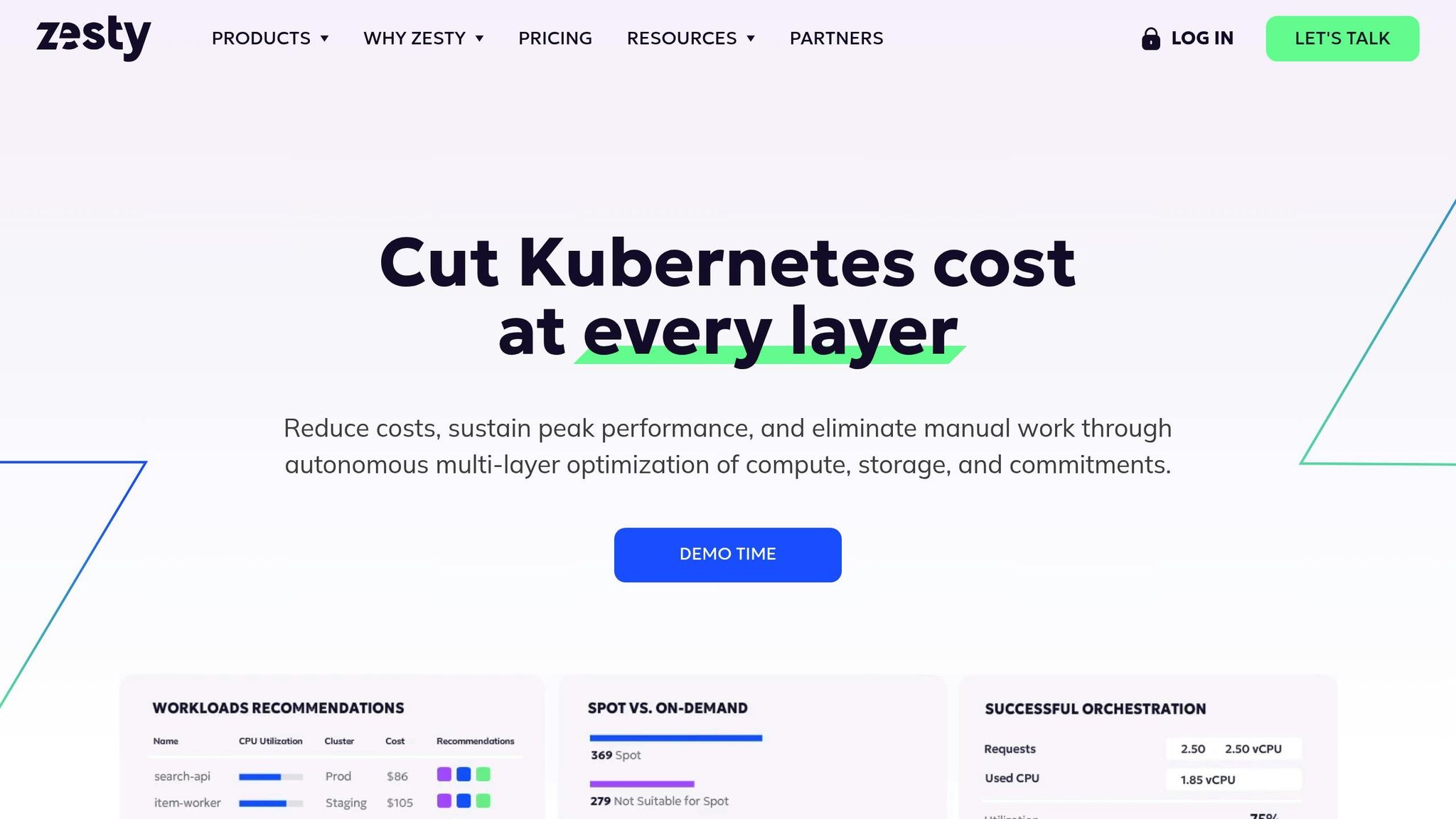
Zesty uses AI to streamline compute, storage, and financial commitments, helping businesses tackle inefficiencies in complex cloud environments. Managing over $5 billion in AWS spending across 3,000+ accounts, Zesty takes a broad approach by optimizing multiple resource types simultaneously – like Kubernetes pods, storage volumes, and Savings Plans. This multi-layered focus lays the groundwork for the advanced automation tools described below.
AI-Driven Optimization and Automation
Zesty’s AI reviews both historical and real-time usage patterns to forecast demand spikes and adjust resources accordingly. FastScaler™ is a standout feature, activating hibernated nodes in under 30 seconds, which can cut CPU buffer needs by up to 50%. For Spot Instances, the AI predicts interruptions and moves pods 40 seconds before termination, ensuring workload stability.
By leveraging FastScaler™ for quick scaling, Zesty’s Commitment Manager dynamically manages micro-commitments. These are small, flexible Savings Plans that renew or expire daily based on demand, avoiding the pitfalls of long-term financial commitments.
"Zesty’s Commitment Manager keeps us flexible. It’s fully automated but doesn’t lock us in. We have saved 40% on EC2 costs." – Milan Dasek, Program Operations Manager
Best Use Cases
Zesty’s tools are particularly effective for teams with fluctuating workloads:
- FinOps teams benefit from automated scaling, which operates up to 5x faster than traditional methods.
- Platform engineers running production workloads on Spot Instances can rely on Zesty’s 40-second pre-interruption migration to maintain stability.
- DevOps teams can take advantage of PV Autoscaling, dynamically adjusting Persistent Volume capacity to achieve up to 90% disk utilization.
"With simple integration and zero effort, we were able to cut down our compute costs by 53%." – Roi Amitay, Head of DevOps
Pricing and Affordability in USD
Zesty’s pricing model is tied to actual savings rather than fixed subscriptions. It includes a base fee plus a per-unit charge for resource management, along with a success-based fee for savings achieved through the Commitment Manager. A free Zesty Insights tier offers initial savings recommendations, with most users seeing measurable results within 10 days.
7. AirOps
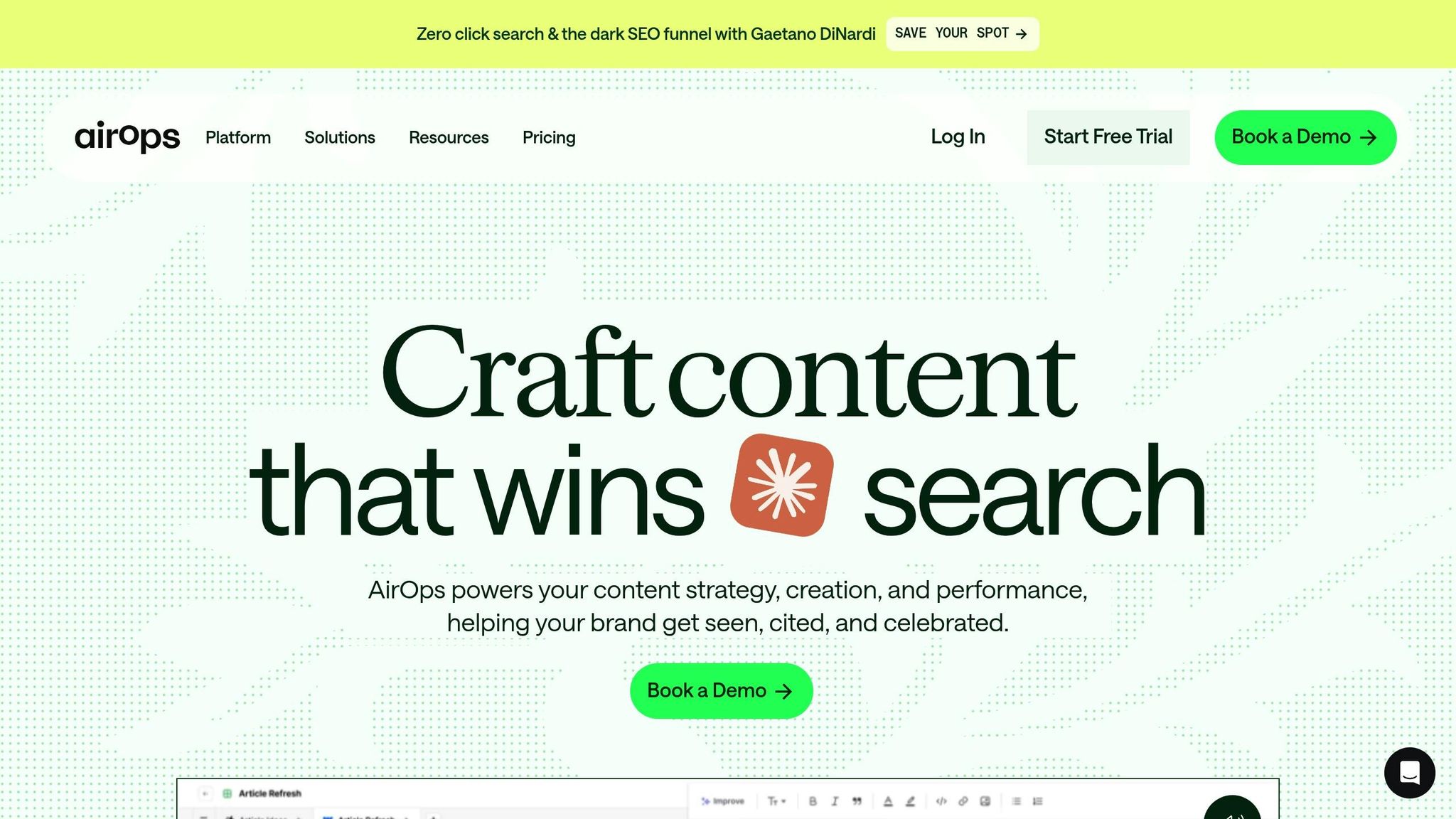
AirOps shifts the focus of resource optimization from technical infrastructure to human productivity. By automating repetitive tasks like keyword research and content updates through its "Power Agents", it allows marketing teams to grow and scale without needing to add more staff.
AI-Driven Optimization and Automation
AirOps brings automation to life with its AI Copilot, a tool designed for non-technical users. Using simple natural language prompts, teams can create workflows without relying on engineers. A visual grid system integrates more than 40 AI models, paired with human review checkpoints to maintain quality. Features like Brand Kits and Knowledge Bases ensure AI outputs align with company-specific data and tone, cutting down on manual editing.
Take Webflow, for example. Under the leadership of VP of Growth Josh Grant, the company increased AI-attributed signups from 2% to over 10% in less than a year – without adding any new team members. Similarly, Ramp saw a 56% jump in subscriptions within just 30 days after refreshing its content, according to George Bonaci, Ramp‘s VP of Growth.
"With AirOps, we grew AI-attributed signups from 2% to over 10% in under a year with zero headcount growth. Sharper workflows and speedier loops." – Josh Grant, VP of Growth, Webflow
These examples highlight how AirOps helps streamline content operations, reducing wasted resources and boosting marketing ROI. Its automation tools open the door to a wide range of impactful applications for content teams.
Best Use Cases
AirOps is particularly well-suited for teams handling large-scale content operations. For instance:
- E-commerce managers can efficiently create and update product descriptions across extensive catalogs.
- Digital agencies can standardize workflows across multiple client accounts.
- SEO teams can automate content refreshes, identify competitive gaps, and maintain strong search rankings with tools like Surfer SEO.
Additionally, AirOps integrates seamlessly with platforms like Webflow, Shopify, and Semrush, helping to streamline publishing tasks and reduce operational bottlenecks.
Pricing and Affordability in USD
AirOps offers flexible pricing to suit different needs:
- Free Insights Plan: Includes access to over 30 AI models.
- Pro Plan: $49/month, covering 75,000 tasks with unlimited seats.
- Team Plan: $299/month, providing full workflow access.
For hosted services, task-based costs apply. GPT-4 usage is priced at $10 per 1,000 input tokens and $20 per 1,000 output tokens. Enterprise pricing is available for organizations requiring custom solutions.
8. Profound
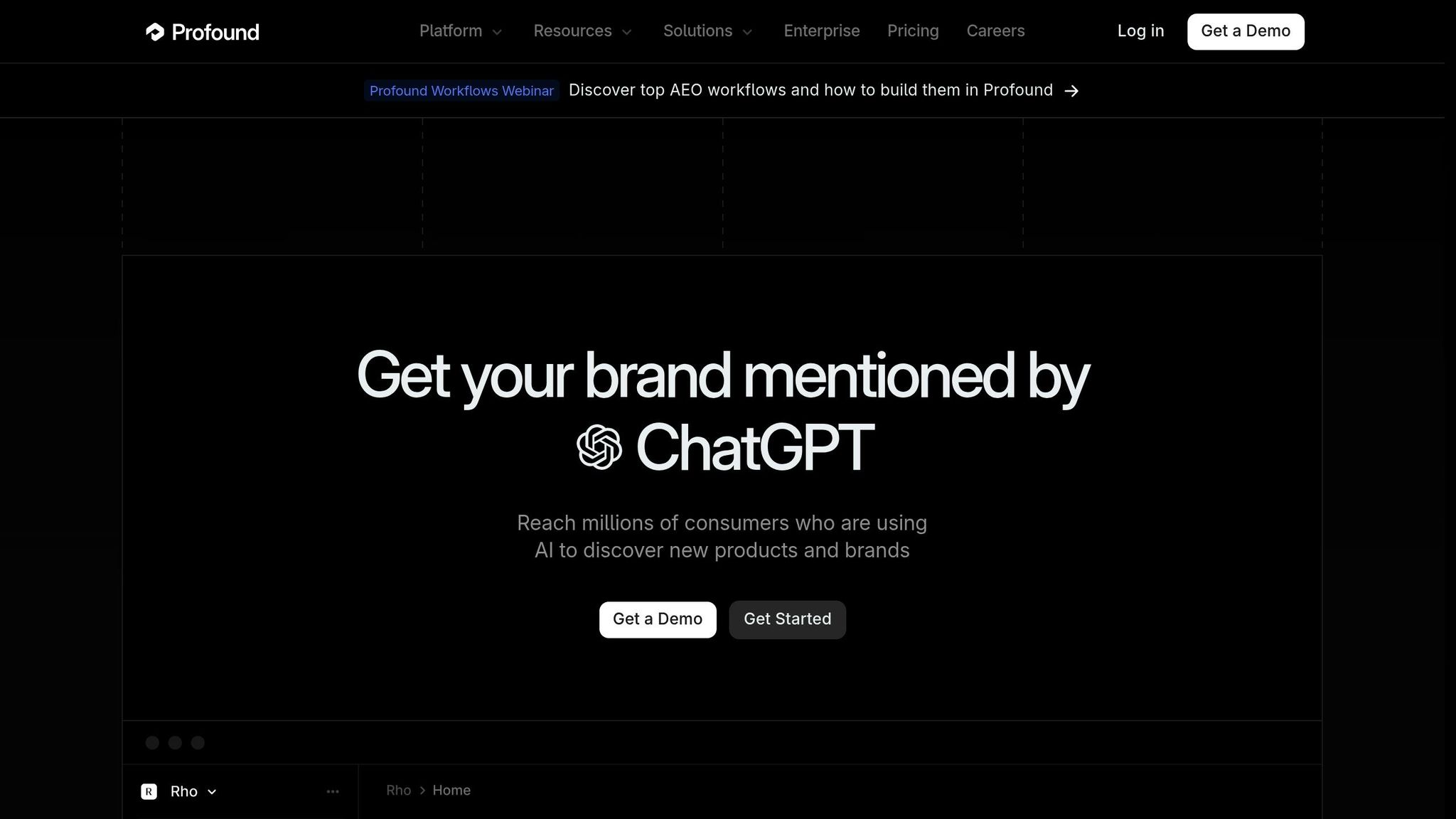
Profound focuses on making the most of resources by improving visibility on AI-powered search platforms like ChatGPT, Perplexity, and Google AI Overviews. With a staggering 77% of searches now ending with AI-generated answers instead of traditional website clicks, this tool helps marketing teams create content that AI engines are more likely to cite and recommend. It aligns perfectly with other AI-driven strategies designed to save costs.
AI-Driven Optimization and Automation
Profound’s Agent Analytics feature provides server-log–based tracking to analyze how AI crawlers access and interpret website content. This allows for monitoring page performance without relying on JavaScript. Meanwhile, the Conversation Explorer delivers real-time insights into trending topics and search volumes. To scale content production while maintaining quality, Profound employs automated workflows with human oversight.
In late 2024, the fintech company Ramp showcased the platform’s effectiveness. By using Profound’s Answer Engine Insights to optimize content for AI search engines, Ramp boosted its AI visibility by an impressive 7×, earning a spot as the 5th most visible fintech brand globally in just a few weeks. Similarly, US Bank uses Profound to secure its leading position in AI-driven banking recommendations.
Best Use Cases
Profound is a game-changer for AEO teams, content creators, and PR/brand managers aiming to influence how AI platforms discuss their products and services. E-commerce brands can benefit from the Shopping feature, which identifies keywords that prompt ChatGPT to display product tiles, ensuring better product placement. Enterprise marketing teams can also leverage Profound to track brand sentiment and analyze competitive positioning within AI-generated responses. This targeted approach to AI search performance fits seamlessly into the broader goal of enhancing operational efficiency through AI.
Pricing and Affordability in USD
Profound offers two pricing options. The Profound Lite plan costs $499 per month and includes 3 user seats, 200 unique prompts (analyzing up to 24,000 responses monthly), and coverage across 4 major AI platforms. For larger needs, the Enterprise plan offers custom pricing and includes advanced features like API access, trend analysis, a dedicated AEO strategist, and SOC 2 Type II compliance.
With its $499 monthly price – 48% higher than the market average of $337 – Profound positions itself as a premium choice tailored for mid-sized to enterprise-level businesses.
9. SE Ranking
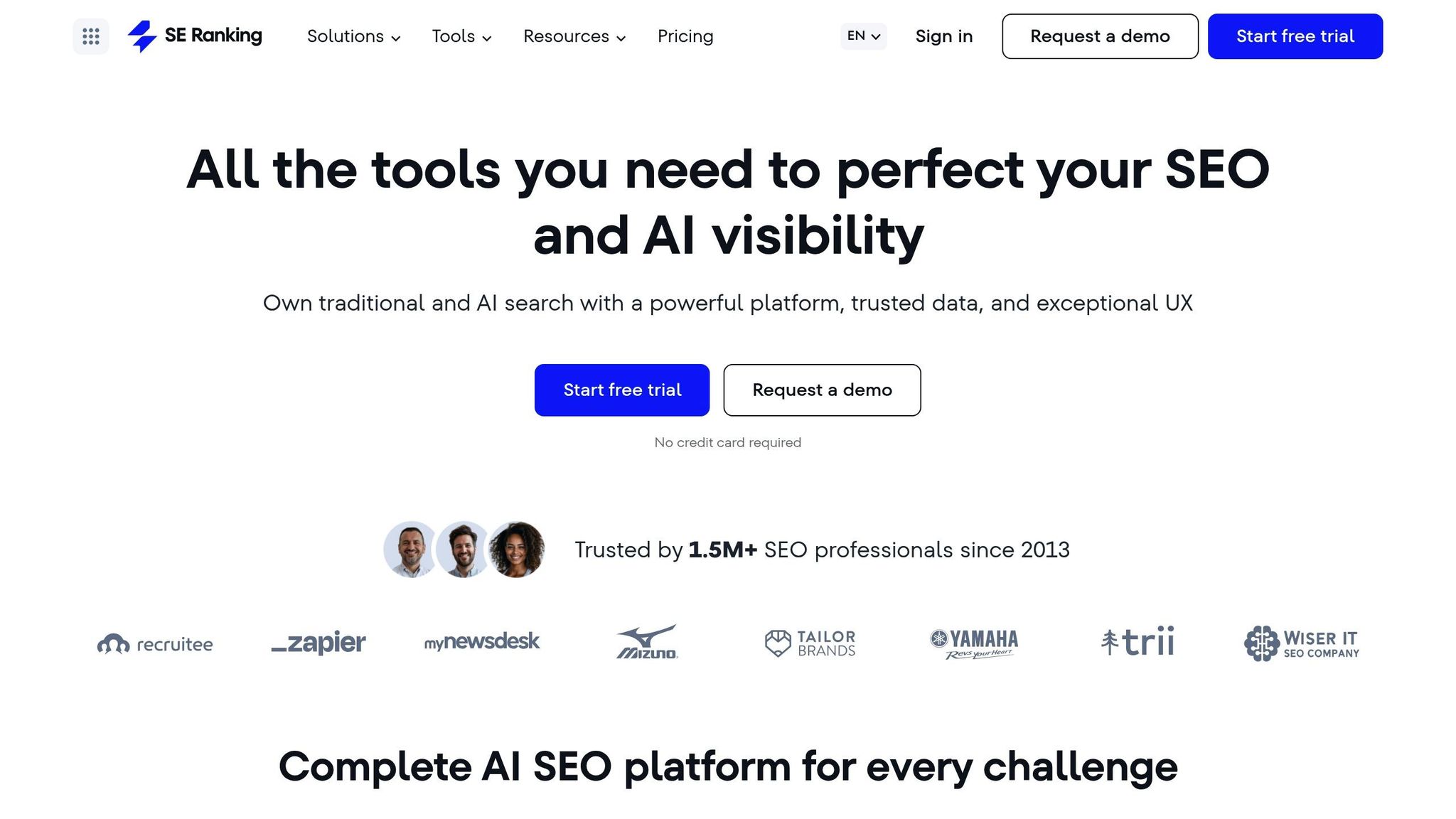
SE Ranking helps businesses cut marketing costs by improving their SEO strategies. Trusted by over 1.5 million professionals, this all-in-one platform combines multiple SEO tools to reduce software expenses and boost organic search visibility. With access to a database of 5.4 billion keywords and 2.2 billion domain profiles, marketers gain the insights they need to allocate resources more effectively.
AI-Driven Optimization and Automation
SE Ranking’s AI Visibility Tracker keeps tabs on brand mentions across platforms like ChatGPT, Google AI Overviews, and AI Mode. This allows businesses to monitor AI-driven recommendations and shift spending from expensive ad campaigns to high-return organic strategies. The platform also features an AI Writer and Content Editor, which provide real-time optimization tips to speed up content creation without compromising quality. For agencies juggling multiple clients, automated reporting tools save an average of 3 hours per week.
The impact of these AI-powered tools is clear. In 2025, the German agency hurra.com™ used SE Ranking’s API to streamline its SEO and Search Engine Advertising processes (similar to how tools like SEO Bot AI automate organic growth), leading to a 140% boost in SEO revenue and a 21% increase in SEA revenue. In France, Pilote Consulting achieved a 38% rise in local hotel bookings while reducing its paid search budget by 30%. Meanwhile, Belgium-based Votre Site Pro cut its SEO tool expenses by 48% and saved 3 hours each week on reporting by consolidating its toolkit with SE Ranking.
Best Use Cases
SE Ranking’s versatile features cater to a wide range of users:
- Digital agencies can take advantage of the Agency Pack, which includes white-label reporting and a Lead Generator tool to automatically convert website visitors into leads.
- In-house teams benefit from the AI Search Toolkit, enabling them to analyze how their brand appears in AI-generated responses and refine their content strategies.
- Local businesses can utilize the Local Marketing add-on to manage their Google Maps presence with minimal manual effort.
"SE Ranking is one of my favorite all-in-one SEO tools: powerful and easy to use – the perfect support for my day-to-day SEO activities".
- Aleyda Solis, International SEO Consultant & Founder at Orainti
Pricing and Affordability in USD
SE Ranking offers three pricing tiers to suit different needs:
- Essential Plan: Starts at $52.00 per month (billed annually) or $65.00 per month (billed monthly), ideal for solo professionals.
- Pro Plan: Includes the AI Search Toolkit and Looker Studio integration, priced at $95.20 per month (annually) or $119.00 per month (monthly).
- Business Plan: Designed for large agencies and enterprises, it starts at $207.20 per month (annually) or $259.00 per month (monthly) and includes API access for custom workflows.
Additional features like the Agency Pack (from $50/month), Content Marketing (from $23.20/month), and Local Marketing (from $7.20/month) can be added. Annual billing offers a 20% discount across all plans.
10. MarketMuse
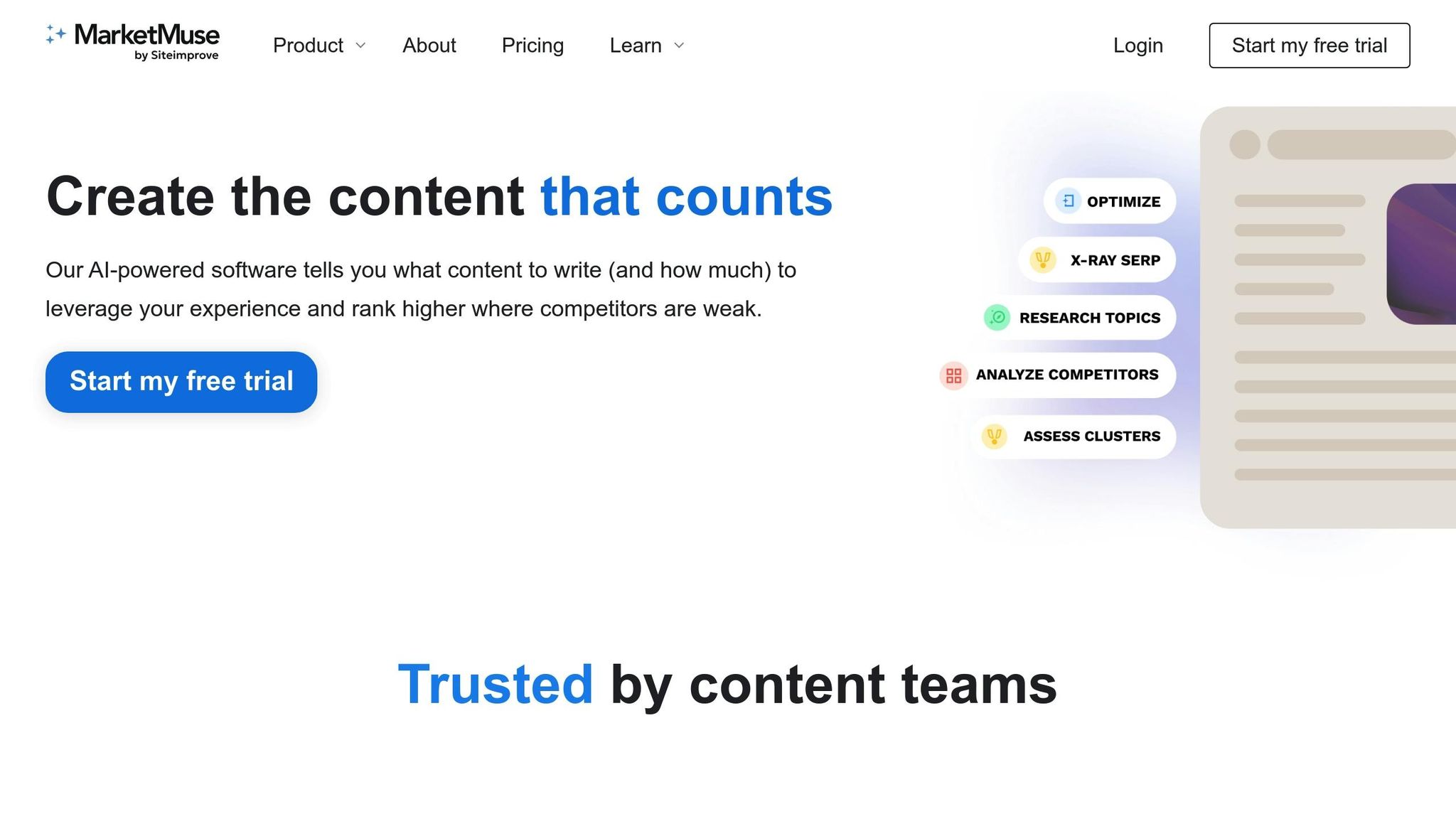
MarketMuse streamlines the content creation process by automating research and planning tasks that would otherwise take hours. With over ten years of AI refinement, it evaluates thousands of pages to uncover factors that drive high rankings. It also calculates a Personalized Difficulty score (1–100), helping users focus on topics they can realistically compete for.
AI-Driven Optimization and Automation
MarketMuse takes the guesswork out of topic research by scanning your content inventory to identify valuable clusters and quick wins. Its AI digs into hundreds of pages for each topic, gauging relevance and suggesting subtopics – essentially automating time-consuming SERP analysis. In just minutes, users receive detailed cluster analyses and content strategies.
Zoe Hawkins, Principal Content Manager at Sumo Logic, shared that her team saw 4× to 10× more traffic for content optimized using MarketMuse[58, 59]. Similarly, Luke Mason from TentCraft noted that content crafted through the platform achieved strong search rankings in just a few weeks.
"The MarketMuse approach is way more efficient than how I’ve been looking for topics to cover."
- Anna Mason, Content Strategist, Clickmatize
By automating these processes, MarketMuse not only saves time but also provides a clear roadmap for improving content strategies.
Best Use Cases
MarketMuse is a practical tool for content teams looking to refine their strategies. It automates audits to uncover content gaps and prioritize updates. The platform’s AI-generated briefs provide structured outlines, complete with keyword and internal linking suggestions, to make the writing process more efficient. For SEO directors, the Competitive Advantage metric pinpoints topics where the site’s Personalized Difficulty score is lower than the market average, enabling a targeted approach to content development. Agencies juggling multiple domains benefit from the Strategy plan, which can manage up to 10,000 tracked topics, perform large-scale audits, and demonstrate ROI through in-depth traffic and value reports.
Pricing and Affordability in USD
MarketMuse offers plans tailored to different content team needs:
| Plan | Monthly Price | Annual Price | Key Features |
|---|---|---|---|
| Free | $0 | $0 | 1 user, 10 queries/month, limited access |
| Optimize | $99 | $999 (~$83/month) | 1 user, 100 queries/month, 100 tracked topics, 5 briefs/month |
| Research | $249 | $2,499 (~$208/month) | 3 users, unlimited queries, 1,000 tracked topics, 10 briefs/month |
| Strategy | $499 | $5,499 (~$458/month) | 5 users, unlimited queries, 10,000 tracked topics, 20 briefs/month |
Annual subscriptions come with a 20% discount compared to monthly billing. Solo creators and startups can start with the Free or Optimize plans to explore AI-driven insights without a hefty investment. Agencies managing multiple clients will likely find the Strategy plan ideal for handling large-scale content needs.
Feature and Pricing Comparison
After thorough reviews, we’ve summarized the core focus, pricing, and target users for each tool in the table below.
These ten tools cater to different optimization needs, including cloud cost management, content automation, AI visibility, and SEO. Tools like Holori, Azure Cost Management, CloudCheckr, IBM Turbonomic, Kubecost, and Zesty focus on cloud cost and infrastructure optimization. They help businesses monitor spending, automate resource scaling, and minimize cloud waste. On the other hand, AirOps and Profound are tailored for content teams – AirOps offers custom workflow builders and "Power Agents" to automate repetitive tasks while keeping brand identity intact, and Profound provides enterprise-grade tracking of citations and AI-generated responses across platforms like ChatGPT and Perplexity. Lastly, SE Ranking and MarketMuse emphasize SEO-driven resource management.
Pricing varies widely based on the tool’s target audience. Some offer free or entry-level plans for small teams, while others provide custom pricing for enterprise-level needs. Discounts for annual billing are common.
Integration is another critical factor. With 78% of global companies using AI, tools must be scalable and compatible with existing platforms like CRMs and CMSs. For example, Profound excels in handling large-scale data environments, while AirOps is ideal for agencies focused on scaling content production. To maximize value, select tools that provide actionable insights – whether by streamlining workflows or improving AI visibility – to enhance operational efficiency and reduce costs.
Here’s a detailed breakdown of each tool:
| Tool | Primary Focus | Starting Price | Best For |
|---|---|---|---|
| Holori | Cloud cost management | Custom pricing | Multi-cloud infrastructure teams |
| Azure Cost Management | Azure resource optimization | Free (for Azure users) | Microsoft Azure customers |
| CloudCheckr | Multi-cloud visibility | Custom pricing | Enterprises with complex cloud environments |
| IBM Turbonomic | Application resource management | Custom pricing | Large enterprises optimizing workload performance |
| Kubecost | Kubernetes cost allocation | Free (limited) | DevOps teams running containerized workloads |
| Zesty | Automated cloud scaling | Custom pricing | Teams seeking hands-off infrastructure optimization |
| AirOps | Content workflow automation | Custom pricing | Marketing agencies scaling content production |
| Profound | AI visibility tracking | Custom pricing | Enterprise content teams monitoring AI mentions |
| SE Ranking | SEO resource optimization | $55/month | Small to mid-sized SEO teams |
| MarketMuse | Content strategy automation | Free to $499/month | Content teams prioritizing search rankings |
Conclusion
When choosing AI tools, it’s essential to align your selection with your specific needs and budget. For single-cloud users, native tools like Azure Cost Management are a solid choice. However, if you’re working across multiple clouds, tools with advanced automation and multi-cloud support might be more suitable. Similarly, for optimizing containers or large-scale infrastructure, look for platforms offering specialized features like autonomous rightsizing.
For businesses with limited budgets, starting with free versions of these tools can be a smart move. Small businesses, in particular, can test free tiers to gauge performance before committing to paid plans.
"Smart optimisation always begins with understanding your cloud, not just cutting it." – Alina Pohilenco, Data Manager, Index.dev
Before investing in a paid plan, take advantage of free tiers to see how well the tool integrates with your existing systems – whether it’s a CRM, CMS, or CI/CD pipeline. With 78% of companies now leveraging AI, it’s crucial to choose tools that go beyond basic reporting and deliver actionable insights. By seamlessly integrating these AI solutions into your workflows, you can unlock continuous insights that help cut costs and boost operational performance.
FAQs
How can AI tools help lower cloud computing costs?
AI tools can cut cloud computing costs by examining usage patterns to spot idle or over-provisioned resources. They can automatically tweak workloads, fine-tune autoscaling settings, and offer predictive suggestions to reduce waste while maintaining performance and reliability.
With AI, businesses can better manage cloud resources, eliminate extra expenses, and keep operations running smoothly without sacrificing service quality.
What should I consider when selecting an AI tool for resource optimization?
When selecting an AI tool for resource optimization, it’s essential to focus on a few critical factors to ensure it aligns with your goals and enhances your team’s efficiency.
- Features: Look for tools that offer core functionalities like demand forecasting, real-time analytics, predictive modeling, and customizable reporting. These features should be tailored to address your specific business requirements.
- Compatibility: The tool should integrate smoothly with your current platforms, such as Jira, Asana, or Google Workspace. Also, ensure it supports hassle-free data migration and synchronization to avoid disruptions.
- Ease of Use: Choose a tool with a user-friendly interface, mobile accessibility, and comprehensive support resources, such as training materials or live assistance, to help your team adopt it quickly and effectively.
In addition to these, evaluate pricing structures that can grow with your team, robust data security measures, and the vendor’s dedication to regular updates and advancements in AI. Keeping these considerations in mind will help you select a solution that fits seamlessly into your workflow.
Are there any free or low-cost AI tools small businesses can use to improve resource management?
Yes, plenty of free or budget-friendly AI tools are available to help small businesses make the most of their resources without breaking the bank. For instance, Google Cloud provides free tools like translation, image analysis, and speech-to-text – perfect for exploring AI’s potential in everyday tasks. Additionally, project management platforms like Asana offer a free tier for basic task organization, with paid plans starting at just a few dollars per user each month.
Another great option is HubSpot, which includes a free CRM equipped with AI-powered content tools. If you need more advanced automation features, their paid plans begin at $50 USD per month. To simplify your search for the right tools, platforms like AI Review Vault offer detailed reviews and pricing information, helping you find solutions that fit your needs and budget.