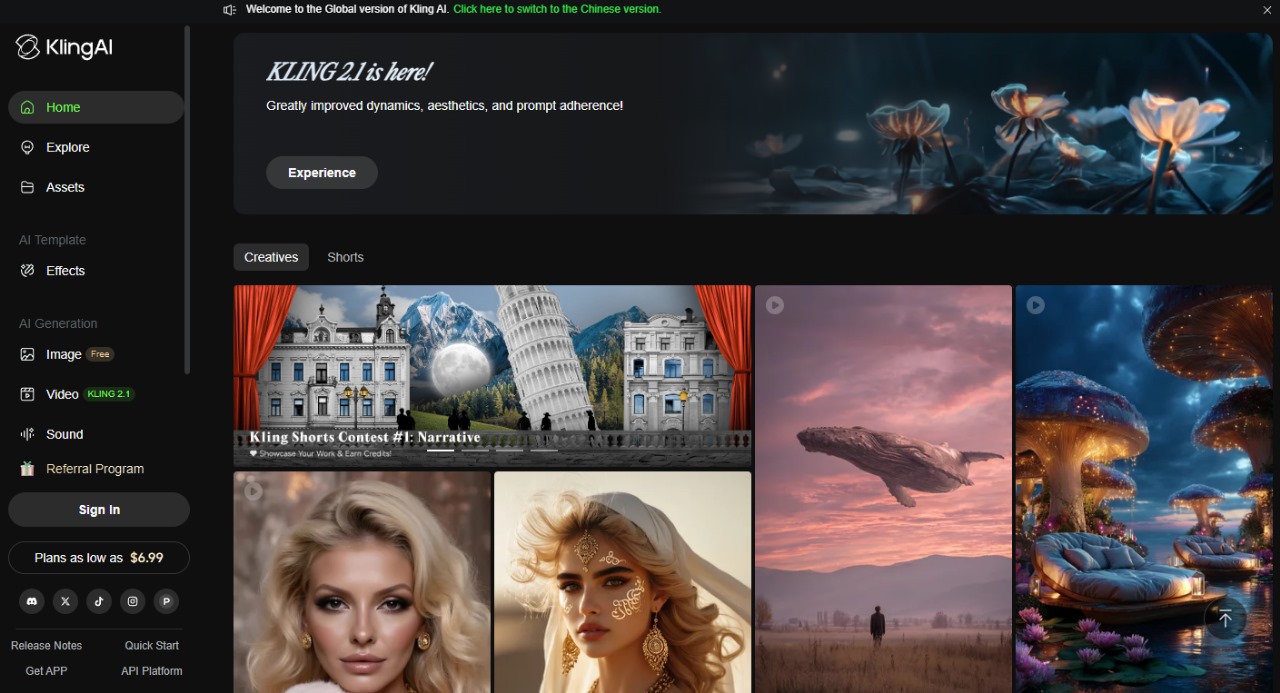
Kling AI, built by Kuaishou, can turn text prompts or images into cinematic-quality videos (up to 1080p/30fps, ~2–3 min) with lip-sync, camera effects, motion brush, multi-element editing, and even voice-over. Great for creators, marketers, educators, or casual users experimenting with AI video synthesis.
Basic Info:
Pricing Options
Free Plan:
$0/month → Includes ~66 credits/day (≈1,980/month), access to Kling’s core features with watermark, limited video length (up to 10 seconds), and slower processing.
Standard Plan:
~$10/month → ~660 credits/month, watermark-free exports, access to faster rendering, longer videos (up to 1 minute), and more prompt flexibility.
Pro Plan:
~$37/month → ~3,000 credits/month, HD video exports, priority access to features like Master Shorts, Motion Brush, background upscaling, and advanced style options.
Premier Plan:
~$92/month → ~8,000 credits/month, top-tier features unlocked, faster generation speeds, 1080p+ resolution, and highest priority access during traffic spikes.
Enterprise Plan:
Custom pricing → Unlimited usage tailored for agencies and production studios, includes 4K video output, API access, team accounts, and dedicated support.
What We Like:
- Powerful text-/image-to-video tools with lip-sync and dynamic camera motion
- Free daily credits allow ongoing experimentation without upfront cost
- Fast mode and watermark-free creations begin at Standard tier
- Pro-level editing features like Master Shorts, Motion Brush, image upscale
- Growing community + mobile support on Android/iOS
What to Watch Out For:
- Inconsistent output quality—3–4 min video may take hours and often appear more abstract than photorealistic
- Credit costs add up quickly—Pro and Premier level needed for consistent HD output; enterprise isn’t cheap
- Model stability varies—credit burn fluctuates depending on model (1.6 vs 2.0) and output length/complexity
- Premium pricing controversy—some creators feel cost-per-video is steep vs alternatives
- App performance quirks—mobile playback delays reported; desktop-first stability
Verdict:
Kling AI packs serious firepower for AI video creation at accessible prices—if you're into short-form cinematic clips. Its free tier and Standard plan are ideal for experimenting, while Pro and Premier tiers unlock robust HD and editing tools. But if you need long, ultra-realistic or polished pieces at scale, you'll need higher tiers—and may find cost-per-video higher than Runway or Luma alternatives. Still, it stands out for its lip-sync, community features, and active development.